I switched my home server from Ollama to llama.cpp, and my local LLM got faster
Turns out my server had a second gear all along.
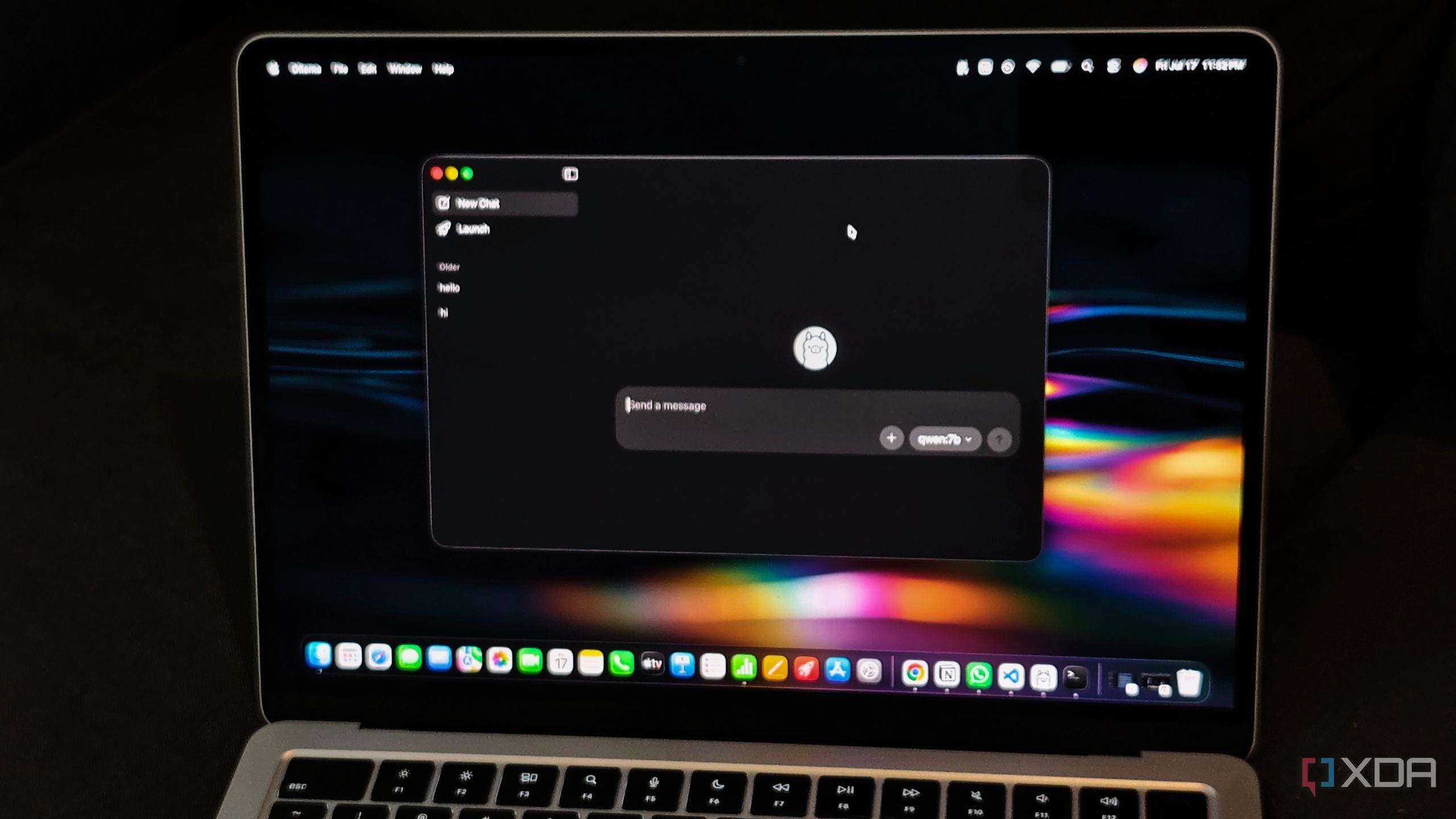
I have recently transitioned my home server's local language model (LLM) from Ollama to llama.cpp, and the performance boost has been noticeable. Ollama has been my preferred tool for running local LLMs, but I was eager to optimize the existing hardware, particularly as local LLMs can become sluggish on machines lacking potent GPUs. Remarkably, switching to llama.cpp enhanced my local LLM's speed without any hardware upgrades.
Interestingly, Ollama already employs llama.cpp for running GGUF models, yet direct usage of llama.cpp yielded better performance. Ollama handles model loading and unloading, request scheduling, and resource allocation based on your hardware. While this is convenient for minimal configuration, it may not be the optimal setup for extracting maximum performance from your hardware.
On a home server, limited memory and processing power become crucial, especially when running other services concurrently with the LLM. Larger context windows consume more memory, and managing multiple requests simultaneously increases these demands. The number of CPU threads assigned to inference can impact generation speed, and adding more threads doesn't always yield better results.
I sought to experiment with these settings directly, and that's where llama.cpp comes in. Its llama-server allows you to load a GGUF model and adjust parameters like CPU threads, batch sizes, and context length via launch arguments. It also provides an OpenAI-compatible API, enabling you to continue using the model with other applications.
Setting up llama.cpp is straightforward, complete with a built-in server to run a local AI model and access it from other applications, similar to Ollama. You can also run it through Docker, which is user-friendly for a home server setup.
One notable feature is the ability to independently allocate CPU resources for reading prompts and generating responses. These operations have distinct processing requirements, making this customization potentially more efficient. Additionally, you can experiment with the number of CPU threads, as using all available threads doesn't always result in the best performance.
While llama.cpp has improved my local LLM's speed, it comes with more management responsibilities compared to Ollama. You need to handle model files and server configurations manually. However, there are other alternatives to Ollama worth considering. LM Studio is a favorite of mine due to its graphical interface for downloading, managing, and testing models, supporting both GGUF and Apple's MLX models, which is beneficial for Mac users.
BaseRT, an inference engine tailored for Apple's GPU architecture, has shown 15% to 56% faster text generation on M4 Pro systems compared to llama.cpp. It uses its own model format and also supports AMD and NVIDIA systems. Docker Model Runner is an appealing choice if you already use Docker for self-hosting, as it allows you to download, manage, and serve AI models through Docker, using llama.cpp as its default inference engine, along with support for other engines like vLLM for heavier workloads on compatible NVIDIA GPUs.
Although Ollama remains the most popular option for running local LLMs, experimenting with alternatives and comparing their performance can help you make the most of your existing hardware.
Written by urgent.news from XDA Developers's reporting — not their text. Machine-written — may contain errors; check the original before relying on it.