I never share a picture on Google Photos without checking these settings first
I wish I had checked these privacy settings sooner
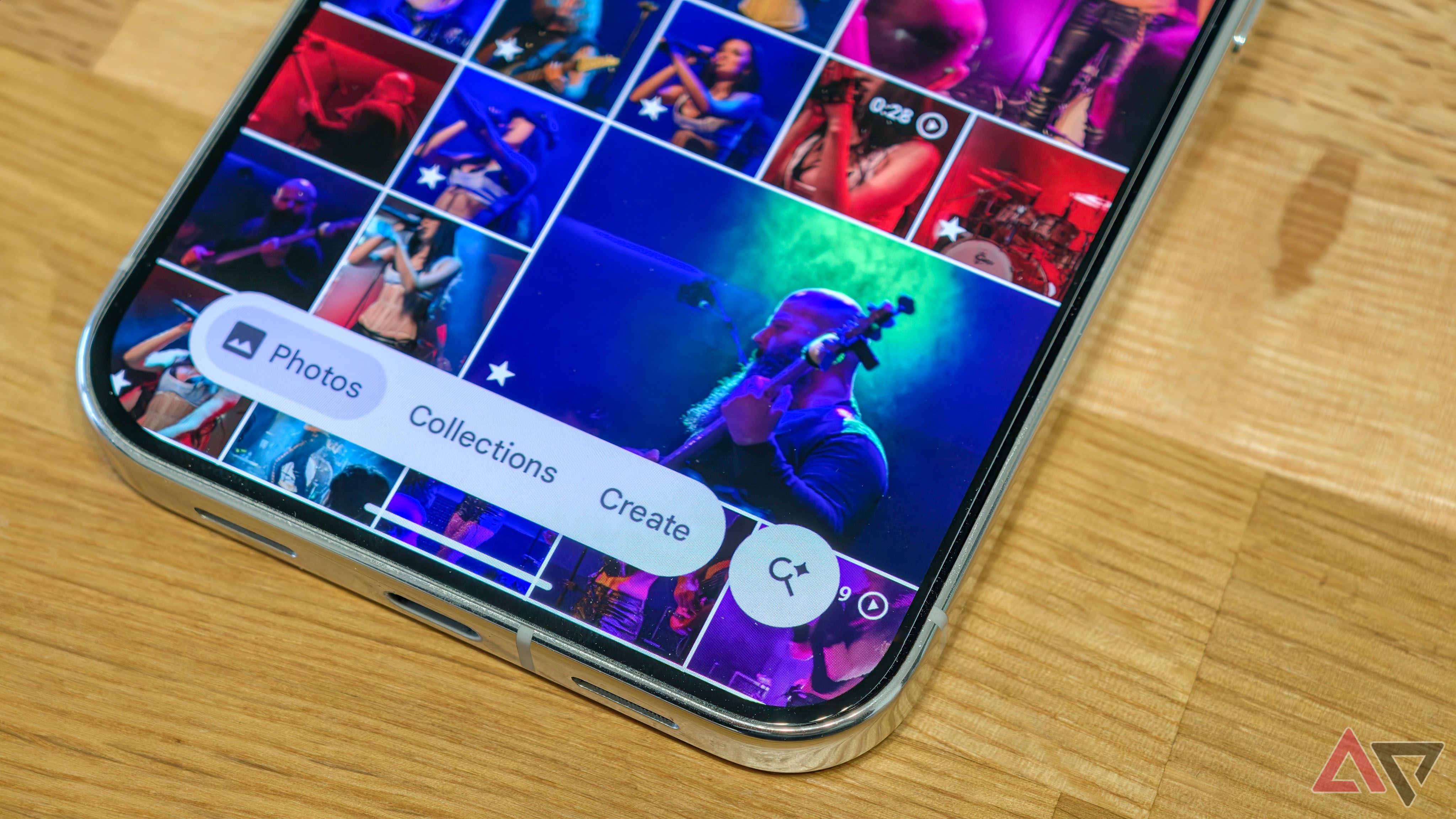
Sharing pictures with friends and family is common, yet photos can inadvertently expose personal information such as location, screenshots, and even faces. Google Photos offers several privacy settings to prevent this, but they can be easily missed when sharing images or creating shared albums. To avoid unintended disclosure, the author checks a few key settings before sharing.
These include controlling album access, hiding sensitive pictures in the Locked Folder, and using Google Photos' Redact tool to conceal personal details like email addresses, phone numbers, or account information within screenshots. The Redact tool allows users to blur or pixelate specific areas in a screenshot, making it useful for hiding sensitive text, account numbers, faces, and other identifying details.
After redacting, users can create an edited copy while preserving the original. Google Photos also keeps location details private by default when sharing new albums, links, or conversations. However, if album sharing options have been altered, location details may still be shared with access members. Users can review and adjust these settings in Google Photos.
For highly personal images, the Locked Folder provides an extra layer of security. This folder, accessible only through the phone's screen lock, keeps images separate from regular photo grids, searches, albums, and Memories. To set up the Locked Folder, users create a protected space for sensitive pictures or videos, which remain inaccessible to other apps and require authentication to open.
Despite these precautions, once a picture is shared, it's difficult to control its future use. The author emphasizes the importance of reviewing sharing settings, removing unnecessary access, and storing private pictures in the Locked Folder to protect personal information.
Written by urgent.news from Android Police's reporting — not their text. Machine-written — may contain errors; check the original before relying on it.
This story
This is one outlet's version. Read the fullest account.
- 5 settings I changed to make using Google Keep as seamless as possible androidpolice.com