The hidden iOS 27 hack I use to turn my iPhone Duo into a distraction-free Kindle killer — here's how to do it
Using the iPhone Duo for reading ebooks is made a lot easier if you use this Shortcuts feature.
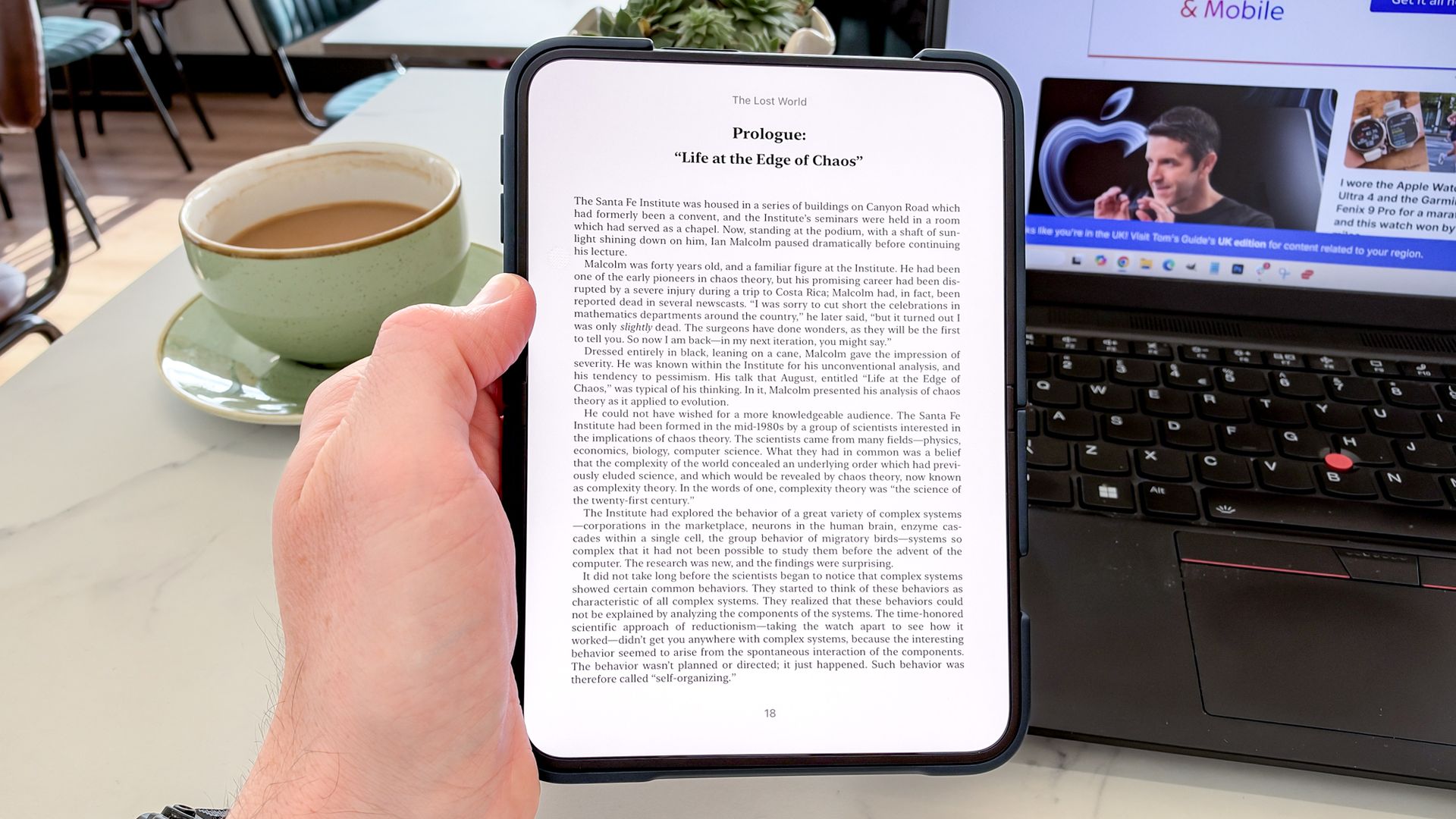
The iPhone Duo, with its 7.6-inch inner display, is an ideal device for reading books, replacing the need for a Kindle. The iPhone Duo's Shortcuts app, updated for the Duo, allows you to eliminate distractions and seamlessly transition to reading automatically when the Duo is unfolded. To set this up, first, open the Shortcuts app and add a new Automation.
Choose the "Open or Closed" option under the Display heading. Then, add an "Open App" command and select Apple Books from the list. When you unfold the iPhone Duo, it will automatically launch Apple Books to your current reading book, providing a distraction-free reading environment. To return to the home screen, simply swipe up.
This feature ensures that your reading habit is prioritized, without the interruptions that often occur with other devices.
Written by urgent.news from Tom's Guide's reporting — not their text. Machine-written — may contain errors; check the original before relying on it.