I stopped blaming wireless Android Auto for random disconnects and found the real culprits
The real problem was hiding elsewhere
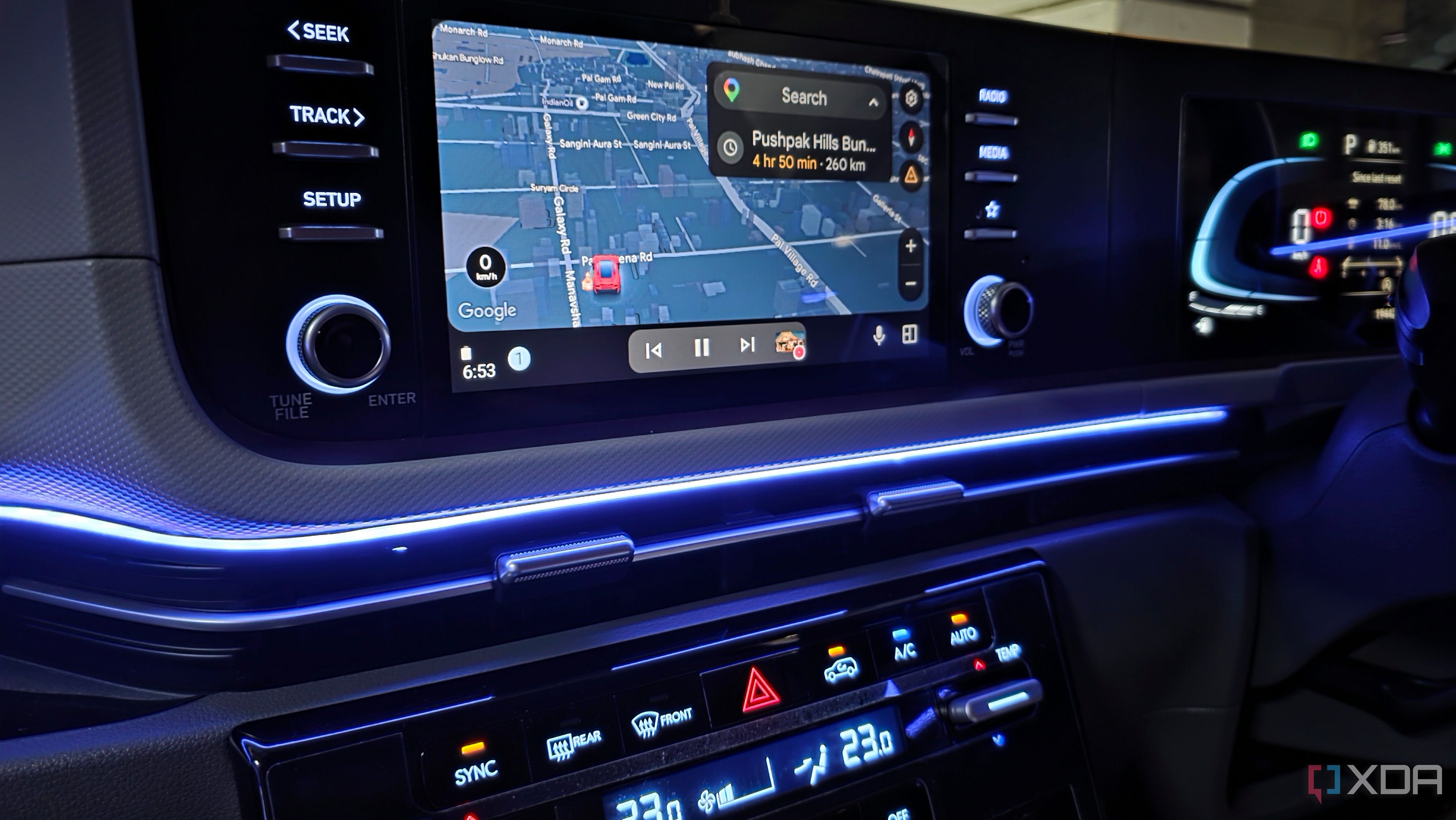
For years, the author harbored a mixed feeling towards wireless Android Auto. While it offered seamless access to Google Maps and music, the connection often faltered, causing frustration. Initially, the author blamed the software, but a closer examination of the issue brought new insights.
The author adopted a methodical troubleshooting approach, restarting their phone, halting Android Auto, toggling Bluetooth and Wi-Fi, or re-pairing their device with the car's infotainment system. These steps occasionally resolved the problem, but it returned just as quickly.
The author realized they were merely resetting the connection rather than addressing the root cause. So, they changed their approach. They began noting the exact moments when wireless Android Auto failed and what was happening on their phone. They also monitored their phone's battery settings, Wi-Fi behavior, and background processes.
A key discovery was the impact of certain intelligent connectivity features. Adaptive Connectivity, designed to optimize network performance on the Pixel 8, was interfering with Android Auto. Disabling it led to fewer connection issues. Similarly, Samsung's Intelligent Wi-Fi settings, which automatically switch networks or data sources, were also problematic. Turning off automatic Wi-Fi switching improved the wireless Android Auto connection's stability.
Power-saving modes and deep sleeping apps on the phone were also found to influence Android Auto. Disabling power-saving mode and ensuring Android Auto wasn't on the Deep sleeping apps list significantly improved the connection's consistency. The author also reviewed other battery-saving settings that could interfere with connectivity services.
Apart from the phone, the infotainment system also played a role. Restarting the head unit, checking for firmware updates, and reviewing connectivity settings helped narrow down potential issues. The author even tested another Android phone to rule out software-specific problems, which helped to isolate whether the trouble stemmed from the phone or the infotainment system.
Despite these improvements, wireless Android Auto is not without its flaws. However, the author's perspective has shifted. They now understand that the issue isn't always Google's software; it could be a combination of their phone's aggressive settings or the infotainment system itself. This newfound understanding has led to a more reliable wireless Android Auto experience.
Written by urgent.news from XDA Developers's reporting — not their text. Machine-written — may contain errors; check the original before relying on it.