I gave my seven-year-old USB printer wireless printing with a $15 Raspberry Pi Zero 2 W and CUPS
A $15 single-board computer and open-source printing tools eliminate cable swapping and restore multiuser convenience to an old printer.
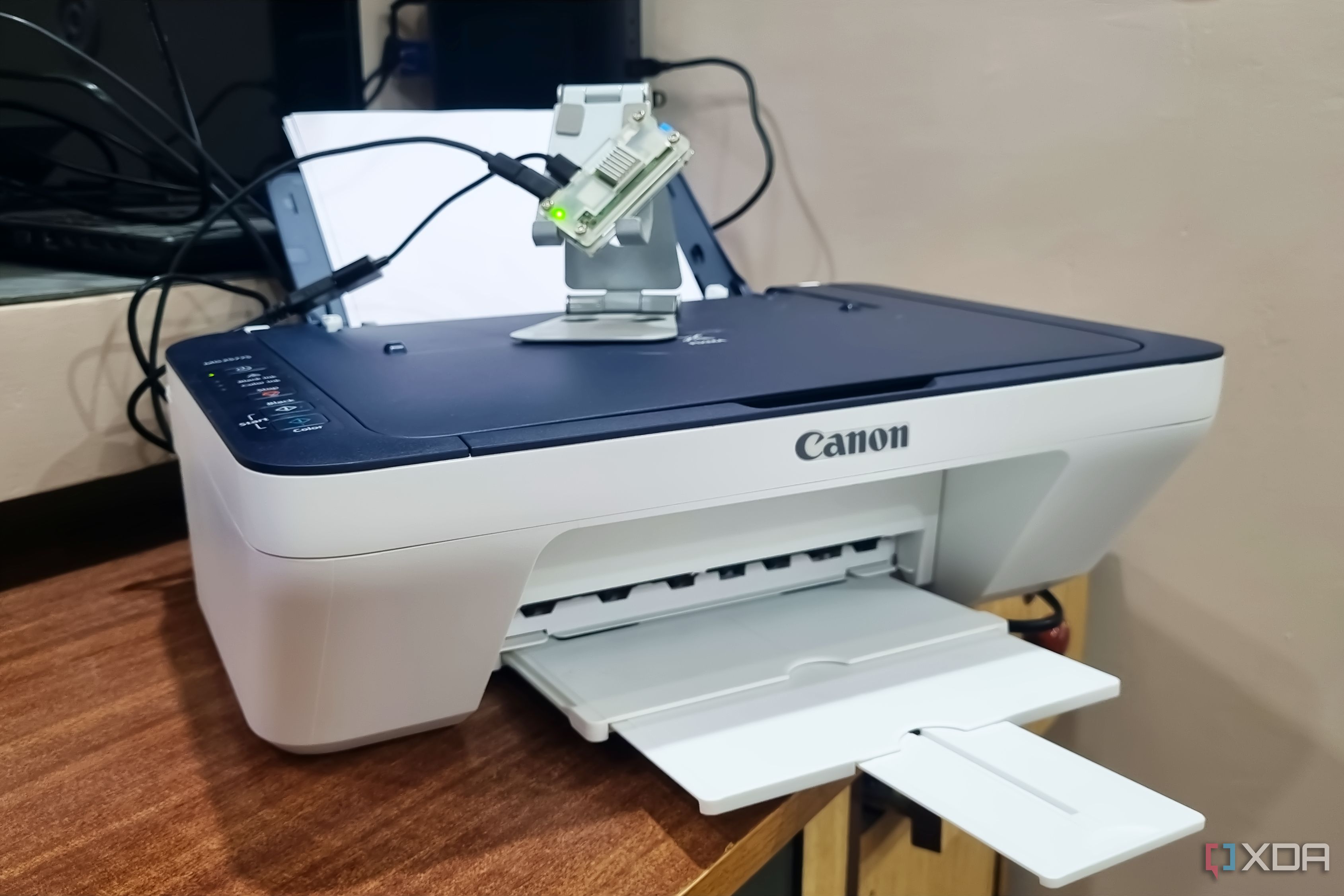
A seven-year-old USB printer was given wireless printing capabilities using a $15 Raspberry Pi Zero 2 W and CUPS (Common UNIX Printing System). The Raspberry Pi board was repurposed to create a print server for multiple users in a home setting. The Windows 11 laptop and monitor setup, which had limited USB ports, was already used for other projects, such as ESP32 experiments.
The printer, a Canon PIXMA MG2577S, lacked wireless capabilities, making it inconvenient for shared usage. By connecting the printer to the Raspberry Pi Zero 2 W via a micro-USB to USB-A adapter, the user installed CUPS and configured a print queue. The open-source printing system turned the Linux system into a network print server, enabling wireless printing capabilities for the USB printer.
The printer was then made discoverable by setting up printer sharing using Avahi, a network service discovery software. Once set up, the printer appeared on all connected devices, including the Windows PC and Android phone, without requiring any additional software. The user now enjoys the convenience of wireless printing in a common area, saving time and effort in managing peripheral devices.
Written by urgent.news from XDA Developers's reporting — not their text. Machine-written — may contain errors; check the original before relying on it.