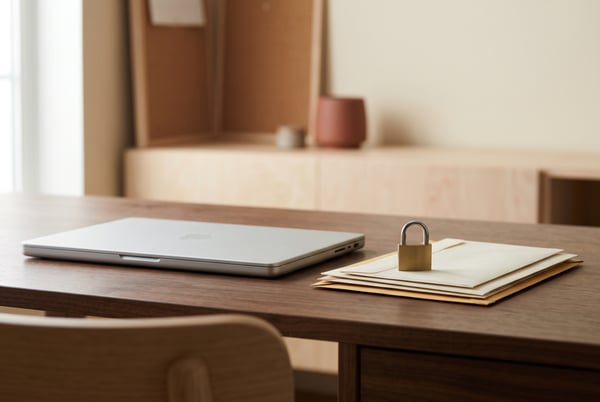
Windows 11 previews remote padlock only IT can open
Intune feature blocks normal sign-ins without wiping data, while another test build drops Offline Maps settings

Microsoft has previewed a new security feature for Windows 11 that allows IT administrators to remotely lock a device, while a beta build removes a remnant of Windows Phone. The Intune-controlled Remote Lock feature enables an administrator to lock a managed device through Intune without wiping it, with the instruction taking effect at the device's next check-in.
Upon locking, the device logs out of every active session, hides all sign-in options, and displays a locked screen. The lock persists through restarts and offline periods, and can only be lifted remotely by an administrator. Microsoft's documentation notes that there is no offline or local unlock; PINs, passwords, local admin access, or web sign-ins are ineffective on a locked device.
The user's account remains unaffected, as the restriction applies only to the specific device. Despite being in preview, Remote Lock allows IT teams to respond non-destructively to lost devices, without erasing data or isolating the device from the network. Microsoft advises keeping BitLocker enabled to protect data. Meanwhile, the latest Windows Insider build removes Microsoft Maps, a feature that dates back to Windows Phone 7 and appeared on the desktop with Windows 8.
Offline Maps settings have also been retired, as Microsoft discontinues the Windows UWP Map control and Windows Maps platform APIs.
Written by urgent.news from The Register's reporting — not their text. Machine-written — may contain errors; check the original before relying on it.
Other reports of this story
- Windows 11 previews remote padlock only IT can open theregister.com