6 invisible Google Maps gestures that let Android users zoom, tilt, and drop pins with ease
Most people overlook these brilliant Google Maps gestures
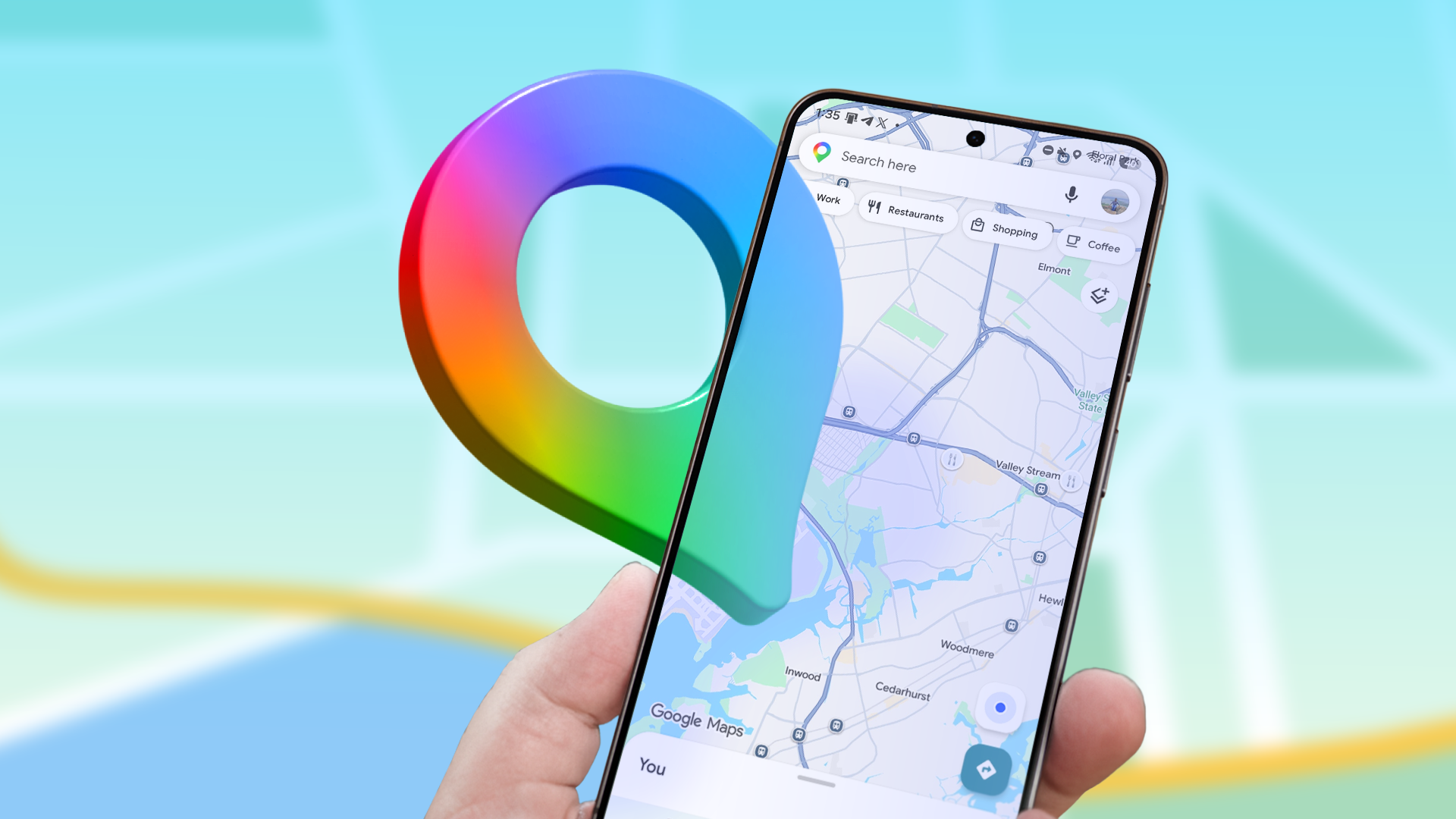
Google Maps offers several hidden gestures that Android users can utilize to navigate and interact with the map more efficiently. While many people overlook these features, they can greatly enhance the user experience.
The most straightforward gesture is the double-tap, which allows users to zoom in on a specific location. This method is more precise than pinch gestures, as it enables one-handed usage. To zoom out, users can tap twice with two fingers, or perform a single two-finger tap to zoom out by one level, although the zoom steps are fixed.
Another useful gesture is the one-handed zoom. By double-tapping and holding the thumb on the second tap, users can slide their finger up or down to zoom in or out, respectively. This feature is particularly handy when using the app in crowded places, while walking, or driving. However, mastering one-handed zoom requires some practice to build muscle memory.
The two-finger rotate gesture enables users to change the map's orientation by rotating two fingers on the screen. Although this gesture is valuable for aligning the map with the direction of travel, it's not recommended for use with one hand due to the difficulty in maintaining proper finger positioning.
Swiping down with two fingers while holding the phone with one hand tilts the map view, offering a top-down perspective of the surroundings. Swiping up with two fingers restores the map to its flat view. This feature is beneficial when traveling to unfamiliar places, as it provides a better sense of upcoming landmarks.
When an unnamed location appears on Google Maps, long-pressing the spot reveals nearby locations along with options to get directions, share the location, save it, or drop a pin. This gesture proves helpful in sharing precise locations, particularly in rural areas where named landmarks may be scarce. Additionally, long-pressing an unnamed location in offline mode displays the coordinates of the pinned location and allows users to measure distances from the current position to the pinned spot.
Written by urgent.news from Android Police's reporting — not their text. Machine-written — may contain errors; check the original before relying on it.