The pros and cons of using your phone as a mobile hotspot
Using your phone to help other devices connect to the internet is undeniably convenient, but it also comes with other perks – and a few downsides.
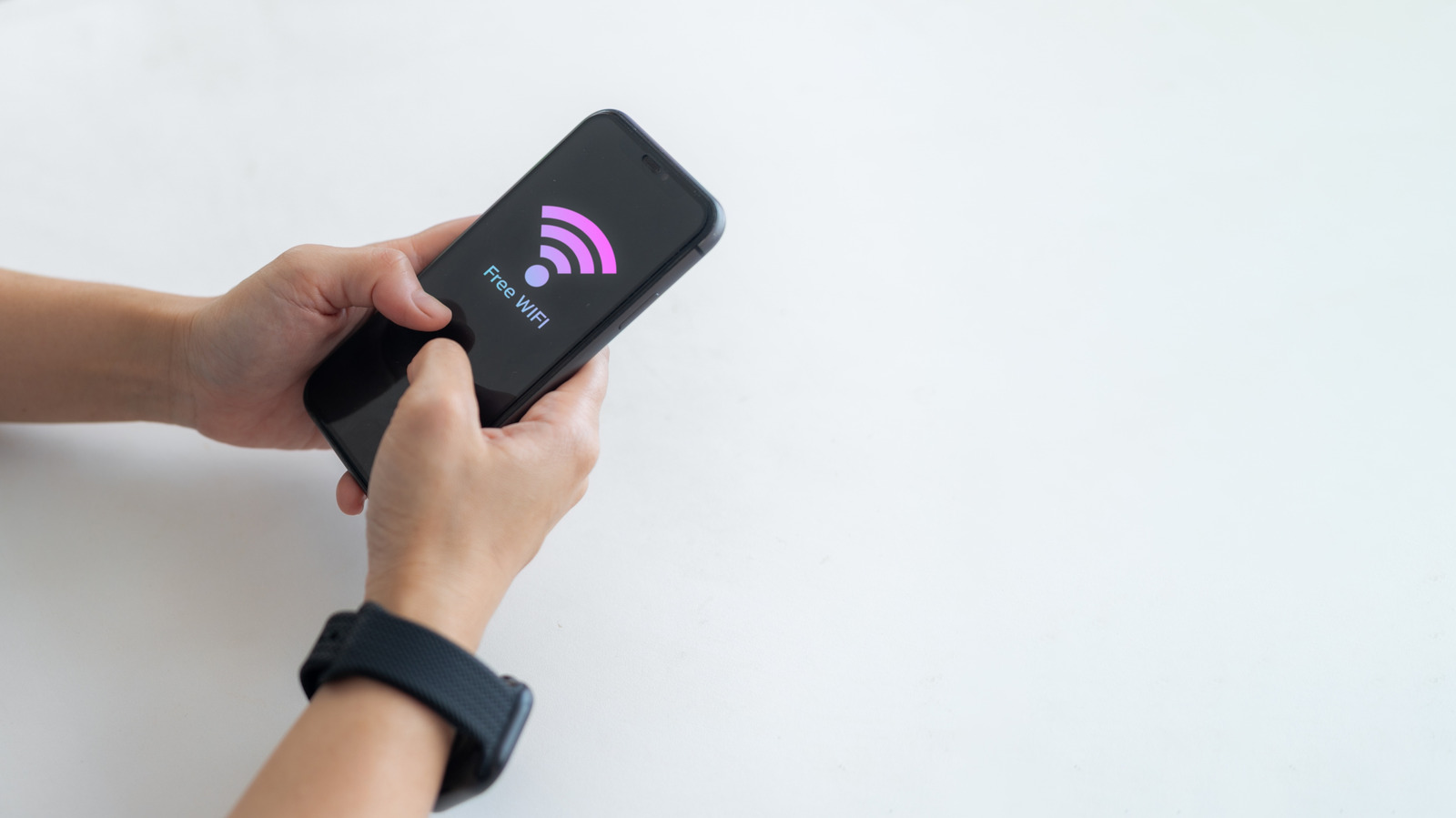
Using your phone as a mobile hotspot can be a convenient solution when you need internet access on the go, whether for work or entertainment. To set this up, locate the hotspot feature on your phone, which on iPhones is called Personal Hotspot and on Android devices is typically found under Hotspot & Tethering. Once enabled, other devices can connect to your phone's cellular data connection.
This method offers convenience and portability, as you won't need to carry additional devices or worry about charging multiple gadgets. It can also be cost-effective since you're using your existing phone data plan, rather than purchasing a separate hotspot device or plan. Additionally, using a mobile hotspot can enhance online security by allowing you to control which devices connect to it, rather than relying on potentially insecure public Wi-Fi networks.
However, there are drawbacks to consider. Running a hotspot is power-intensive, which can quickly drain your phone's battery. You may need to bring a power bank or charger to keep your phone charged. Furthermore, if your data plan has a hotspot data cap, exceeding it can lead to slower internet speeds or additional charges. Data-intensive activities like video calls and streaming can deplete your data allowance quickly.
Multiple connections also result in shared bandwidth, which can slow down the internet speed for all users. While using your phone as a hotspot can be a practical and cost-free solution for occasional use, relying on it daily, streaming video, or connecting multiple devices for extended periods may outweigh the benefits. In such cases, investing in a dedicated hotspot device might be a more suitable option.
Before deciding, consider your data plan and usage patterns to determine the best approach for your needs.
Written by urgent.news from Engadget's reporting — not their text. Machine-written — may contain errors; check the original before relying on it.