10 things your iPhone's Notes app can do other than taking notes
Apple Notes can be much more than a place for random scraps of information once you learn everything it's capable of.
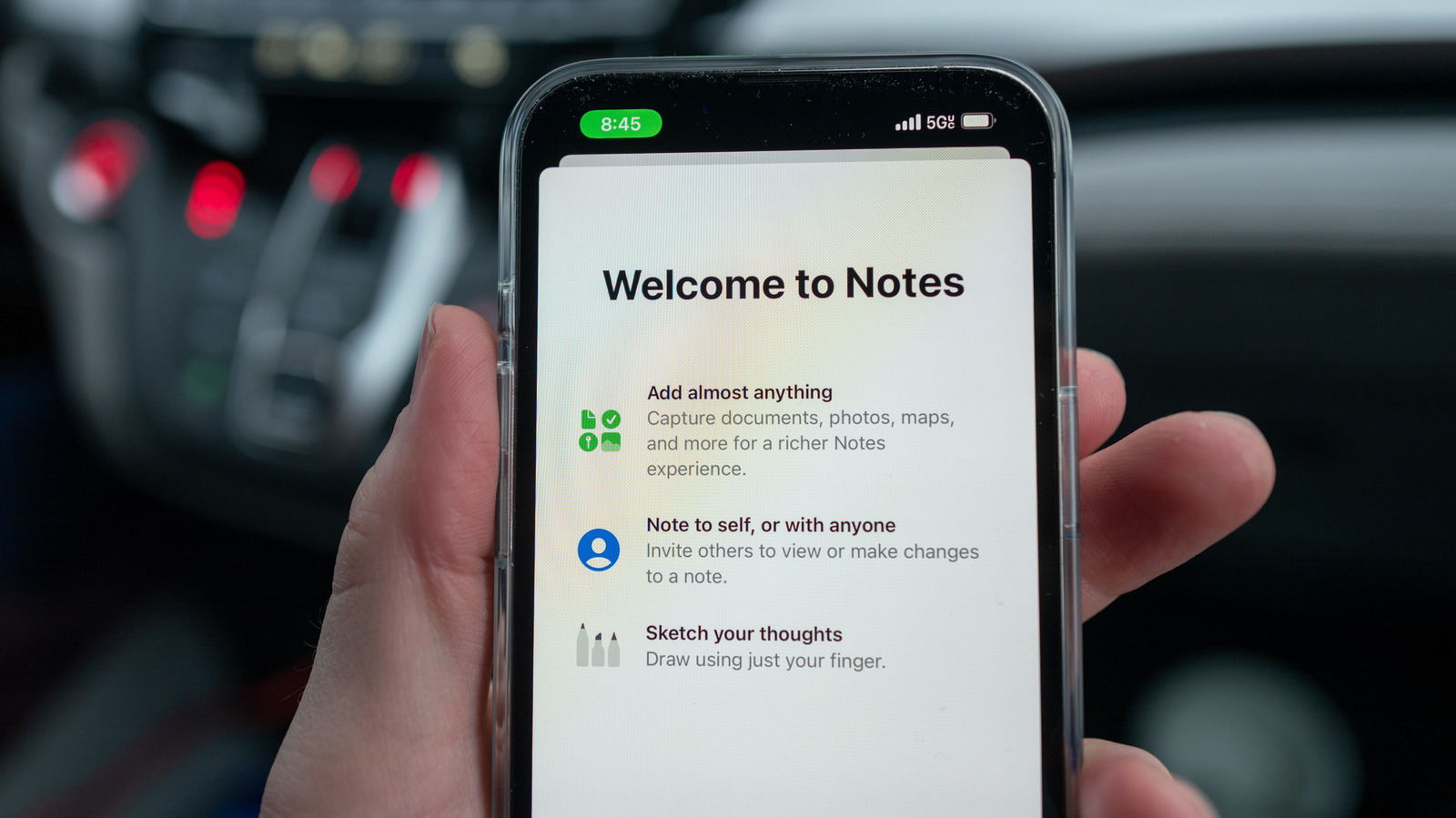
Apple Notes features go far beyond simple text storage. With Math Notes, you can perform equations and graph functions directly within a note. By typing an equation followed by an equals sign, the app automatically inserts the result. This is useful for splitting bills or budgeting. It can also graph functions by inserting a graph directly into the note.
Notes can also scan documents, including cropping and straightening them, and save the scans as PDFs. This works well for contracts, lease agreements or longer documents. Additionally, Notes can record audio and transcribe it, making it convenient for lectures or meetings. The transcript is searchable, allowing you to jump to relevant parts easily.
For drawing, Notes uses Markup tools to sketch rough ideas, then Image Wand to turn sketches into polished images based on text descriptions. This feature has improved with iOS 27, generating more photorealistic images. Notes also supports collaboration, allowing multiple users to edit notes in real time. The app can proofread text, rewrite it in different tones, summarize long notes, and convert text into bullet points or tables.
Written by urgent.news from Engadget's reporting — not their text. Machine-written — may contain errors; check the original before relying on it.