You can control your other devices with this resourceful Apple feature
There's a lot you can do with this accessibility feature.
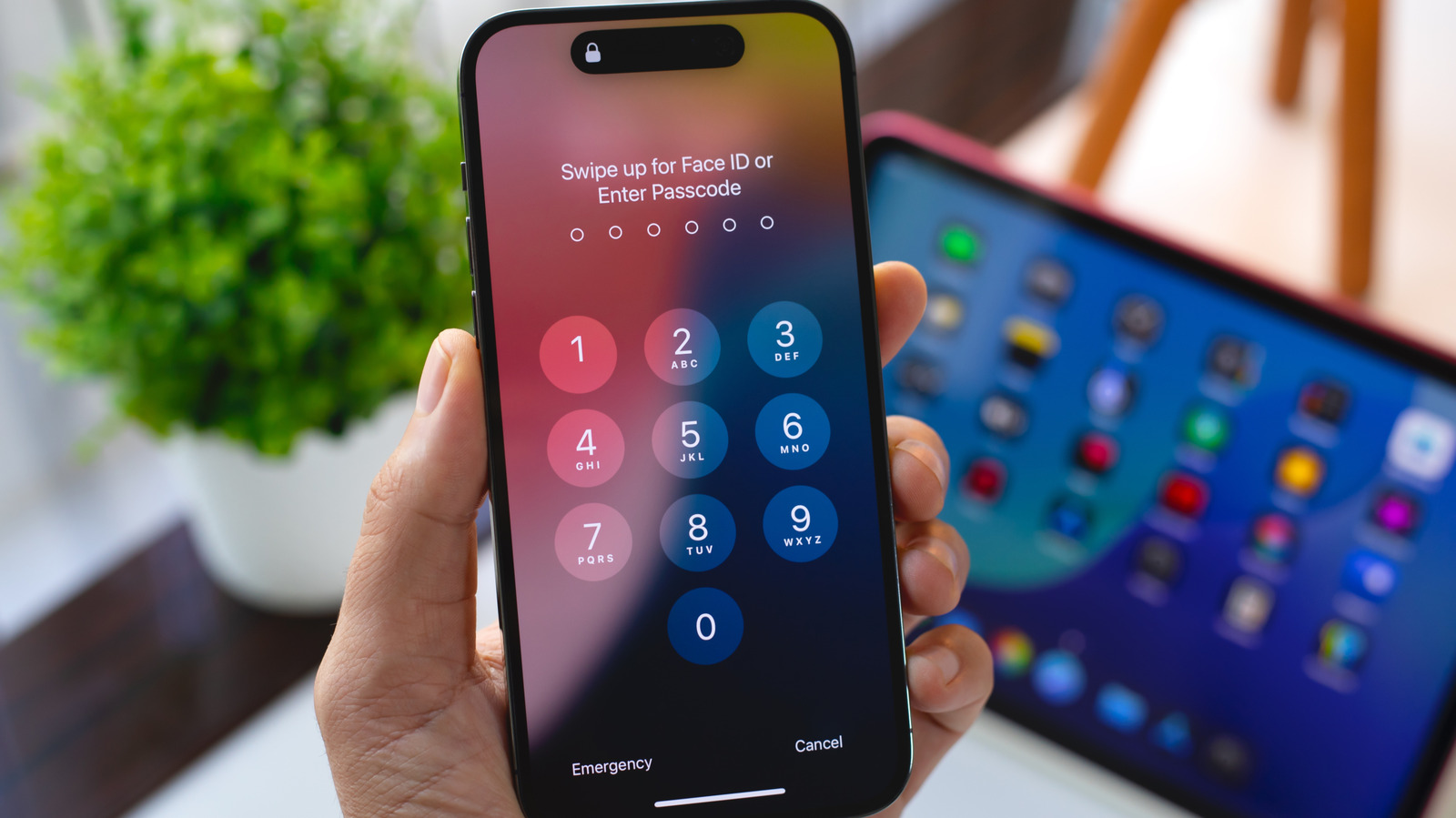
Apple's Switch Control is an accessibility feature that allows users with limited mobility to control their iPhone or iPad using various alternate input methods. This feature can be utilized even more effectively when using the "Use Other Devices" option, which enables controlling other devices on the same Wi-Fi network.
To set up Switch Control across devices, ensure all devices are connected to the same Wi-Fi network and signed into the same iCloud account. For controlling a Mac desktop remotely, open System Preferences, click on Accessibility, and enable Switch Control. Once enabled, open Settings on your mobile device, navigate to Accessibility, and turn on Switch Control. Assign external controllers or gestures to specific actions by selecting "Add New Switch" under the Switches menu.
After setting up switches, return to the main Switch Control menu and select "Device," then "Use Other Device." This will display a list of compatible devices on your network. Choose one to start controlling it remotely using the previously established switches. To stop controlling the device, select "Stop Using Device" from the same menu.
Although Switch Control primarily targets iOS devices, non-Apple devices can also be used as external controllers, including adaptive controllers from companies like Microsoft and even non-accessibility devices. Standard game controllers and Bluetooth or USB-connected devices like keyboards can also be used. Switch Control can be particularly useful for automating repetitive actions in mobile games or apps, as well as navigating other apps like Kindle.
Written by urgent.news from Engadget's reporting — not their text. Machine-written — may contain errors; check the original before relying on it.