Windows ships with a disposable sandbox, and it's the safest way to open anything sketchy
Windows has a sandbox. Your PC has plausible deniability.
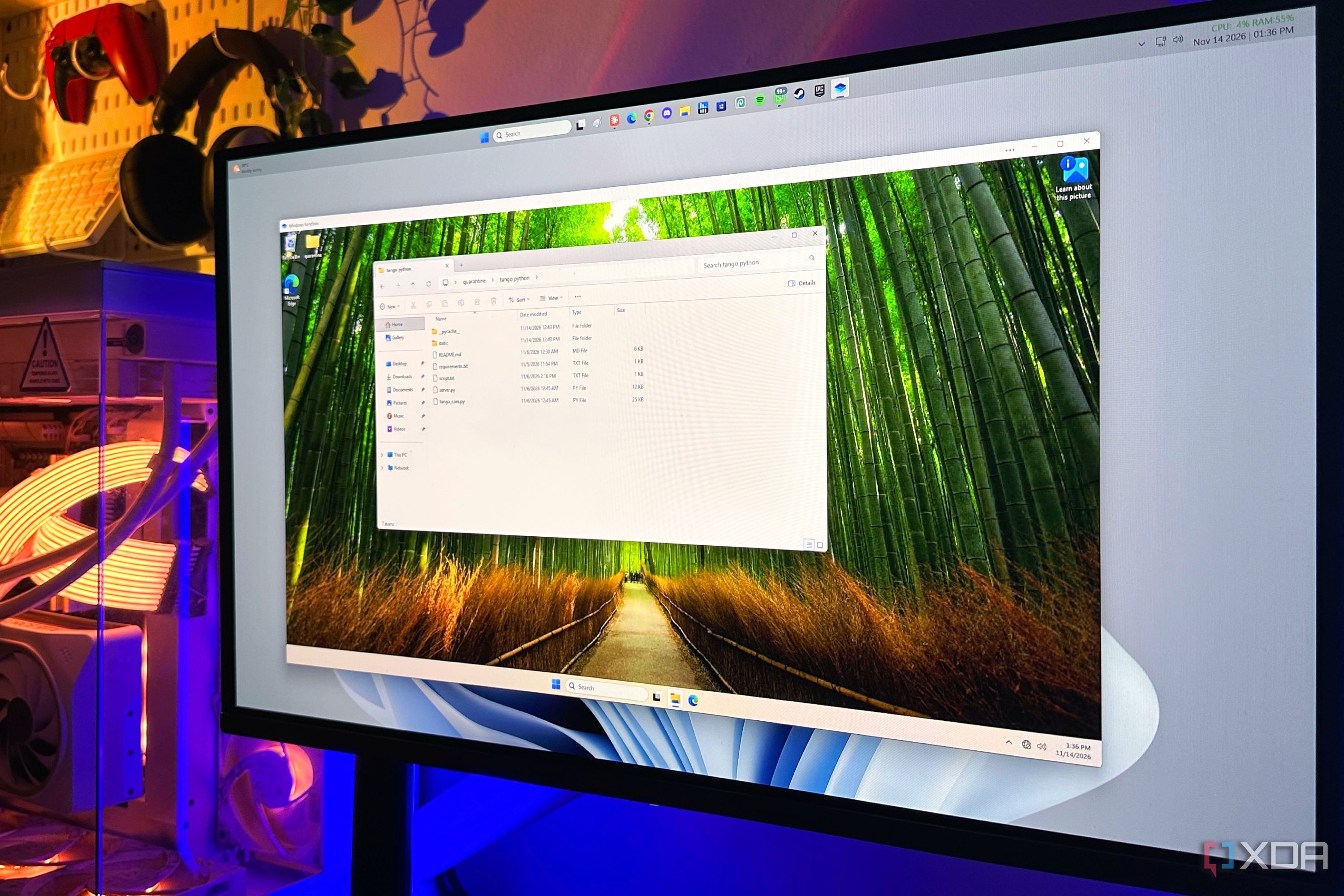
Windows now provides a feature called Sandbox, which allows users to safely open potentially risky software without risking their main system. This feature is especially useful when dealing with unknown executables or utilities found on the internet. Sandbox creates a temporary, isolated Windows environment that runs alongside your existing system but remains completely separate. Any malware or changes made within this virtual environment do not affect your real PC.
Sandbox uses hardware-based virtualization and a shared base image to minimize resource usage and maintain security. It works with Windows 11 Pro, Enterprise, and Education editions but not with Windows 11 Home. To enable Sandbox, you need a 64-bit machine with hardware virtualization support and enough RAM (at least 4GB). Simply search for "Turn Windows features on or off" in the Start menu, check the box for Windows Sandbox, and reboot your computer.
Using Sandbox is straightforward: open it, drag and drop the suspicious file into the isolated environment, run it, and then close it. This action discards the entire virtual disk, memory, and registry, leaving your main system untouched. For enhanced security, you can disable networking, the virtual GPU, clipboard, printer, microphone, and camera redirection within Sandbox. You can also create a dedicated quarantine folder and map it as read-only for the sandboxed process.
While Sandbox is a powerful tool for safely testing unknown software, it's not completely foolproof. Disabling advanced features like networking, clipboard sharing, and file mapping between the sandbox and your main system can further protect your PC. However, Sandbox is not intended to protect against malware specifically designed to escape virtualized environments.
In summary, Windows Sandbox provides a safe, disposable workspace for exploring potentially risky software, helping users make informed decisions about what to trust on their computer.
Written by urgent.news from XDA Developers's reporting — not their text. Machine-written — may contain errors; check the original before relying on it.