What are the limitations of eGPUs vs onboard graphics cards for laptops?
Is it worth it to use an eGPU with your laptop? That depends. Let's take a closer look at the most important factors you should consider.
External Graphics Processing Units (eGPUs) provide desktop-class graphics capabilities to laptops, but several limitations can diminish their advantages. Connecting a powerful desktop GPU to a laptop through an eGPU involves several factors that can impact performance, such as cables, bandwidth restrictions, and additional costs.
The primary difference between eGPUs and laptop-integrated graphics lies in the connection method. While a standard laptop GPU utilizes an internal PCIe connection, an eGPU communicates via Thunderbolt or USB4, which introduces a bottleneck that can limit the GPU's effectiveness. Thunderbolt 4 offers 40 Gbps of overall bandwidth, with a 32 Gbps PCIe data throughput requirement, while Thunderbolt 5 upgrades to 80 Gbps and doubles the PCIe requirement to 64 Gbps.
However, this increased bandwidth does not necessarily translate to better performance due to the additional hardware and power requirements associated with eGPUs. For instance, the NVIDIA RTX 5090 desktop GPU boasts 1,792GB/s of memory bandwidth and a 575W total graphics power rating, whereas its laptop counterpart, the RTX 5090 Laptop GPU, offers 896GB/s of memory bandwidth and a GPU subsystem power range of 95W to 150W.
This discrepancy highlights the impact of external connections on performance. Thunderbolt 5's Bandwidth Boost mode offers 120 Gbps, but this does not equate to 120 Gbps of PCIe bandwidth for the GPU. In addition to the bandwidth limitations, using a laptop's built-in display can further reduce performance, as frames must travel back through the same limited connection.
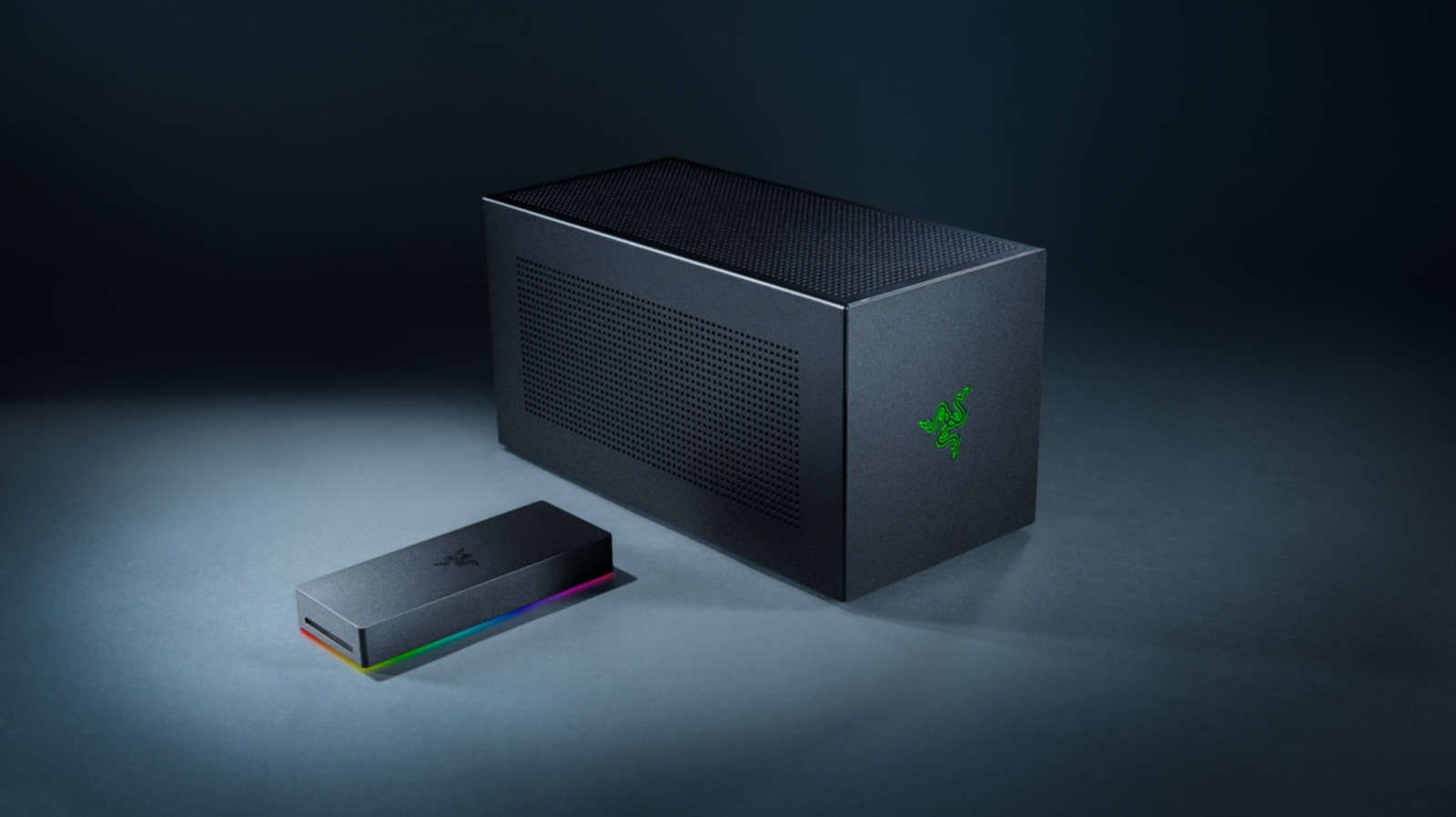
This is why some manufacturers suggest connecting an external monitor directly to the eGPU for improved performance. The cost of eGPU enclosures is another significant consideration. For example, Razer's Thunderbolt 5 Core X V2 supports full-size NVIDIA and AMD desktop cards up to four slots wide, but the enclosure alone costs around $350.
This amount does not include the necessary GPU or ATX power supply, making it challenging to justify purchasing a high-end desktop card solely for an eGPU. In conclusion, while eGPUs offer the potential to bring desktop-class graphics to laptops, several limitations, including bandwidth constraints, additional hardware costs, and the need for external power supplies, can hinder their performance.
These factors make it difficult to fully leverage the advantages of powerful desktop GPUs in a portable laptop setting.
Written by urgent.news from Engadget's reporting — not their text. Machine-written — may contain errors; check the original before relying on it.