The hidden features every Apple Maps user should know about
Apple Maps isn't just about the big-ticket features; it has a range of lesser-known features that are just as useful. Here are some of the most notable.
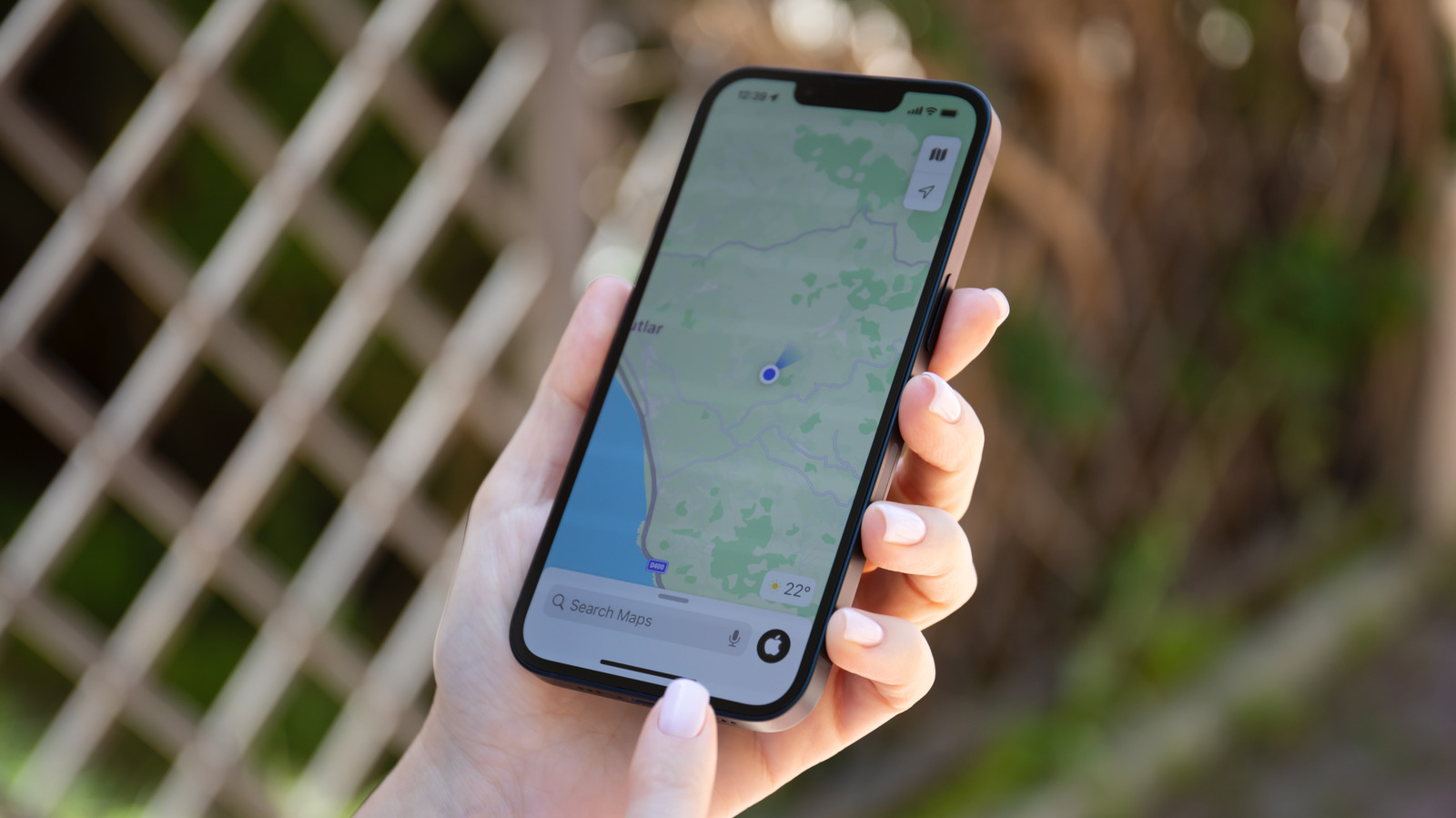
Apple Maps has undergone significant improvements since its rocky launch in 2012, now offering a range of useful features. With iOS 27, it received enhancements like AI-enhanced Flyover and Local Lists. However, there are more lesser-known features that users should be aware of. One such feature is the ability to download entire regions for offline use, enabling navigation even without Wi-Fi or cell service.
Users can simply open Apple Maps, tap their profile picture, select Offline Maps, and choose the desired area. Another handy feature is the ability to write notes about visited places. By tapping the three-dot button on a location and selecting Add a Note, users can keep their notes private and access them whenever they return to that location.
The Visited Places feature is also worth exploring, as it automatically remembers places users have visited, with storage options ranging from three months to forever. Note that this feature isn't available worldwide. Apple Maps can also learn users' preferred routes, providing warnings about heavy traffic and suggesting alternatives.
This feature is accessible in Settings, Maps, and Location, under Preferred Routes and Predicted Destinations. Meanwhile, users can help other drivers by reporting incidents such as accidents or road closures using Siri, without taking their hands off the wheel. To do this, they can say, "Siri, there's an accident ahead" or "there's something on the road," and Siri will relay the information to other drivers.
These features demonstrate that Apple Maps offers more than just basic navigation, particularly for frequent travelers in areas without reliable internet connectivity. Availability of some features may vary based on location.
Written by urgent.news from Engadget's reporting — not their text. Machine-written — may contain errors; check the original before relying on it.