Can you use your Android phone as a computer speaker?
If you've got an old Android phone lying around, it may be possible to give the device new life as a computer speaker.
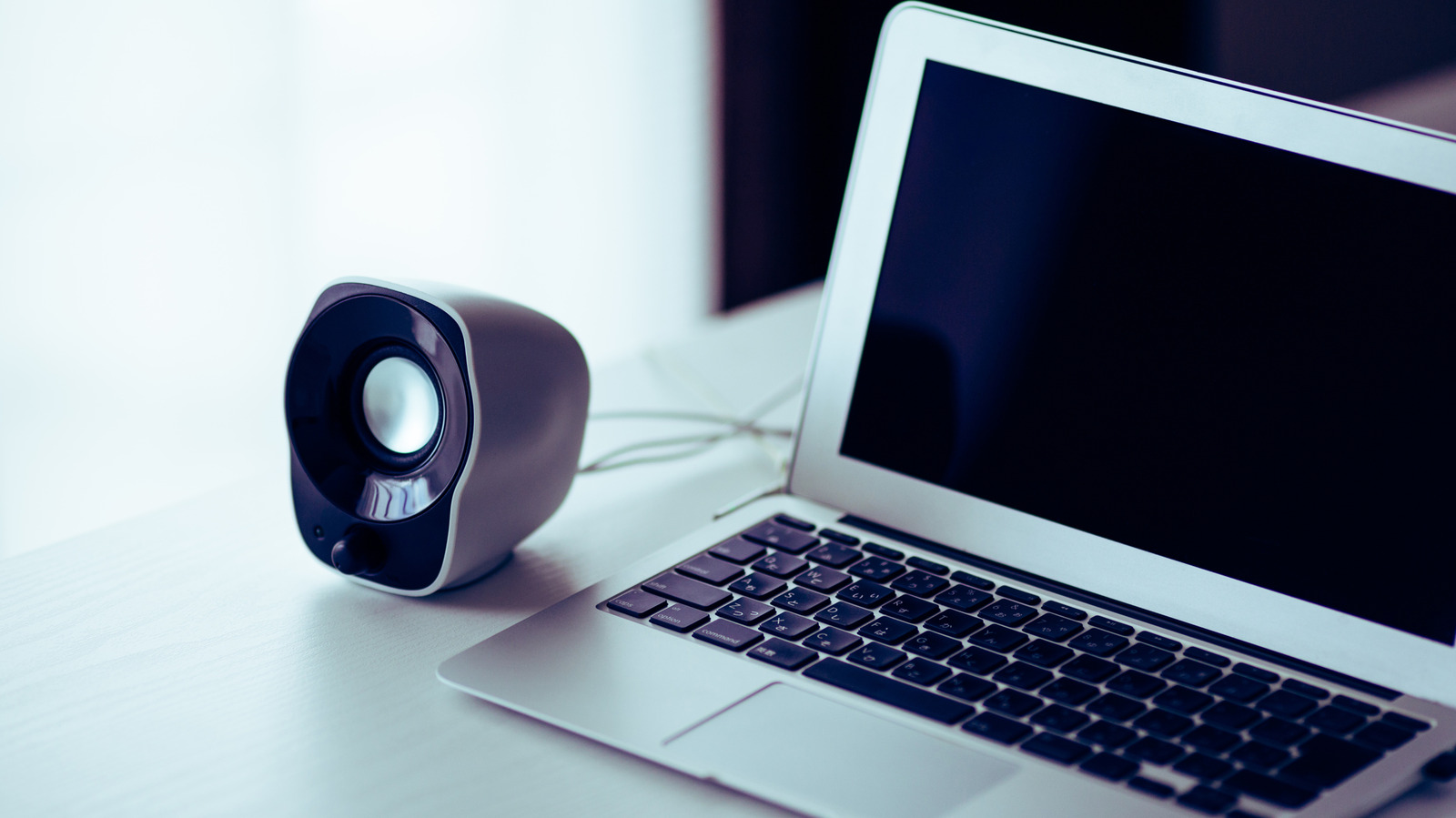
Using an Android phone as a computer speaker is a simple process that requires installing an app on both your PC and your phone, such as AudioRelay. This app streams audio from your PC to your Android device over Wi-Fi, rather than Bluetooth, as Android phones are primarily designed to act as the source of a Bluetooth connection, not the receiver.
To set up the connection, install the AudioRelay app on both your computer and your Android phone, and ensure both devices are connected to the same Wi-Fi network. On your Android phone, tap your computer's name under the Server section, and on your PC, your Android device should appear under Connections. Once connected, play any audio on your PC, and it will output on your Android phone's speakers.
If you encounter audio lag or latency issues, you can use USB tethering for a more stable connection.
Brief written by urgent.news from Engadget's own syndicated text. Machine-written — may contain errors; check the original before relying on it.
This story
This is one outlet's version. Read the fullest account.