5 tips and tricks every PS5 owner should know
The PS5 has several quality-of-life features that are buried deep but have been expanded over the years. These options save time and reduce annoyances.
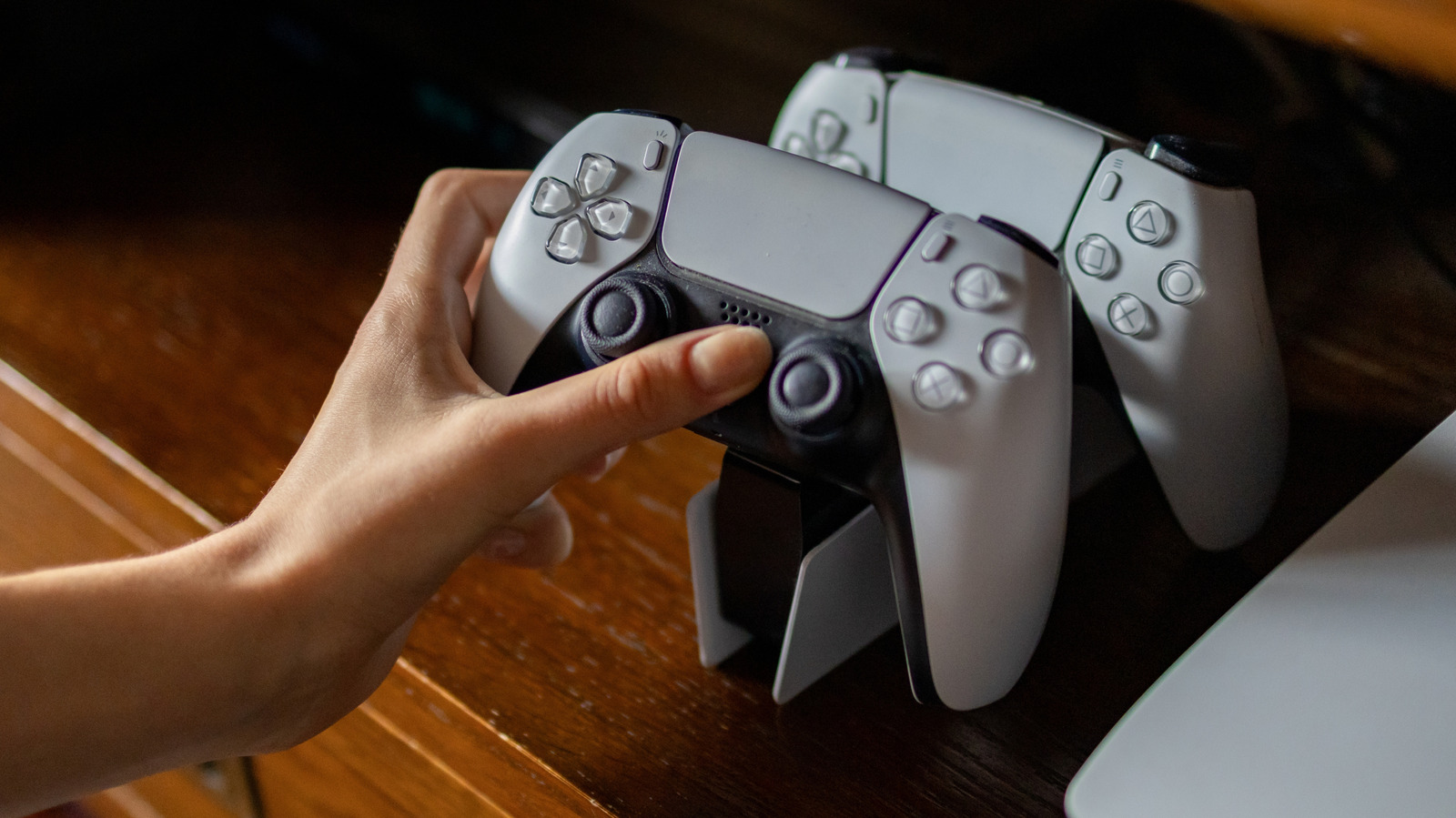
The PlayStation 5 comes with a variety of quality-of-life features designed to improve your gaming experience. By taking advantage of these options, you can save time, reduce annoyances, and ensure that your console runs at its best. Here are five tips and tricks every PS5 owner should know.
First, the PS5 captures screenshots and videos whenever you earn a trophy by default. While it's nice to save these memories, they can quickly consume storage space, especially if you play multiple games and pursue numerous trophies. To manage this, go to Settings, then Captures and Broadcasts, and then Captures. You can set Save Trophy Videos to Platinum or Gold, which will only save videos for major achievements, and limit Trophy Video Duration to 15 seconds unless you want the full 30 seconds for a more comprehensive recording.
Second, the DualSense controller's improved rumble and adaptive triggers can be overwhelming for some players. If you find these features too intense, you can adjust their intensity in Settings, then Accessories, then Controller. Additionally, you can modify the Brightness of Controller Indicators to prevent the colored light bar from being too bright or dim. This can help avoid distractions like a constant red light during low health situations.
Third, the built-in microphone on the PS5 controller can serve as a backup audio device in case your headset fails. However, when the mic is active, the system automatically reduces vibration and adaptive trigger intensity to minimize background noise. To prevent this auto-adjustment, go to Settings, then Sound, then Microphone, and change Set Microphone Status When Logged In to Mute. This will also prevent accidental audio sharing during online gaming sessions.
Fourth, the Create button on the controller takes a screenshot after a brief press, which can be inconvenient. To make it more intuitive, navigate to Settings, then Captures and Broadcasts, then Shortcuts for Create button, and select Easy Screenshots. This change allows you to take a screenshot by pressing the button once, while holding it brings up the Create menu for more options.
Fifth, notifications from your PS5 can be disruptive, especially when you're immersed in a game or watching media. To customize which notifications you receive and when, go to Settings, then Notifications. Here, you can turn off alerts altogether, adjust preview settings, and choose to hide notifications when playing games, watching media, or live streaming.
For instance, you might want to hide game invites while watching Netflix to avoid being bombarded by friend requests. Additionally, you can activate Do Not Disturb mode in the control center to pause all notifications. The control center itself can also be customized by pressing the Options button after opening it with the PS button, allowing you to move or hide items based on your personal preferences.
Written by urgent.news from Engadget's reporting — not their text. Machine-written — may contain errors; check the original before relying on it.