4 reasons your 2.5GbE is slower than Gigabit
A faster port doesn't guarantee faster speeds
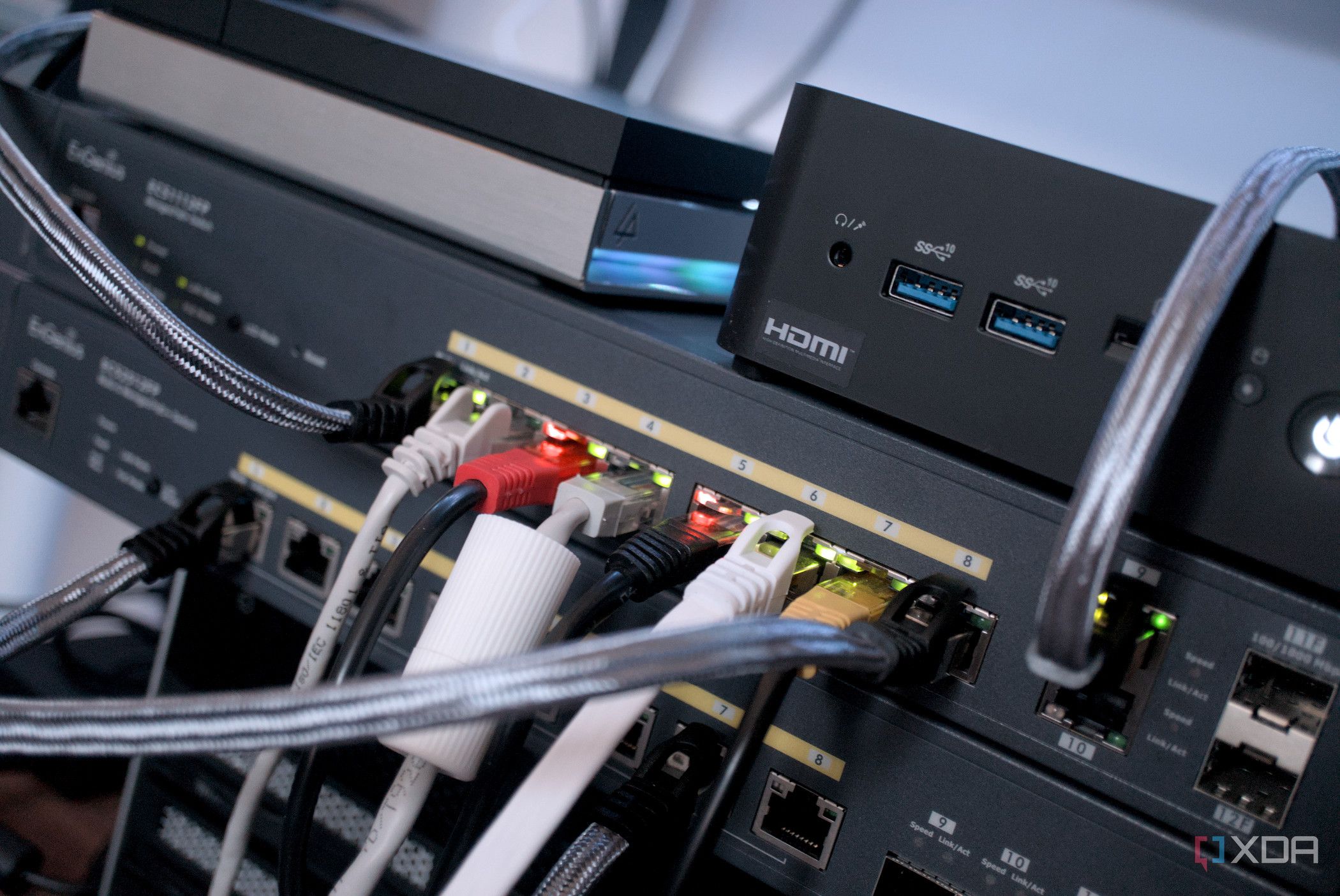
Many people are disappointed when upgrading to a 2.5Gbps Ethernet port, as they expect a significant speed boost. However, this isn't always the case. The key to realizing faster speeds lies in the entire network setup, not just the new port. If any part of the network is limited to 1Gbps, the entire connection will be capped at that speed.
This includes the router, switch, Ethernet cables, storage drives, and the LAN ports of the devices transferring data. For example, if your computer with the 2.5Gbps port connects to a Gigabit switch, or you're copying files to a NAS with a 1Gbps port, the transfer speed will remain at 1Gbps. Additionally, mechanical hard drives often cap out at 200MB/s, while a 2.5Gbps connection theoretically supports up to 312.5MB/s.
Therefore, using mechanical hard drives can still be a bottleneck. Upgrading to SATA SSDs is recommended, as they can reach speeds around 500-550MB/s, making better use of the 2.5Gbps connection. Lastly, the quality of the Ethernet cable is crucial. While Cat5e cables technically support 2.5Gbps, cheap ones may not perform well under high speeds or longer distances.
To ensure optimal performance, it's advisable to use high-quality cables like Cat6. Lastly, the internet speed provided by the ISP is also a limiting factor, as even a 2.5Gbps router won't improve browsing or download speeds if the ISP plan doesn't offer that bandwidth.
Written by urgent.news from XDA Developers's reporting — not their text. Machine-written — may contain errors; check the original before relying on it.