Your GPU can hit 100% usage and still leave performance on the table
Because performance and usage aren't interchangeable.
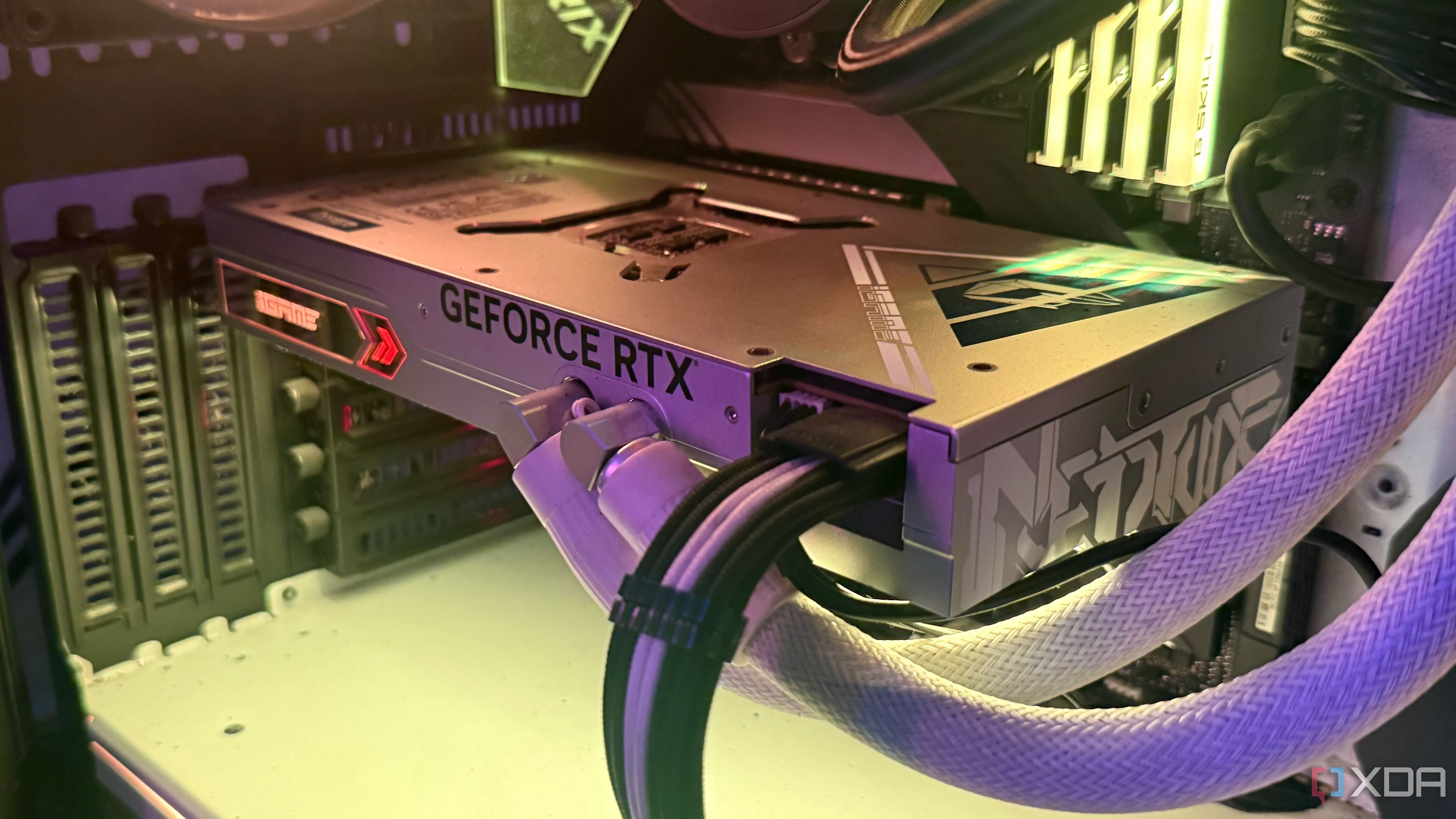
When monitoring gaming performance with tools like MSI Afterburner, it can be reassuring to see our GPUs close to 100% usage. However, this isn't always an indication of optimal performance. Just because a GPU is using most of its capacity doesn't mean it's efficiently utilizing its resources. The GPU could be under power or thermal limits, running at lower clock speeds while still reporting high usage.
This is different from CPU performance, where high utilization generally indicates good performance. GPUs have power and thermal limits that affect their clock speeds dynamically, and Nvidia's GPU Boost algorithm adjusts these speeds based on headroom for temperature.
Another factor to consider is VRAM capacity. Two GPUs with nearly identical specs, such as an RTX 5060 Ti 8GB and an RTX 5060 Ti 16GB, can perform very differently even at the same GPU usage. This is because when a card with less VRAM runs out of memory, it must fetch data from slower system RAM, leading to lower frame rates and stuttering.
So while a GPU usage close to 100% is a good sign that the CPU isn't bottlenecking performance, it doesn't guarantee optimal GPU efficiency. It's important to look at other metrics alongside GPU usage when assessing gaming performance. Relying solely on GPU usage can be misleading, and it's beneficial to consider a wider range of factors.
Written by urgent.news from XDA Developers's reporting — not their text. Machine-written — may contain errors; check the original before relying on it.