Windows Task Scheduler can automate half the things people install third-party utilities to do
Hidden Windows tools power repeatable routines with scripts that launch VMs, browser profiles, and SSH sessions.
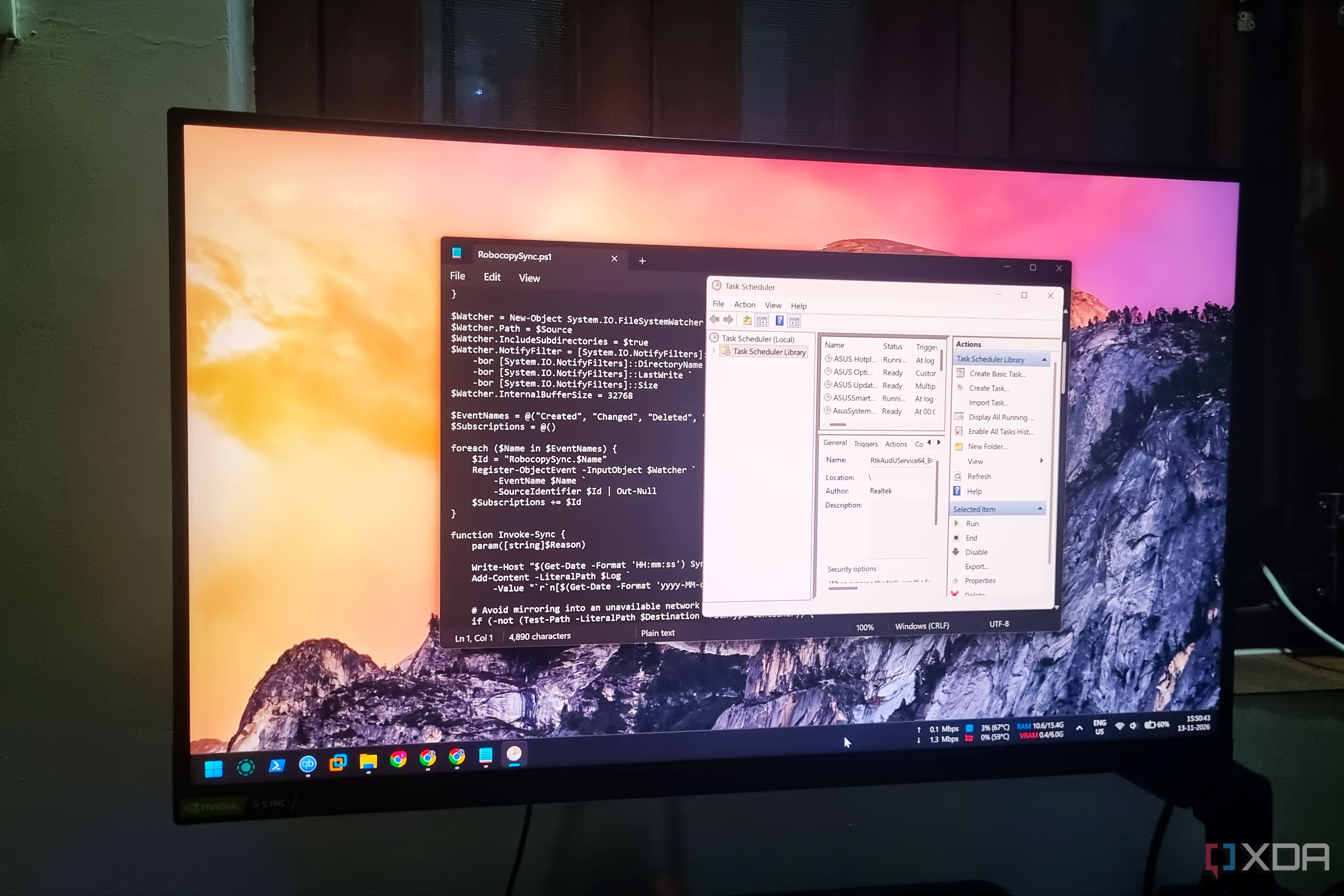
Windows Task Scheduler, often overlooked, can automate a wide range of tasks that might require third-party utilities. This built-in tool, typically used for system management, offers a simpler method for automation. Unlike visual builders found in some third-party tools, Task Scheduler supports various types of triggers and conditions.
Its core functionality lies in executing scripts that define the automation tasks. These scripts can be updated independently of the task settings, ensuring flexibility and ease of updates. For instance, a Robocopy script can be scheduled to run hourly to backup files to an external drive, while other tasks can update apps or delete unnecessary files.
A personal use case involves automating a morning routine, from opening multiple browser profiles to powering up virtual machines. This script runs upon login, adjusting to conditions like power settings and network availability. Another example is a Robocopy script that continuously monitors for file changes and syncs them across machines.
Task Scheduler's simplicity and silent operation mean it can run complex tasks without user interaction. While it may lack the visual appeal of some third-party tools, its native integration with Windows ensures long-term support and stability. Despite the availability of more sophisticated automation tools, Task Scheduler's straightforward approach makes it a compelling choice for basic system automation.
Written by urgent.news from XDA Developers's reporting — not their text. Machine-written — may contain errors; check the original before relying on it.