I tried a cache purge and plugging a USB stick into my 8GB Fire Stick; only one freed up gigabytes
I offloaded clutter and movie files to the external drive storage
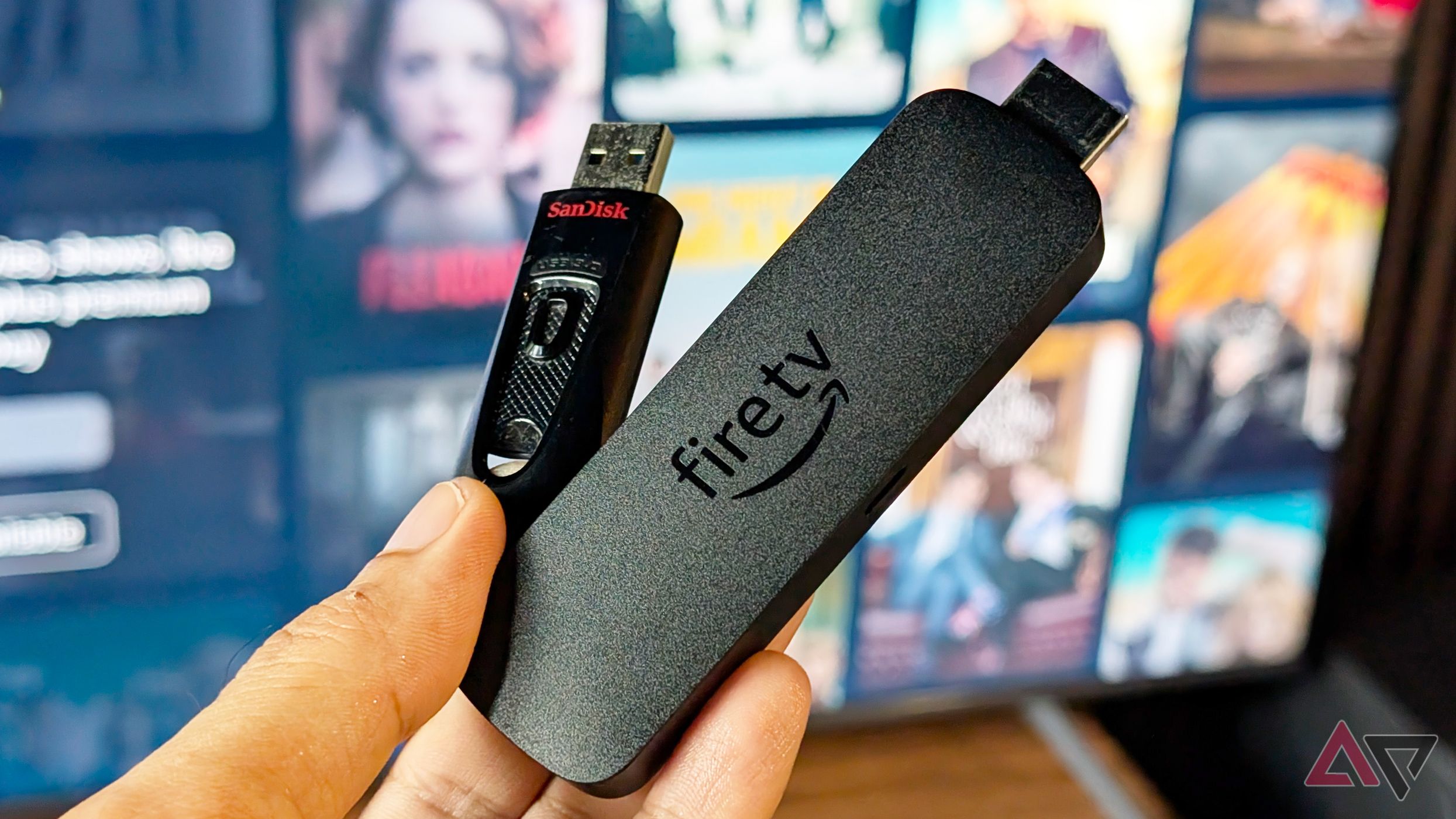
Most Fire TV Sticks come with 8GB of storage, which can quickly fill up, especially for avid app and game users. Clearing the app cache and uninstalling apps are two common methods to reclaim storage, but they are both temporary solutions. Clearing cache builds up again, while uninstalling apps requires reinstalling them later. A USB drive offers a long-term remedy, but it requires a microUSB adapter and a USB OTG splitter cable or microUSB-to-Type-C adapter.
While USB expansion doesn't set it as the default destination for app and game installations, it can be used to offload miscellaneous files like APK installers and videos. Uninstalling unused apps and clearing junk files is the most effective method, but pairing it with a USB drive maximizes the storage space available on Fire TV Sticks.
Written by urgent.news from Android Police's reporting — not their text. Machine-written — may contain errors; check the original before relying on it.