I replaced these resource-hungry apps with lightweight alternatives, and my PC feels faster
I stopped wasting RAM on apps that did too much
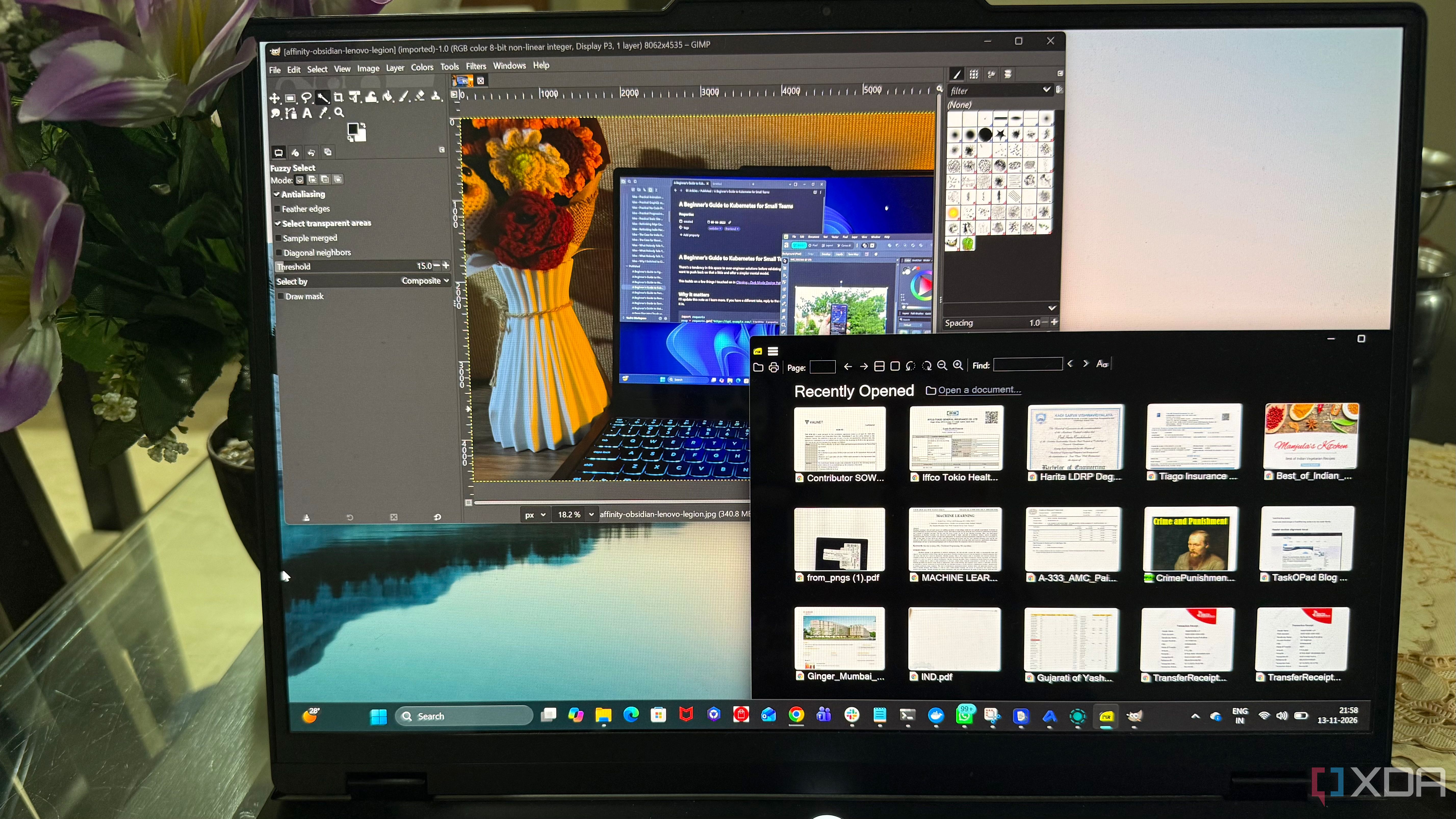
The author replaced resource-intensive applications with lighter alternatives to improve their PC's performance. They found that Adobe Acrobat Reader consumed excessive memory and processing power, causing slow document opening times. Switching to SumatraPDF resolved these issues, with documents opening almost instantly and using less than 100% less memory than Acrobat Reader.
For PDF editing, the author used BentoPDF when necessary. Windows Photos became bloated with unnecessary features, so the author opted for ImageGlass, which offered faster image browsing and lower memory usage. File Explorer's search was slow, but the author switched to Everything, which provided faster, more targeted search results with lower memory consumption.
Finally, the author replaced Chrome with the faster Thorium browser, which used significantly less RAM and still offered compatibility with Chrome extensions. By replacing feature-rich applications with more streamlined tools, the author's PC felt noticeably faster and more responsive.
Written by urgent.news from XDA Developers's reporting — not their text. Machine-written — may contain errors; check the original before relying on it.