Change these Fitbit Edge settings for a better experience
The Fitbit Edge not only looks good, but packs plenty of features while remaining minimal. To get the most out of it, you only need to tweak a few settings.
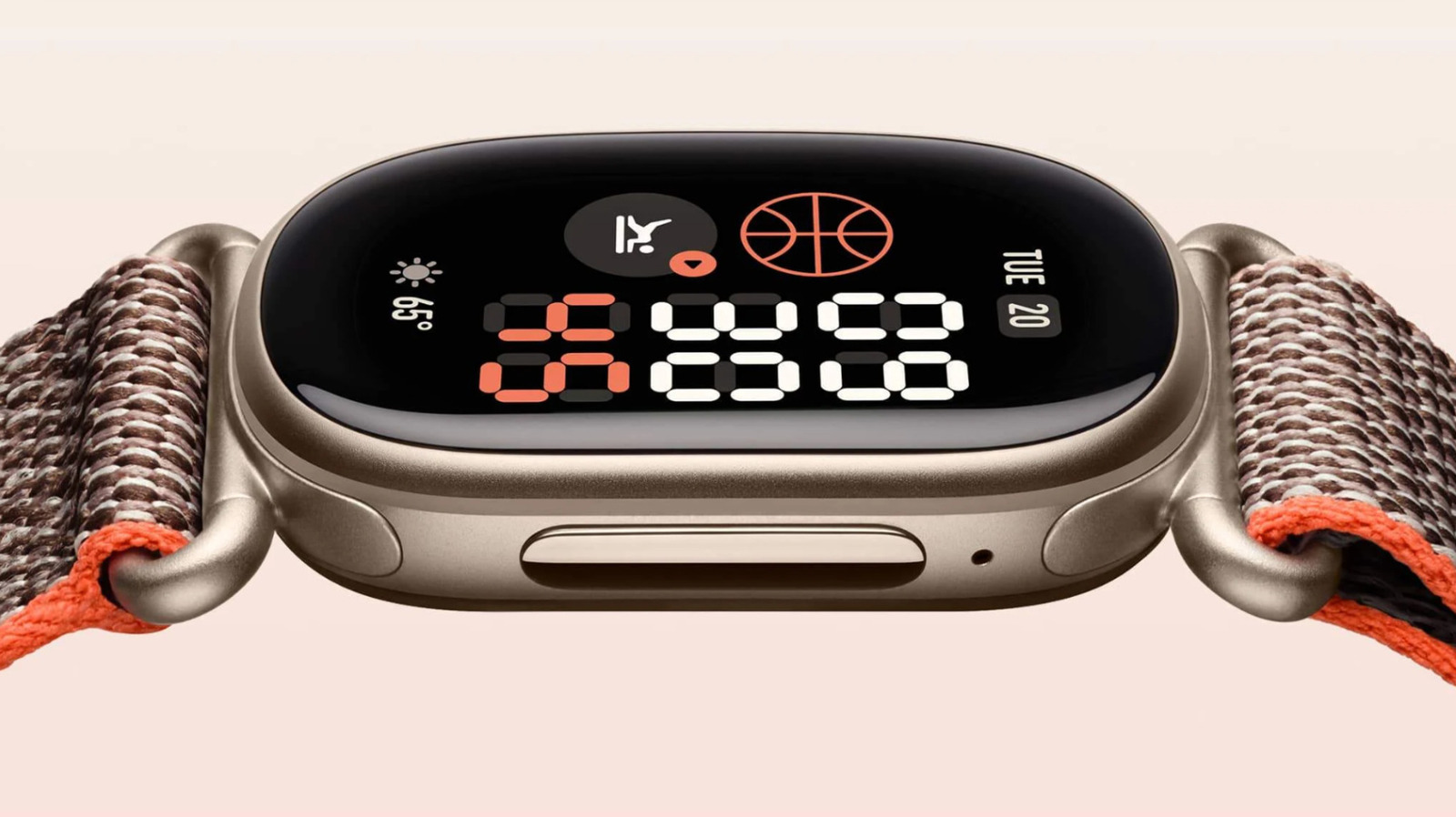
For those seeking a more tailored fitness tracker experience, Google has recently launched the Fitbit Edge. This device serves as an excellent alternative to full-fledged smartwatches, offering a range of customizable settings to enhance user experience. From adjusting the clock face to optimizing GPS settings, the Fitbit Edge provides ample opportunities for personalization.
The first tweak to consider is the watch face or clock face, which not only adds a touch of style but also allows for the display of essential stats like calorie burn and heart rate. The Modular faces, supporting up to four or five tiles, are particularly useful for monitoring multiple data points simultaneously. To install or switch clock faces, users can navigate to Google Health, Connections, [your device], Watch faces, and then Clocks.
Once installed, the clock face can be changed at any time by tapping and holding the screen on the device.
Another crucial setting is Tracker Orientation, found under device settings in the Health app. This option determines the physical button's placement relative to onscreen content, potentially reducing accidental button presses during activities like deadlifting. For those syncing data with third-party services or seeking fewer distractions, disabling Coach Insights can be beneficial. Users can do this by navigating to Profile icon, Google Health Settings, Coaching, and selecting No Coach Insights in the app.
When it comes to GPS settings, configuring the device to always use the phone for location data instead of the Edge's built-in GPS can significantly extend battery life. However, this may result in no location data if the phone is left behind. Therefore, it's best to leave GPS settings on Dynamic to switch to built-in GPS when the phone is unavailable.
In cases where battery life is paramount, disabling the Always-On Display is also recommended. The feature, while convenient, reduces maximum battery life from seven days to approximately two. Finally, charging the Fitbit Edge daily can help maintain optimal battery performance, especially during prolonged activities like marathons.
Written by urgent.news from Engadget's reporting — not their text. Machine-written — may contain errors; check the original before relying on it.