Find Hub Bluetooth trackers can now inform you when they're left behind; here's how to set it up
Find your items before you lose them
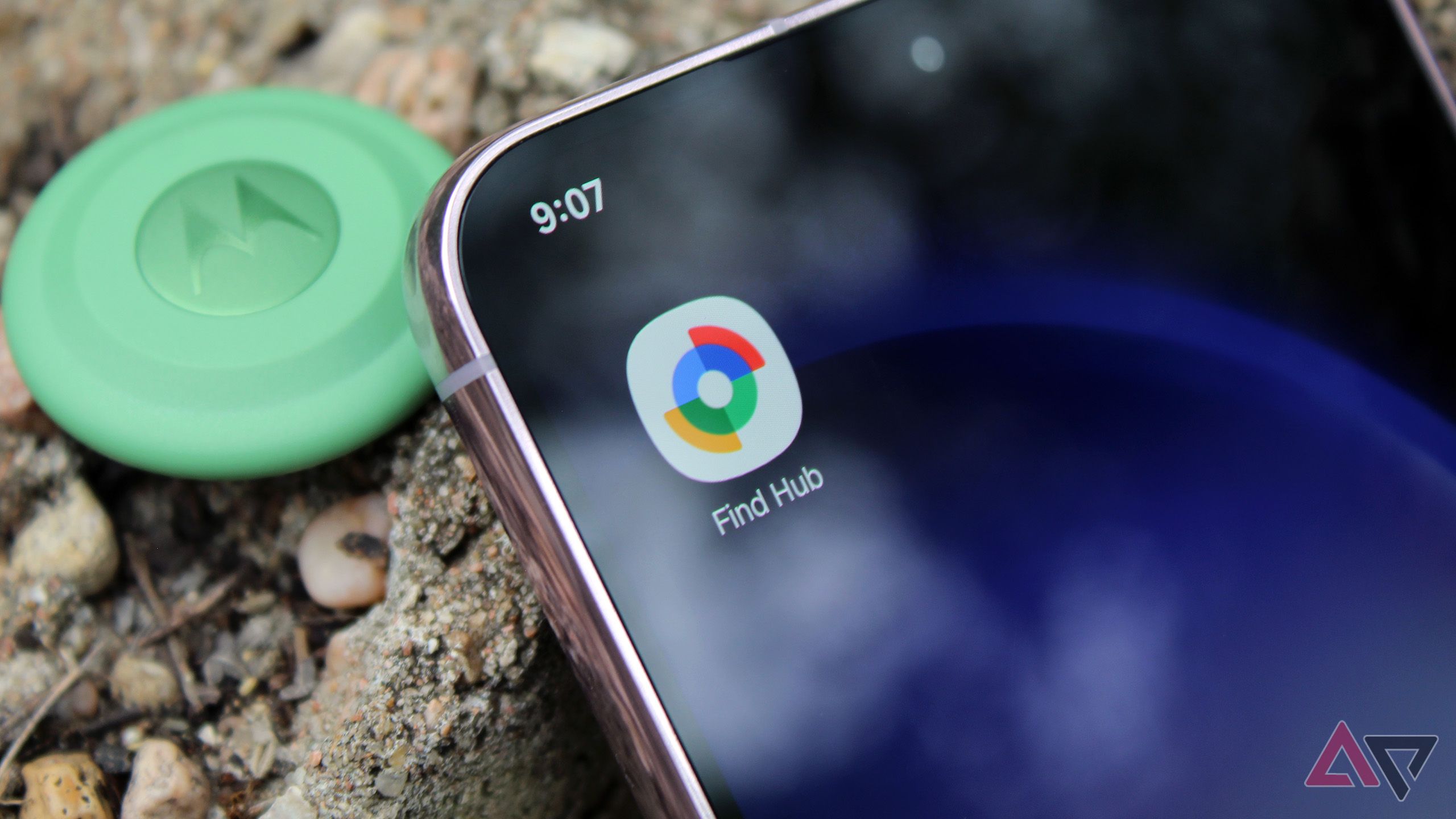
Bluetooth trackers equipped with Left-Behind Reminders can now alert you when you accidentally leave them behind. This convenient feature, initially limited to select trackers such as Chipolo's and the Moto Tag, is now accessible directly within the Find Hub app, eliminating the need for third-party apps. To enable this useful function, simply follow these steps: after connecting a compatible tracker to your device, open the Find Hub app and navigate to the tracker's settings.
Within these settings, you can adjust various preferences, including blocking notifications in specific locations to avoid constant reminders.
However, not all trackers benefit equally from this feature. For instance, Google's Pixel Buds Pro 2, despite their advanced capabilities, do not support Left-Behind Reminders, leaving users reliant on their own observations to avoid leaving them behind. While the feature is currently not available for all devices, it has been successfully tested with trackers like Chipolo, which consistently provide timely notifications.
Despite minor delays in notification delivery, Find Hub's Left-Behind Reminders prove to be a reliable tool for keeping track of essential items. As more devices adopt this feature, users can look forward to enhanced convenience and peace of mind in their daily lives.
Written by urgent.news from Android Police's reporting — not their text. Machine-written — may contain errors; check the original before relying on it.