My Ethernet connection was running at a fraction of its rated speed, and the problem wasn't my router
Neither was my motherboard's Ethernet port.
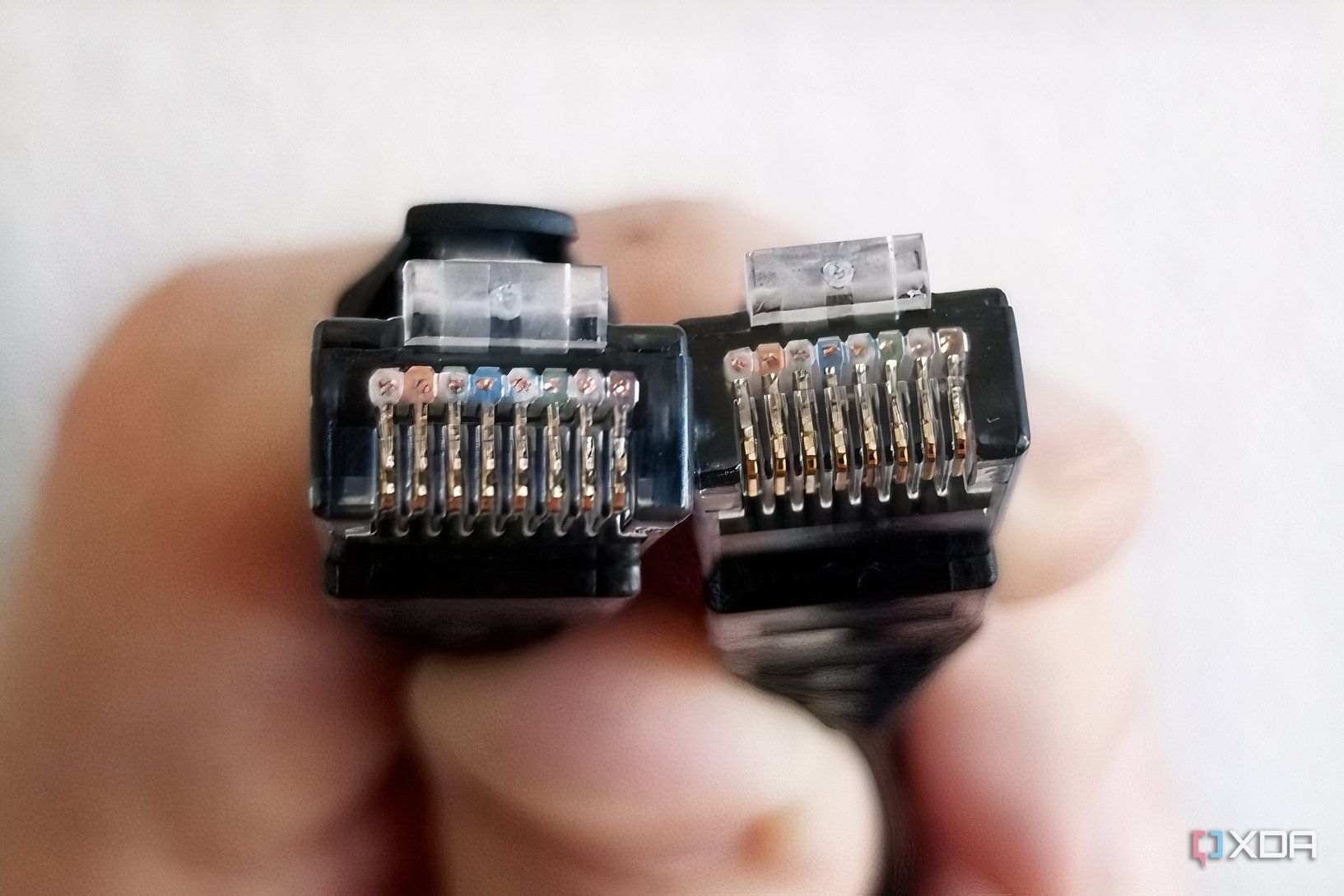
As someone who frequently encounters internet connection problems, particularly those related to speed and latency, my initial instinct is usually to restart my router. When that fails to resolve the issue, I am quick to point the finger at aging hardware or my internet service provider. Recently, I experienced a scenario where my Steam downloads were only reaching 100Mbps, despite having a 500Mbps fiber connection.
This led me to question whether it was time to replace my eight-year-old D-Link DIR-882 router. However, upon further investigation, I discovered that the problem was not with my router or ISP.
Initially, I noticed that my Ethernet connection was stable, with no random disconnects, and I was still getting the speeds I paid for on my iPhone and MacBook over Wi-Fi. This led me to suspect that the issue was specific to my wired connection. After checking the link speed in Windows, I found that it was reporting 100Mbps instead of the expected 1000Mbps.
This discrepancy was perplexing, as I knew my D-Link DIR-882 router had Gigabit LAN ports, and the cable was plugged into a 5GbE port on my X870E motherboard. I also used a Cat6 cable, which I believed should have no trouble handling a Gigabit connection.
To troubleshoot further, I tried different ports on both my router and motherboard, but nothing changed. At this point, I suspected that the cable might be the culprit. After replacing it with a spare Cat6 cable, the link speed reported by Windows returned to 1000Mbps. This led me to consider that a damaged cable could cause the Ethernet connection to fall back to 100Mbps instead of dropping entirely.
While it is true that a bad crimp or loose contact inside the connector could also cause the issue, a faulty Ethernet cable seems more likely in this case.
There are several reasons why replacing the Ethernet cable could be a good starting point for troubleshooting. First, a damaged LAN port on the router or motherboard could also lead to this issue. Additionally, checking the network adapter's Speed & Duplex setting in Device Manager can help identify if it has been manually set to 100Mbps Full Duplex instead of Auto Negotiation.
While replacing the Ethernet cable might seem like a simple solution, it could save you the time and expense of upgrading your router, especially if you are not yet hitting its limits. In my case, replacing the cable resolved the issue, allowing me to continue enjoying my 500Mbps fiber connection without any problems.
Written by urgent.news from XDA Developers's reporting — not their text. Machine-written — may contain errors; check the original before relying on it.