Urgent.News

What's breaking now, across hundreds of outlets.

Tech

How to replace the battery on Pixel Tag [Video]

The battery on the Pixel Tag is rated for about a year, but what happens when you need to replace it? Here’s how to replace it. more…
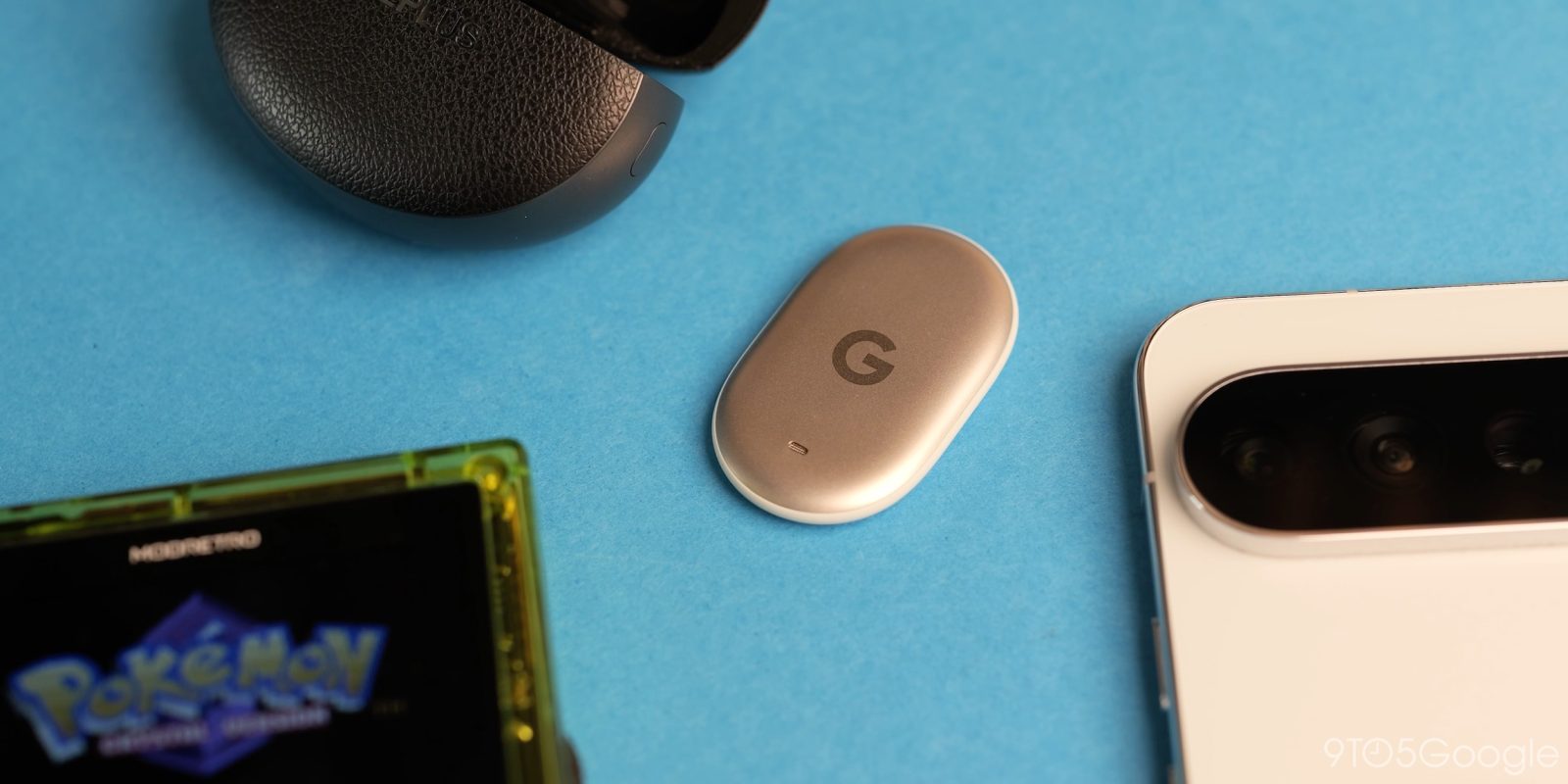
How to replace the battery on Pixel Tag [Video]

The battery in a Pixel Tag typically lasts around a year, but eventually, you'll need to replace it. Replacing the battery can be tricky due to the tag's design and shape. To avoid straining yourself, use both hands when performing the replacement. Clasp the Pixel Tag with one thumb at the base or midframe, and then twist the backplate anticlockwise using your other thumb until it comes loose, allowing the battery to slide out.

Initially, the process may be more difficult due to the tight factory seal; however, it becomes simpler with practice. If the Google Find Hub does not recognize the Pixel Tag after the battery replacement, you may need to reseat the battery and ensure it is placed correctly before closing the backplate properly. The recommended battery type for the Pixel Tag is a CR2032, which is inexpensive and readily available from various brands, including Amazon Basics, Duracell, and unbranded options.

Having extra batteries on hand is a wise precaution, as you can purchase the Pixel Tag from both Amazon and the Google Store. For further information, check out 9to5Google on YouTube.

Written by urgent.news from 9to5Google's reporting — not their text. Machine-written — may contain errors; check the original before relying on it.

Read the original at 9to5google.com →

More in Tech

Found a cool repo on GitHub? Swap "hub" for "manual" and get it running

You find a great project on GitHub. A self-hosted photo library, a local AI model runner, a tool everyone recommends. Then the README says "just run docker compose up ", and you're left wondering…

  • Swap "hub" for "manual" in GitHub links to access setup manual.
  • Manual generated from repository files for specific system compatibility.
  • GitManual AI Agent provides troubleshooting and error explanations.

I Broke My Own Firestore Rules in Production Once. Now the Emulator Catches It First.

The deploy that taught me the lesson I changed one line in my Firestore security rules. It looked safe — I was tightening a read rule on a collection so only the owning tenant could read its…

  • Broke Firestore rules in production, causing silent failure for legitimate user.
  • Rules fail silently, making issues hard to detect until user reports.
  • Use Firebase Emulator Suite in CI to test rules and prevent shipping failures.

Solana Transaction Expired: Blockhash Mechanics Explained

You click confirm. The wallet shows pending. Sixty seconds later: "transaction expired," "blockhash not found," or "block height exceeded." No swap, possibly no fee, definitely no clear explanation…

  • Transactions have a 150-block deadline, roughly one to one-and-a-half minutes.
  • Expired transactions result in no state changes on the blockchain.
  • Check transaction status on a block explorer before retrying.

Build Buddy, Day 5: my vector search's best match was a wrong answer

Day 5 of MLH Global Hack Week: Builders Week. All week, Build Buddy has been collecting explanations from AI models about C# compiler errors. Some of them are right. Some are confidently wrong.

  • Build Buddy gathered AI model explanations for C# compiler errors
  • Vector search provided varied results, with wrong answer as best match
  • Trusted sources and relevance threshold needed for accurate retrieval

More from Wednesday 11 November →