How to turn on personal results on your Google Home
Every member of the family can have their own assistant with personal results on Google Home. Find out how to set this feature up.
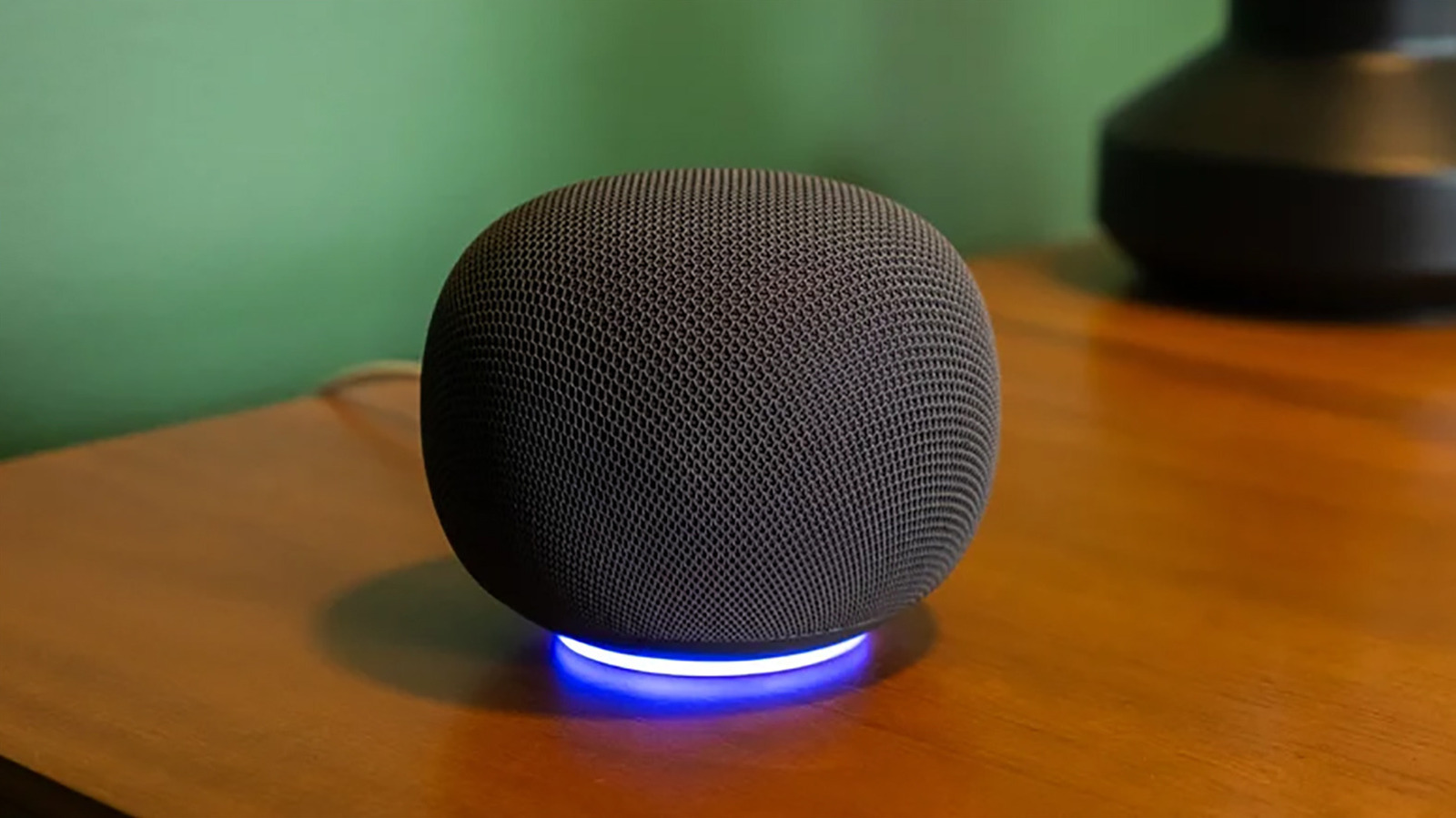
Google Home devices, when updated with Gemini, now offer personalized results through the Voice Match feature. This allows each family member to set up their own unique profile, enabling the smart speaker to tailor responses to individual needs. To enable personal results, first ensure you have the Google Home app linked to your device, then set up Voice Match by selecting your profile, navigating to Settings, and choosing Google Assistant > Personal results.
After selecting the devices that should receive personalized results, you're all set. Compatible devices can access personal calendars, appointments, Google Keep notes, Photos, and other relevant data. Each person's profile remains secure, with responses directed exclusively to them. If someone else in the household uses the speaker, they will receive generic answers.
To enhance accuracy, ensure the speaker is placed in a quiet area and redo the Voice Match training if needed. Up to six individuals can set up their profiles, and each must link their Google account to the device. Once activated, the Google Home can distinguish between voices and provide customized responses, such as reminding a teen about a math test or fetching notes for a mother's reminder to buy water for a soccer game.
This feature proves invaluable, whether it's personalized for a single user or shared among all family members.
Written by urgent.news from Engadget's reporting — not their text. Machine-written — may contain errors; check the original before relying on it.