Edge Seek gave my phone gesture controls that feel light-years ahead of stock Android
Controlling volume and screen brightness just got easier
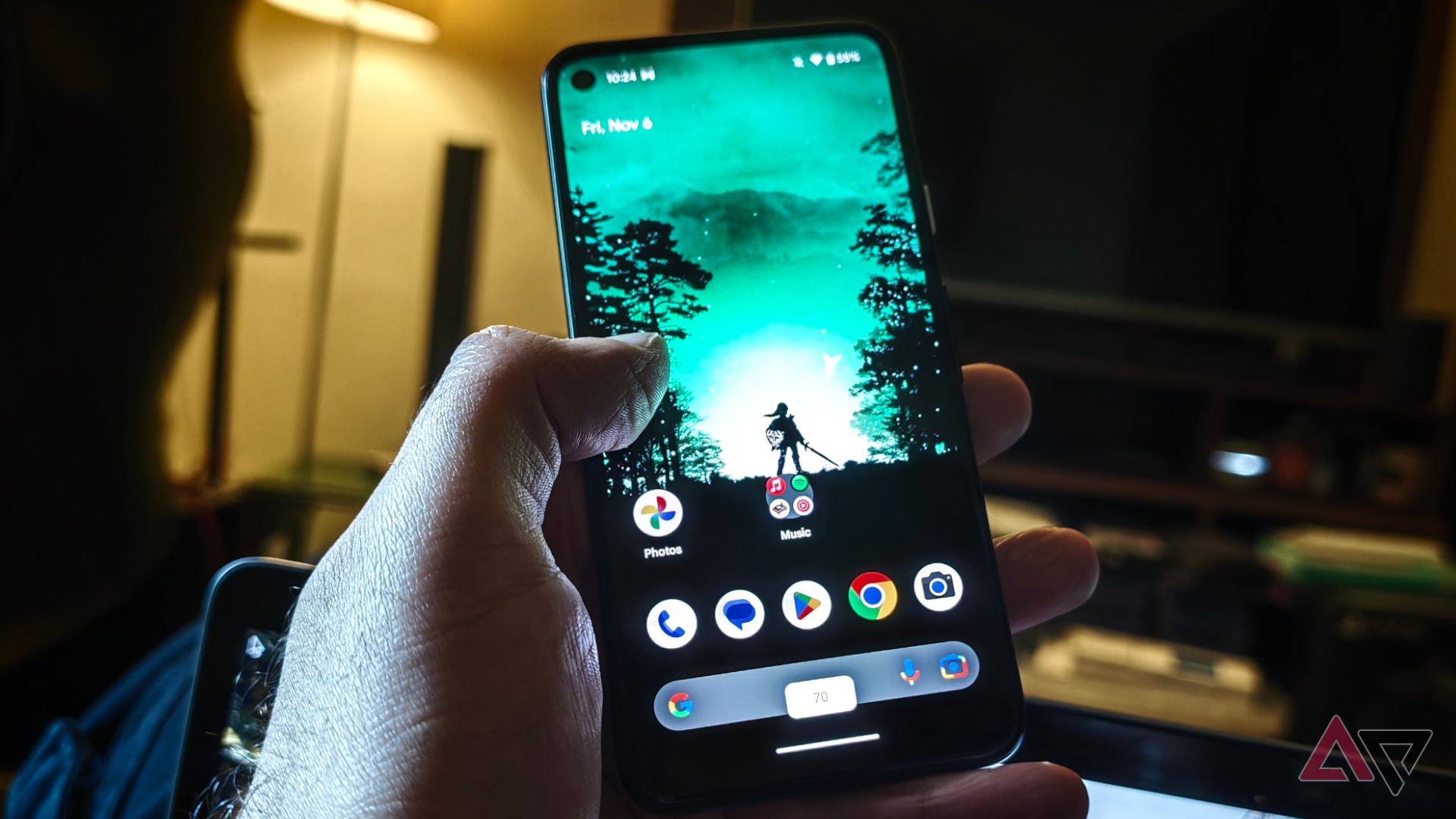
Stock Android's gesture controls still feel primitive compared to the immersive experience offered by Edge Seek. The app transforms a phone's screen edges into intuitive sliders for adjusting volume and brightness on the go, even with one hand. This proves convenient during busy days or when using the device one-handed. One user, after installing Edge Seek, found the app drastically improved their phone's battery life, as they dimmed the screen more often.
The gesture controls also prevented accidental loud audio interruptions while watching videos, a feature particularly useful in quiet rooms with sleeping infants. Edge Seek's standout feature is the "Control Brightness with Dimmer," which allows users to lower the screen brightness below the system's minimum setting, beneficial for night reading.
Users can customize the slider to their liking, splitting zones into upper, middle, or lower screen sections, and adjust the active area width and edge-indicator visibility. Other actions like expanding the status bar or launching quick settings can be performed with a long-press, double-tap, or pinch. Despite the learning curve and potential for accidental inputs, Edge Seek's gesture controls add meaningful functionality to the smartphone experience that stock Android clearly lacks.
Written by urgent.news from Android Police's reporting — not their text. Machine-written — may contain errors; check the original before relying on it.