Samsung One UI removed the all apps button, but you can easily get it back
Miss the handy all apps button that used to be on Samsung's One UI home screen? Fret not; it's a single toggle away.
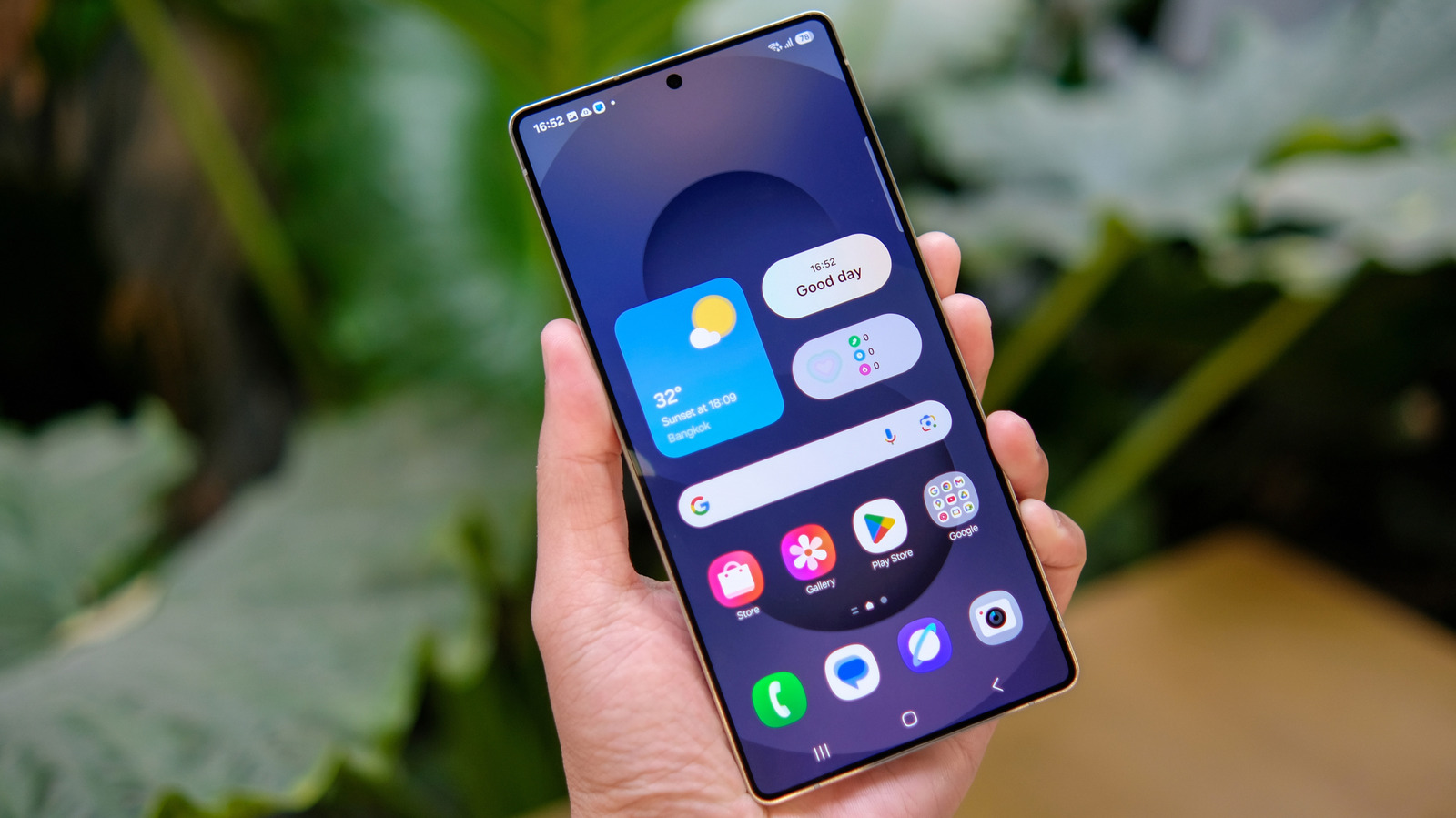
For users who prefer using the traditional "all apps" button on their Samsung Galaxy's home screen, there is good news. Samsung has kept this feature as an option, despite removing it by default in recent One UI updates. If you miss the convenience of the button, you can easily restore it yourself. To do so, locate a space on your home screen and long-press or pinch to bring up contextual options.
Tap the Settings gear icon, then navigate to the "Show Apps screen button on Home screen" toggle. Enable this option, and the "all apps" button will appear on your home screen. Keep in mind that this button occupies space that could otherwise be used for additional favorite apps. While Samsung has historically offered generous features for loyal users, some might argue that their continued use of the outdated three-button on-screen navigation may be a step too far.
Written by urgent.news from Engadget's reporting — not their text. Machine-written — may contain errors; check the original before relying on it.
This story
This is one outlet's version. Read the fullest account.