Microsoft is finally making it easier to disable Sticky Keys after you spammed the Shift key too much
One checkbox is all it needed.
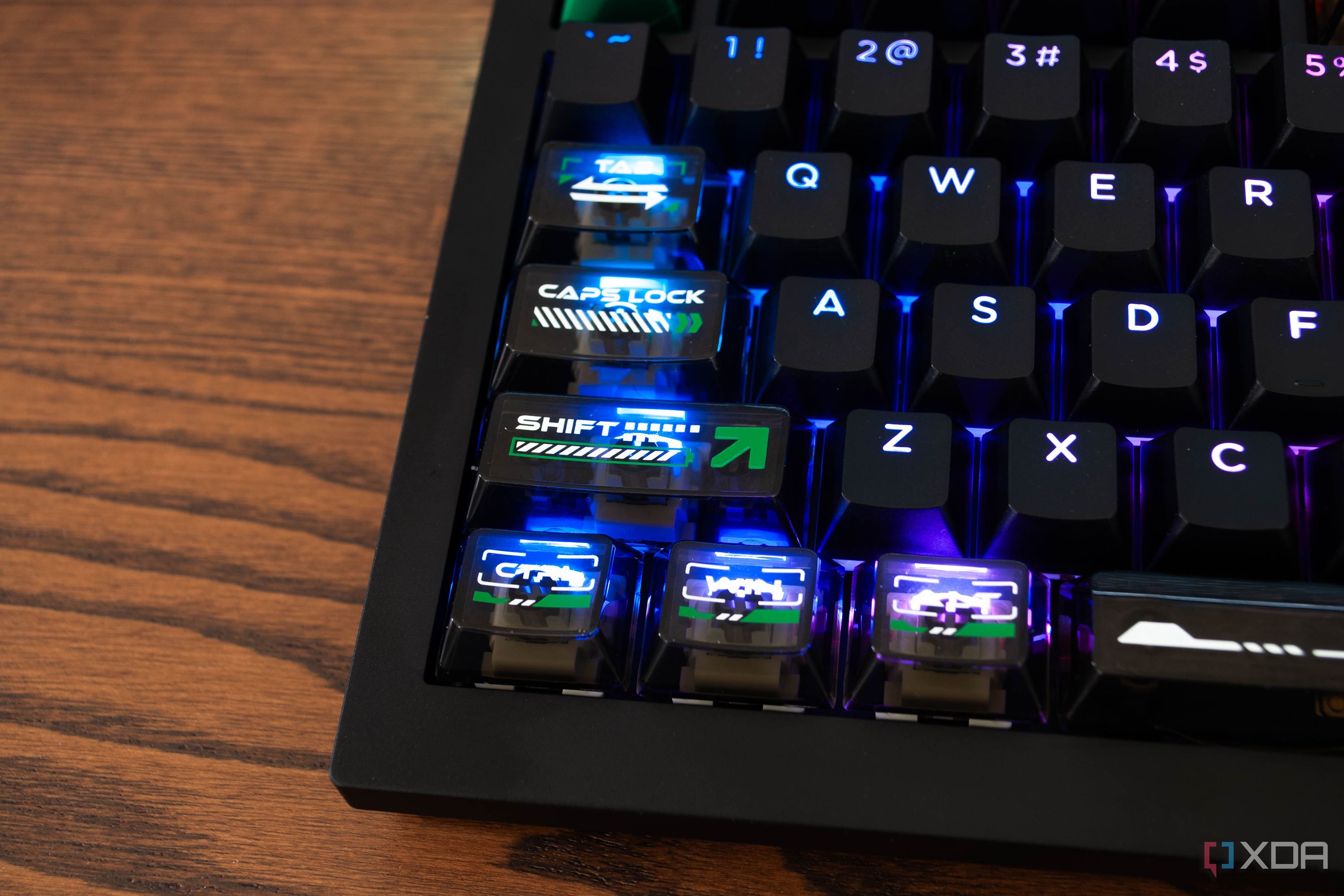
Microsoft has made it simpler to disable Sticky Keys following excessive use of the Shift key. When gamers or users press Shift multiple times, Windows displays a message indicating the Sticky Keys feature has been activated. Previously, turning off Sticky Keys required navigating through the Ease of Access settings. However, a new update to Windows 11 Insider Beta Preview Build 26320.9876 alters this process.
In the latest version, a checkbox labeled "Never turn on Sticky Keys with this shortcut" appears at the bottom of the dialog box. Users only need to check this box and close the window to disable Sticky Keys, eliminating the need to access additional settings. While the change may seem minor, it has been long awaited by many, particularly gamers who have been interrupted by the persistent "Sticky Keys" beep during intense gameplay.
The update is a welcome improvement, making it easier for users to avoid the annoyance of Sticky Keys.
Written by urgent.news from XDA Developers's reporting — not their text. Machine-written — may contain errors; check the original before relying on it.