I use Gemini without typing a single word; I get way more done now
It can handle calls, alarms, and texts by voice
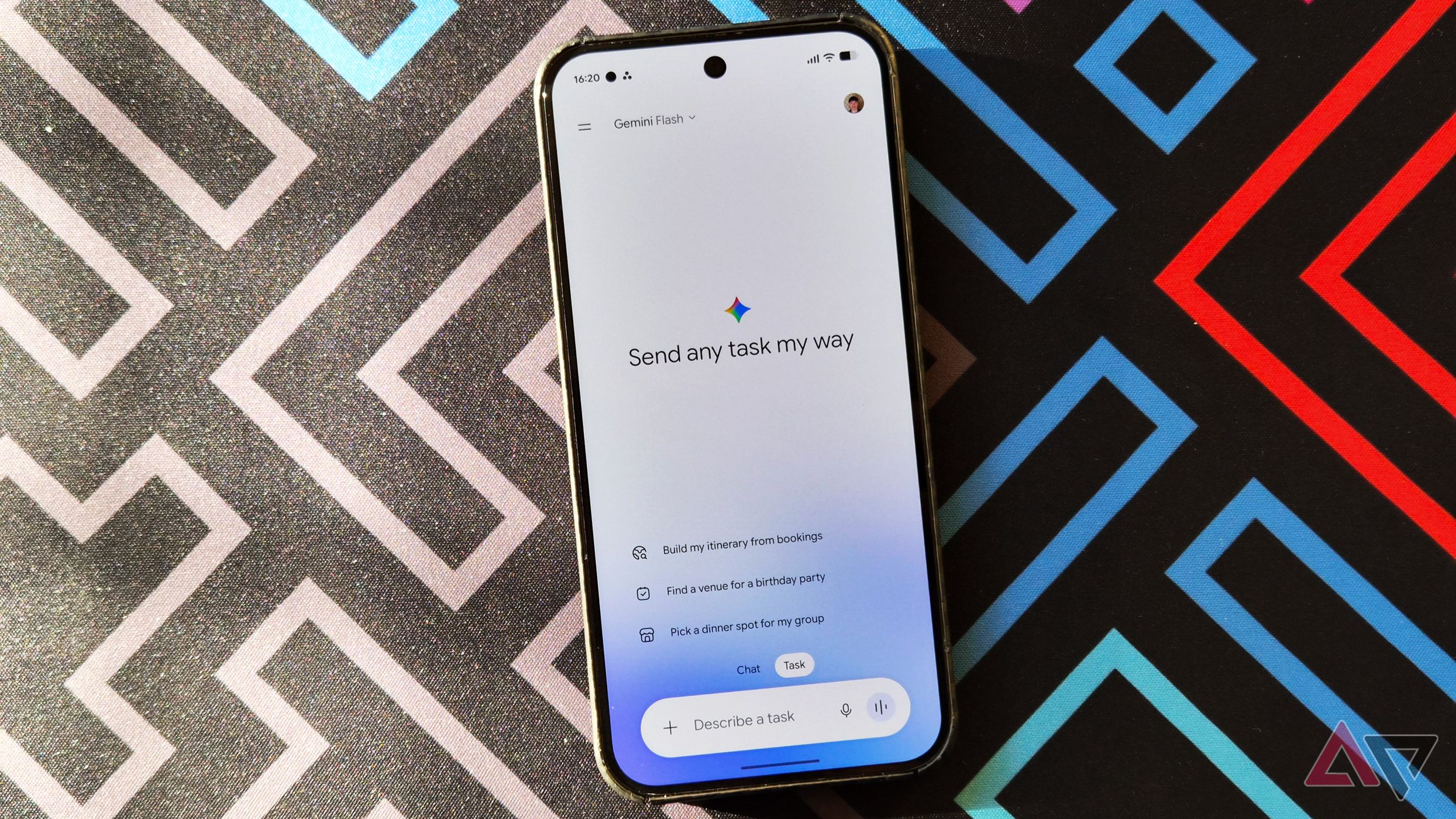
Gemini's hands-free capabilities make it easier for users to get things done without typing or navigating menus. By enabling the Device Assistance feature, users can control various aspects of their phone using voice commands. This feature allows for tasks such as turning on the flashlight, adjusting volume, changing screen brightness, opening specific apps or settings, and more.
Gemini can also be accessed directly from the lock screen, enabling users to ask general questions, set or cancel alarms, start timers, pause music, turn on the flashlight, adjust the volume, enable Battery Saver, and even get directions through Google Maps. However, some requests may require unlocking the device to protect sensitive information.
Calls and text messages can be made directly through Gemini without unlocking the phone. For example, users can say "Call Mom" to start a phone call or dictate the content of a message, such as "Hey Google, send Sarah a message saying I'll be 15 minutes late." Gemini uses the default messaging app to handle these requests, and it supports WhatsApp on Android.
Users can customize Gemini's voice to their preference by selecting from various options in the Gemini app settings. The primary advantage of using Gemini hands-free is the ability to get things done without interrupting one's current activity.
Written by urgent.news from Android Police's reporting — not their text. Machine-written — may contain errors; check the original before relying on it.