I explored these hidden Pixel developer settings and my phone feels faster
A few taps inside Developer Options made my old Pixel feel surprisingly fresh again.
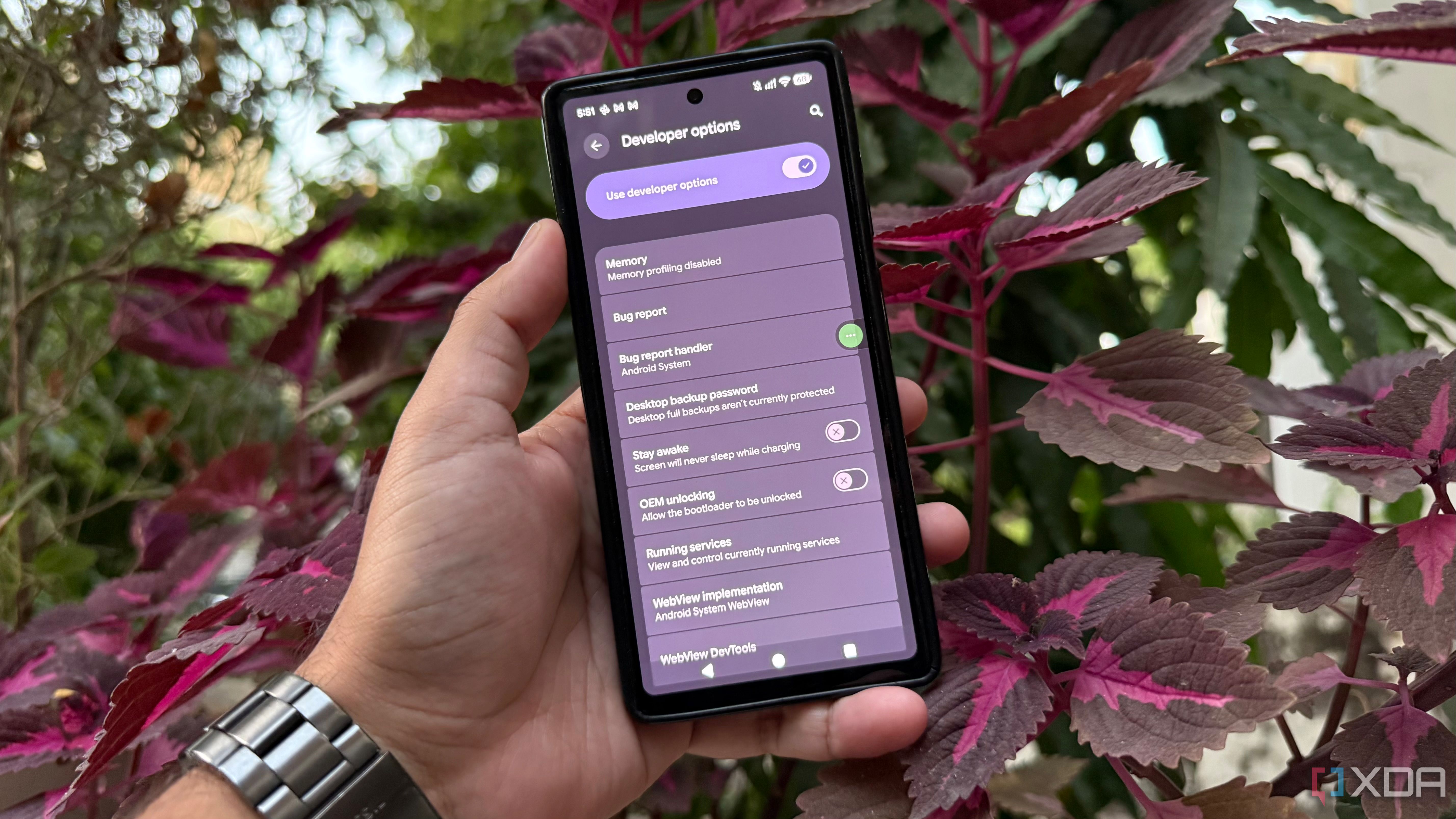
Keeping your Pixel device running smoothly without the need for third-party optimization apps is possible through Developer Options. I tested several settings to determine if their benefits justified the trade-offs. After testing on my Pixel 6, which still handled daily tasks well but lacked its previous freshness, I discovered that tweaking built-in settings could enhance the experience.
I began by enabling Developer Options, hidden from the usual settings menu. After enabling it, I focused on animation-related options. Reducing Window animation scale, Transition animation scale, and Animator duration scale to 0.5x made interface animations complete more quickly. Although the phone didn't process tasks faster, I spent less time watching transitions, making the interface feel quicker without reducing app load times.
Turning all three animations off resulted in almost instant transitions, but the interface felt abrupt and lost visual feedback. I opted to revert to the 0.5x setting for a better balance between speed and smoothness.
Next, I experimented with Force 4x MSAA, an option that smooths jagged edges and enhances graphics quality in compatible apps. While it didn't noticeably improve my usual apps, I removed it due to increased power consumption and heat. I also left the Background process limit at its default setting, as limiting background processes could result in app reloads and losing my place.
The Force peak refresh rate option offered the most noticeable improvement. Enabling it allows the display to use its highest supported refresh rate, resulting in smoother and more fluid motion during scrolling and navigation. This option can use more battery, so I monitored battery life before leaving it enabled permanently. However, I noted that not all Pixel phones have this option in Developer Options, and its availability depends on the device model, hardware, and Android version.
After exploring these lesser-known controls, I concluded that understanding the purpose of each setting is more valuable than blindly following optimization tips.
Written by urgent.news from XDA Developers's reporting — not their text. Machine-written — may contain errors; check the original before relying on it.