5 GrapheneOS myths I busted after installing it on my Pixel
GrapheneOS isn't what you think it is
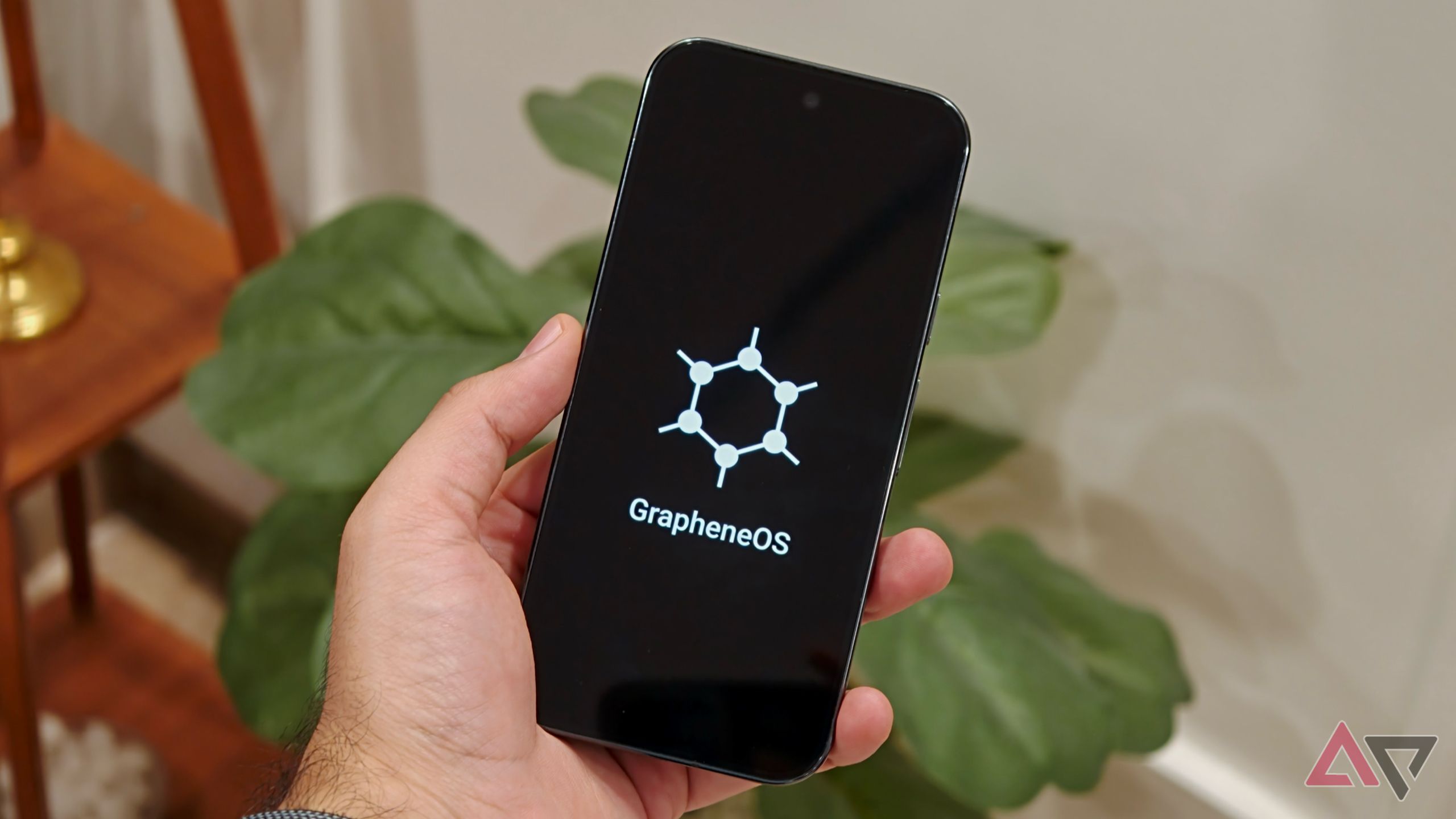
5 common GrapheneOS misconceptions shattered by hands-on testing
Android has become increasingly overwhelming, with AI infiltrating almost every app and service, from Google Photos to Gmail. Concerns over privacy have led me to give GrapheneOS, a privacy-focused custom ROM, a try. I expected it to be a daunting experience, but the reality proved me wrong on several fronts.
One major misconception was that installing GrapheneOS would result in losing access to the Google Play Store and other Google services. In reality, the ROM enables you to install the Google Play Store and use Google apps like Gmail, YouTube, Google Drive, Calendar, Maps, and more. The difference is that Google Play Services runs as a sandboxed app, rather than having privileged system-level access found on stock Android. Compatibility issues may arise occasionally, but I haven't encountered any so far.
Another misconception was that using GrapheneOS would be as tedious as flashing a custom ROM. The installation process is surprisingly simple, with a web-based installer guiding users through the procedure. However, compatibility is limited to select Google Pixel devices. Prior to installation, ensure to back up important data and confirm your Pixel is officially supported, as you'll need to unlock the bootloader.
Concerns about banking and payment apps working on GrapheneOS were unfounded. Many rely on Google's Play Integrity API to verify device security, and GrapheneOS supports the API through sandboxed Google Play Services. This allows most banking and payment apps to function with minimal issues, although some may fail stricter integrity checks. Your experience will depend on the specific apps used and their security requirements.
Official GrapheneOS support is currently limited to Google Pixel devices. Despite this limitation, I was pleasantly surprised to find that I retained regular Android updates on my phone. The GrapheneOS team releases updates OTA, similar to standard Android phones, and rolls out security patches quickly. Major Android updates are also received promptly, with the latest Android 17 update arriving just a day after Google released it to Pixel devices.
This means you won't miss out on regular software updates just because you've switched to a privacy-focused operating system.
Lastly, I was under the impression that RCS texting would no longer function on my GrapheneOS device. However, this proved not to be the case. By installing sandboxed Google Play Services and the Google Play Store, and downloading Google Messages, I was able to get RCS working on my Pixel 9 Pro without much trouble. Some manual steps are required, such as enabling RCS chats and ensuring your carrier supports the technology.
Activation may vary based on your device and Google's verification requirements, but the experience confirms that switching to GrapheneOS doesn't mean giving up RCS messaging.
Written by urgent.news from Android Police's reporting — not their text. Machine-written — may contain errors; check the original before relying on it.