Your old iPod could be a sleeper flash drive
Old iPods still work fine as digital audio players, but you can reuse them in other ways if you're not interested in listening to music on the go.
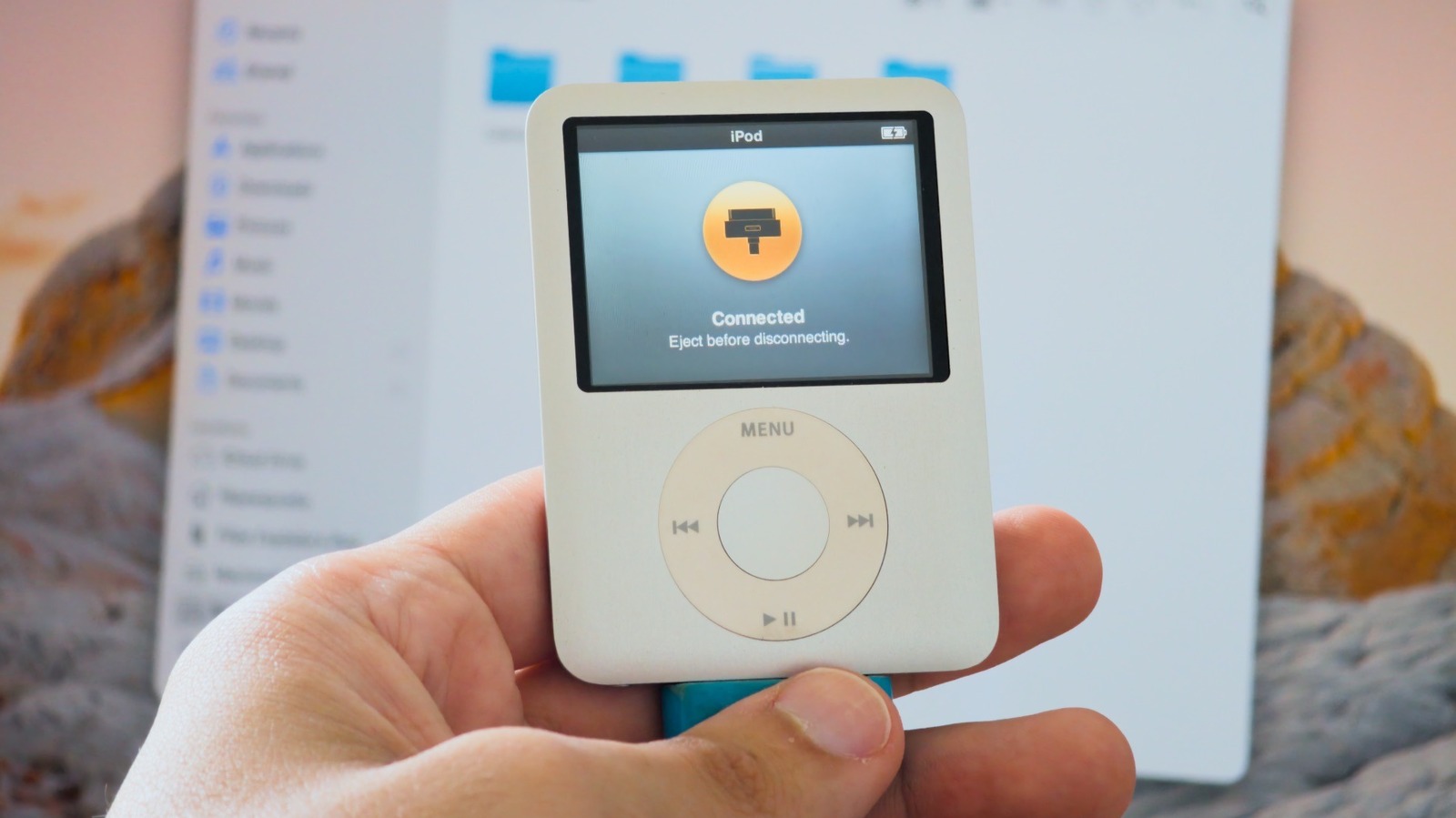
If you possess an outdated iPod, there exists a method to transform it into a functional flash drive. Despite Apple ceasing production of iPod models years ago, numerous individuals still hold onto one or multiple devices, either due to a fondness for the nostalgic MP3 player experience or because they unintentionally stored them in a drawer.
Even if one does not intend to utilize the iPod for music, it can still serve as a secondary purpose as an inconspicuous method for storing and transferring files between computers. Pre-iOS iPods possess the ability to function as a basic USB flash drive, compatible with both Mac and Windows systems. However, it is prudent not to hastily purchase an old iPod if one does not already possess one.
A 32GB USB flash drive generally costs around $10, providing substantially greater storage capacity compared to the majority of older iPods, with the exception of the iPod Classic. Additionally, these devices are restricted to USB 2 speeds, rendering them unsuitable for transferring large files. Nevertheless, if one stumbles upon an iPod without a specific use in mind, this presents a viable option for repurposing it.
To utilize an iPod as a flash drive, one must initially enable Disk Use, which is deactivated by default. On a Mac, upon connecting the iPod, it should appear in the Finder sidebar. Navigate to the General tab, and under the options, click on Enable Disk Use. Prior to closing the Finder window, ensure to click the Apply button. In Windows, the process can be executed either through iTunes or the Apple Devices app, yielding similar results.
Once Disk Use is enabled, the iPod will manifest in the Finder or File Explorer, akin to any other USB flash drive or external hard drive. Files can subsequently be added to the iPod, completing the transfer process. However, it is important to note that these files will not be accessible on the iPod itself but rather on the computer or other devices capable of reading external drives.
The stored files will share space with the iPod's system files and the music already present on it, thereby reducing the available storage capacity for use as a flash drive. The formatting of an iPod set up on a Mac is typically HFS+, which Windows cannot read without third-party software. To enhance compatibility, it is advisable to restore the iPod on a Windows PC, thereby setting it up to utilize the FAT32 file system.
Macs can seamlessly read FAT32, along with smart TVs and other platforms; however, it is limited to a maximum of 4GB per file. It should be noted that restoring the iPod will result in the deletion of all existing data. Furthermore, older iPod models feature a distinct feature called Disk Mode, which serves as a diagnostic tool and proves beneficial when an iPod becomes unresponsive or fails to appear on a computer.
For click wheel models, such as the iPod classic, iPod mini, iPod with video, and nano up to the fifth generation, one must flip the Hold switch on and off, followed by pressing and holding the Menu and center buttons for approximately six seconds until the Apple logo appears. Upon releasing the buttons, the iPod must be held in a specific manner, with Disk Mode appearing on the screen.
It is worth mentioning that Disk Use and Disk Mode are not available on the iPod touch, as it operates on iOS rather than the iPod's earlier operating system. These features are exclusive to iPods equipped with a Click Wheel and the seventh generation iPod nano, which boasts a touch screen interface. Additionally, if one intends to employ the iPod as a portable flash drive, it is prudent to carry a 30-pin cable, as such cables are unlikely to be readily available nowadays.
Lastly, for those seeking to maximize the potential of their old iPod, the Sprout Pi Mainboard is a crowdfunded project that enhances select iPod models with modern features, including USB-C, Bluetooth, and even streaming applications.
Written by urgent.news from Engadget's reporting — not their text. Machine-written — may contain errors; check the original before relying on it.