You can easily keep your home network running during a power outage — here's how
Few things top the inconvenience of being in the middle of something online when the power goes out. Luckily, there are a few options to keep you connected.
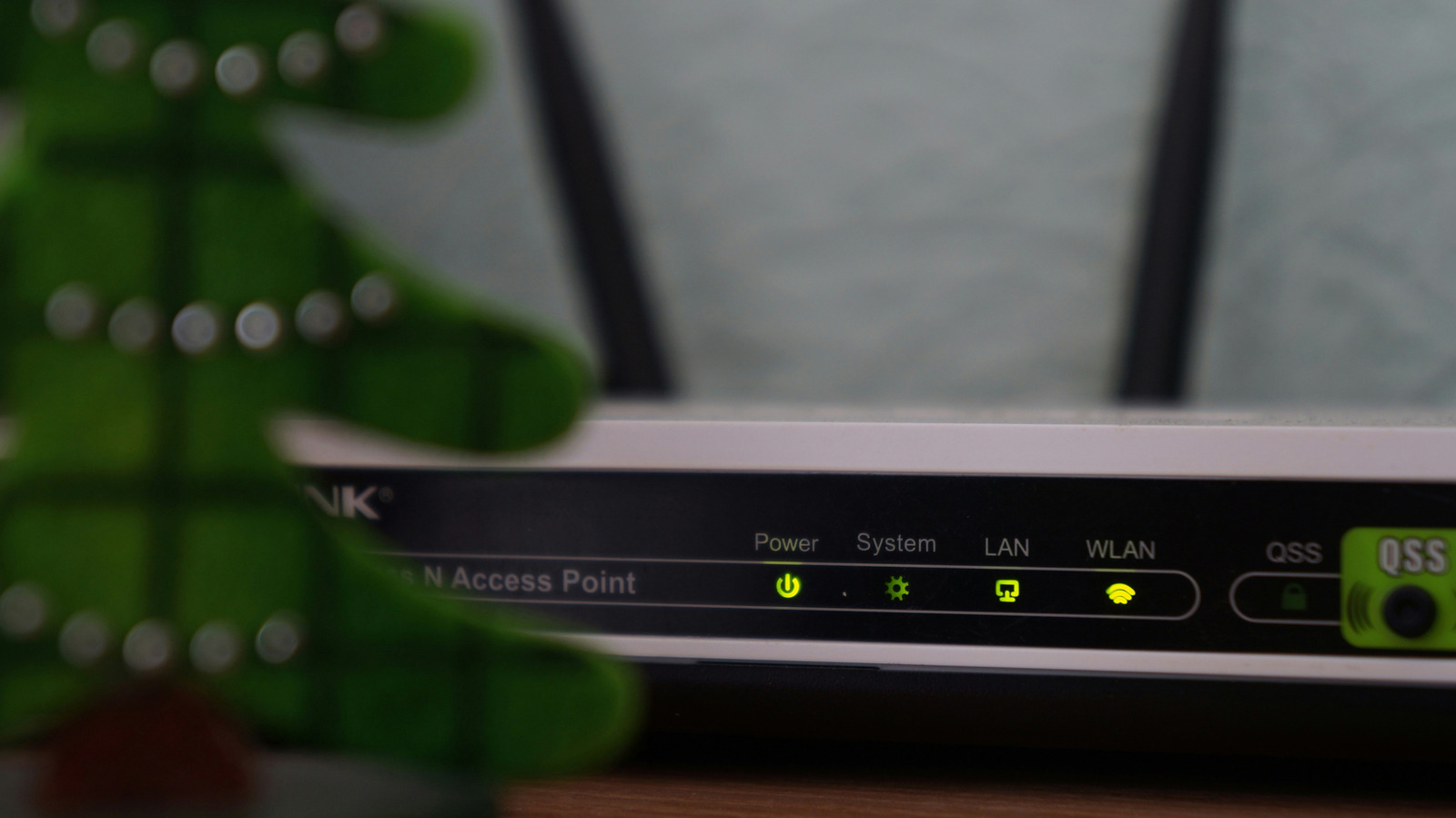
Maintaining an uninterrupted home network during a power outage is possible with the right backup hardware and careful planning. When your power goes out, devices like laptops rely on their batteries to keep functioning, but not all home electronics are so fortunate. Networking equipment, such as Wi-Fi mesh systems or routers, will simply stop functioning when there is no power.
This can be problematic, especially if you're in the middle of an important video call or gaming session. To avoid such interruptions, there's a straightforward solution available. The first step is to conduct a thorough inspection of your networking equipment. Any device between the wall jack and your laptop that loses power will disrupt your connection.
Therefore, it's crucial to understand this chain of dependency. For cable internet, this includes a modem and router or a combined gateway device. If you have fiber internet, you'll have a router and an optical network terminal (ONT) or the entry point for the fiber line in your home. Some providers may install a battery backup on the ONT, though this is typically designed for phone lines rather than internet connections.
It's advisable to verify with your internet service provider if you're uncertain. The most effective method to keep your internet running during a power outage is through an uninterruptible power supply (UPS). These units are installed between the power outlet and your networking gear, automatically switching to battery mode when your home's power fails.
UPS devices come at various price points, with more affordable options under $100 capable of keeping a router operational for over an hour. For more extended outages or additional power-hungry devices like a PC, investing in a pricier model could be beneficial. It's also wise to perform a brief test run. Unplug the UPS from the wall when no one is using the internet at home, and confirm that all devices remain online.
If they do, you're prepared for any future outages. If you already possess spare batteries for power tools and cordless vacuums, an alternative solution exists. Small inverters compatible with your battery brand (such as DeWalt, Milwaukee, or Ryobi) can be purchased. However, unlike UPS units, inverters do not automatically switch your networking gear to battery power, requiring manual intervention when the power goes out.
On the bright side, inverters allow for easy battery swapping during prolonged outages. Inverters are available for as little as $30 for third-party models. While it may be tempting to keep non-essential devices powered during outages, it's best to only connect your networking equipment to your backup power source to avoid unnecessary complications.
This advice is particularly relevant for power outages where your internet service provider's connection remains intact. In the event of a complete internet outage, using your phone's mobile hotspot or a mobile hotspot device is the recommended course of action.
Written by urgent.news from Engadget's reporting — not their text. Machine-written — may contain errors; check the original before relying on it.