Windows PowerToys can automate some of your more tedious PC tasks
PowerToys is a secret weapon for Windows users, with tons of handy utilities to help you save time on your PC every day.
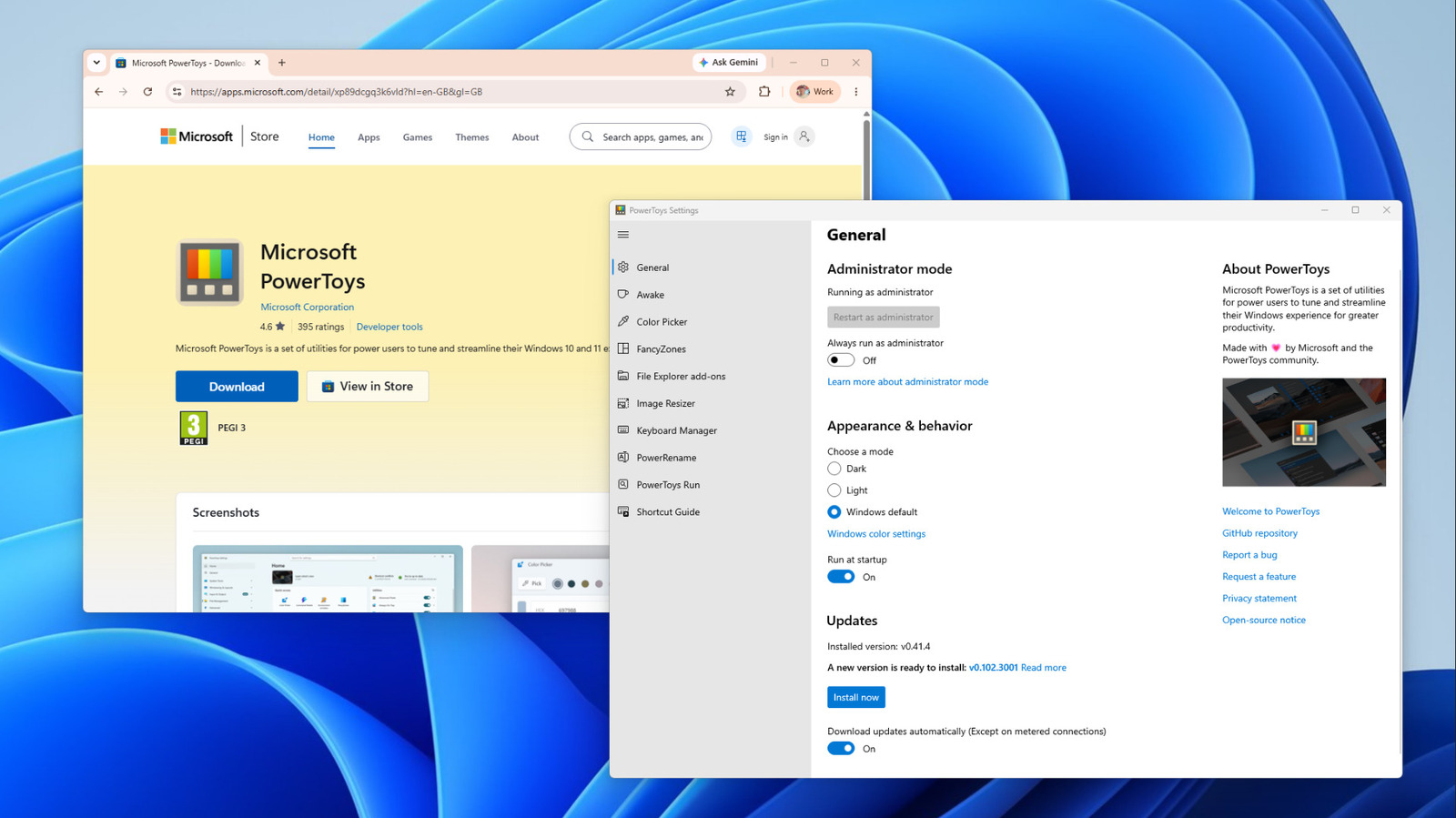
Microsoft's free Windows PowerToys pack is a collection of utilities designed to streamline common PC tasks. These tools include window management, file renaming, and more. PowerToys allows users to automate repetitive tasks, enabling them to focus on more important work. The pack is available for free on the Microsoft Store, GitHub, and via WinGet in the command line.
It supports Windows 11 and Windows 10 version 2004 and newer, running on both x64 and ARM64 PCs. To install, users can use the Microsoft Store, GitHub, or WinGet with the command `winget install --id Microsoft.PowerToys --source winget`. Once installed, PowerToys can be toggled for each utility and features like FancyZones, which splits the screen into customizable zones, can be enabled.
FancyZones can save time by automatically resizing windows when moved to a specific zone. PowerRename allows users to rename multiple files at once with options like regular expressions and counters. Keyboard Manager enables remapping keys and shortcuts for individual apps or Windows, while Command Palette provides a quick-access launcher for frequently used commands.
PowerToys can also be controlled via the terminal for automation purposes. Users should note that some utilities may use background processes, potentially impacting performance. Disabling unused features can help maintain optimal performance.
Written by urgent.news from Engadget's reporting — not their text. Machine-written — may contain errors; check the original before relying on it.