The unpowered SSDs in your drawer are slowly losing your data
SSDs aren't ideal for long-term data storage
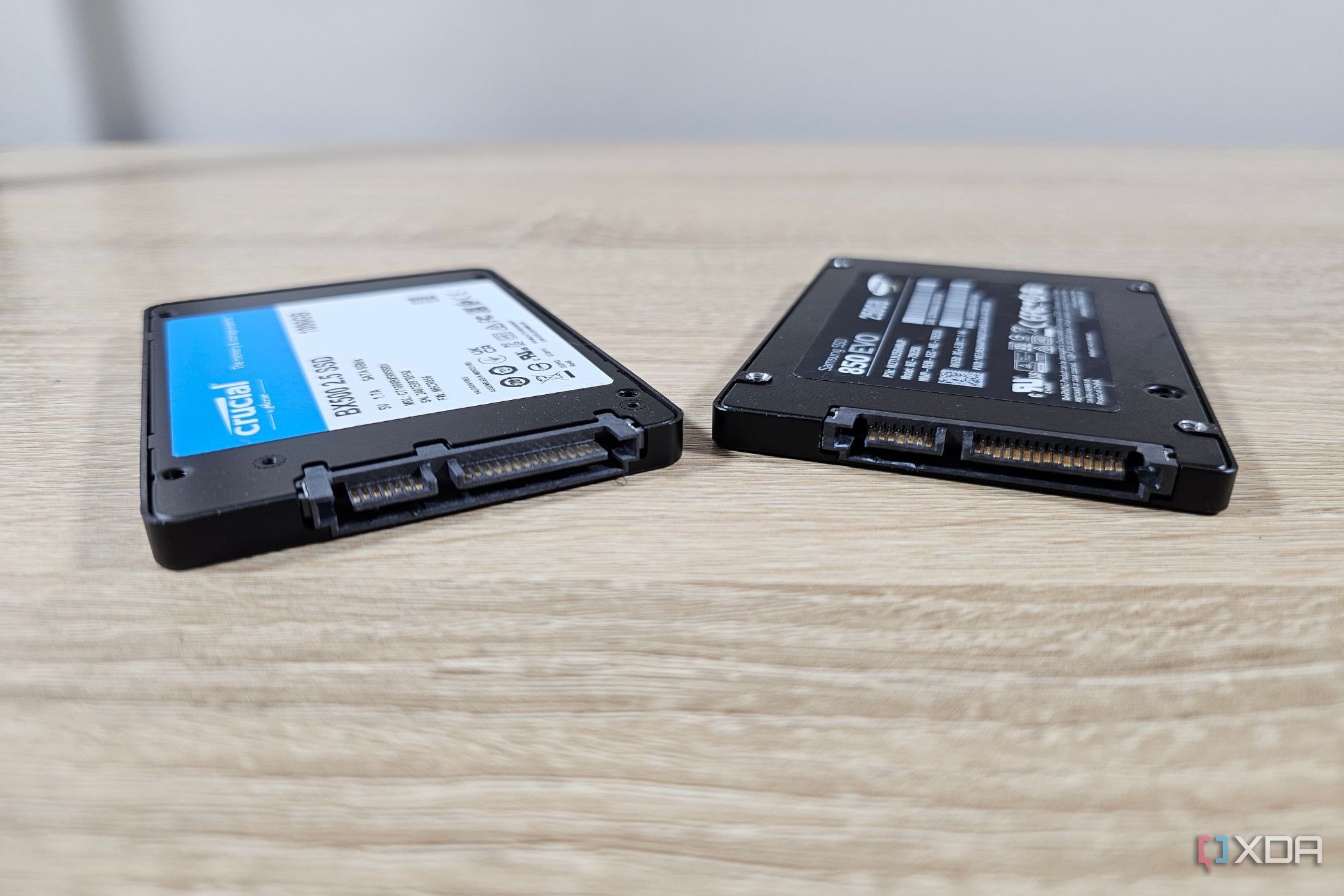
Solid-state drives, or SSDs, have largely replaced traditional hard drives as the go-to storage solution for many users. They offer significantly faster speeds, greater convenience, and lower power consumption compared to their mechanical counterparts. However, relying on SSDs for long-term storage, particularly in cold storage scenarios, is not advisable. This is due to the fact that SSDs can lose data or become corrupted if left unpowered for extended periods.
Unlike hard drives, which store data on magnetized spinning discs, SSDs store data by altering the electrical charge in NAND flash cells. While NAND flash retains data even when power is removed, the amount of time an SSD can safely retain data without power varies. Cheaper SSDs with QLC NAND can retain data for about a year, while more expensive TLC NAND can retain data for up to 3 years, and MLC and SLC NAND can retain data for 5 and 10 years, respectively.
Most consumer SSDs, however, use only TLC or QLC NAND, which means that leaving an SSD unpowered for over a year puts its data at risk.
The key issue is that the voltage stored in the NAND cells can be lost when the SSD is unpowered, resulting in missing data or a completely unusable drive. While SSDs may not suffer from bit rot like hard drives, they are still more vulnerable to data loss due to power loss than hard drives. For creative professionals and researchers who store large amounts of data, this can be a significant concern.
While the risk of data loss due to voltage loss is not a major concern for most consumers who only leave their SSDs unpowered for a few months at a time, it is still something to be aware of. Factors such as temperature and the quality of the NAND flash can accelerate this voltage loss. Additionally, while SSDs are not eternal, the limited write cycles of NAND flash will eventually cause an SSD to reach the end of its lifecycle, regardless of how long it is kept powered on.
The solution to this problem is simple: backup your data. Using multiple copies of your data on different types of storage media ensures that even if one storage medium fails, your data will still be safe. This is the essence of the 3-2-1 backup rule: 3 copies of data on at least 2 different storage media, with 1 copy stored off-site.
For most people, this can be achieved by using their primary computer, a NAS, and cloud storage. By having multiple backups of your data, you can protect yourself against the limitations of storage media and the unexpected incidents that can cause data loss.
Written by urgent.news from XDA Developers's reporting — not their text. Machine-written — may contain errors; check the original before relying on it.