Is your router overheating? Here's how to keep it cool and working safely
You'll want your router to be well-ventilated for it to perform at its best.
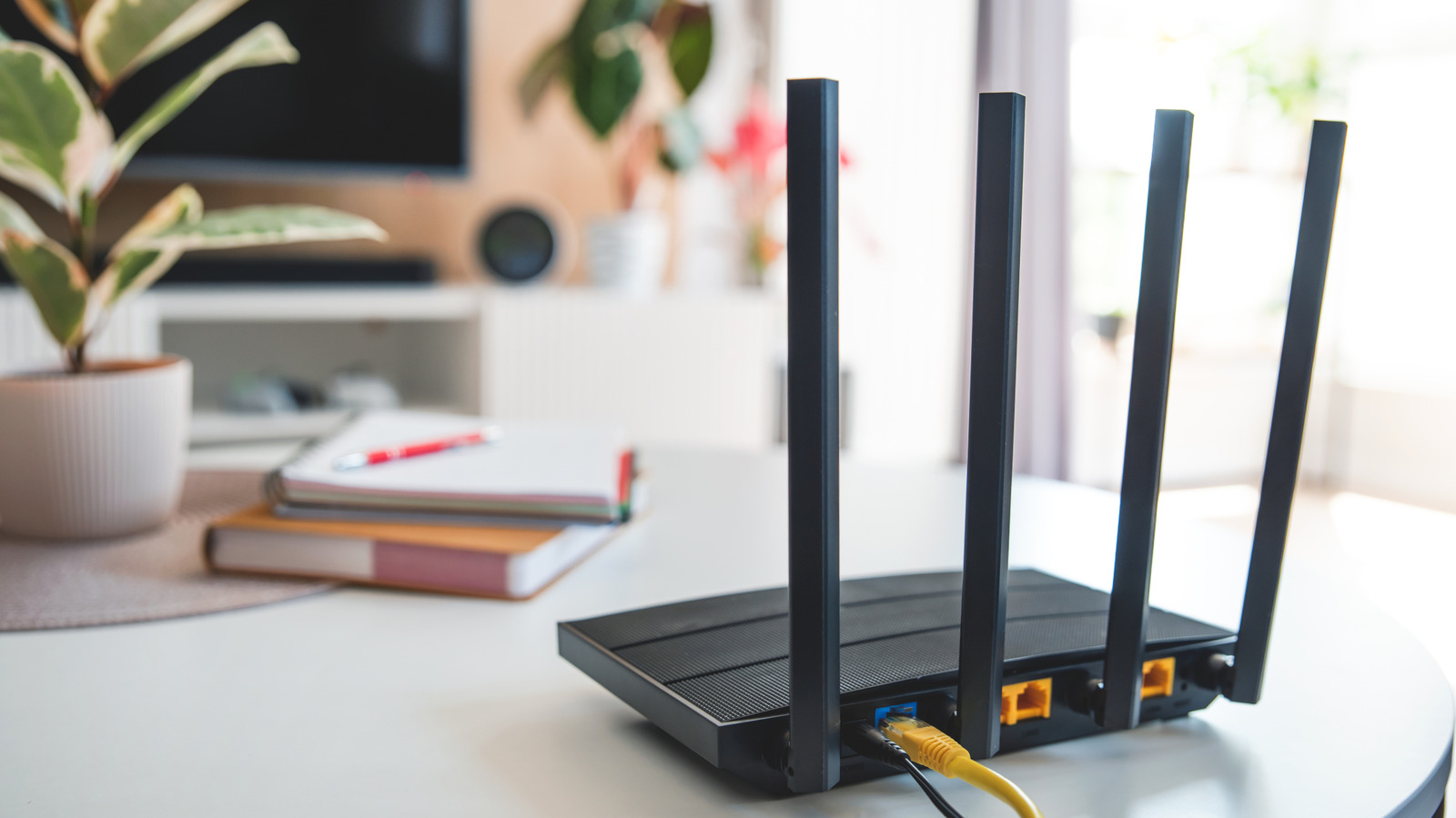
Home routers emit heat during regular operation, but excessive heat can cause connectivity problems and even damage internal components. Modern routers use advanced SoC architecture, which generates more heat. Overheating can lead to slower connection speeds, random shutdowns, and reduced Wi-Fi range. Identifying the cause involves checking for a faulty power adapter, poor ventilation, or an aging router.
Improving ventilation, updating firmware, and replacing a faulty power adapter can help cool the router. If these steps fail, the router may need to be replaced.
Written by urgent.news from Engadget's reporting — not their text. Machine-written — may contain errors; check the original before relying on it.