Apple buried these 5 genuinely useful iPhone features — from Impersonation Risk Detection to Voice Isolation — here is how to find them
Apple skipped the fanfare for these five clever iPhone features. Here is how to enable them.
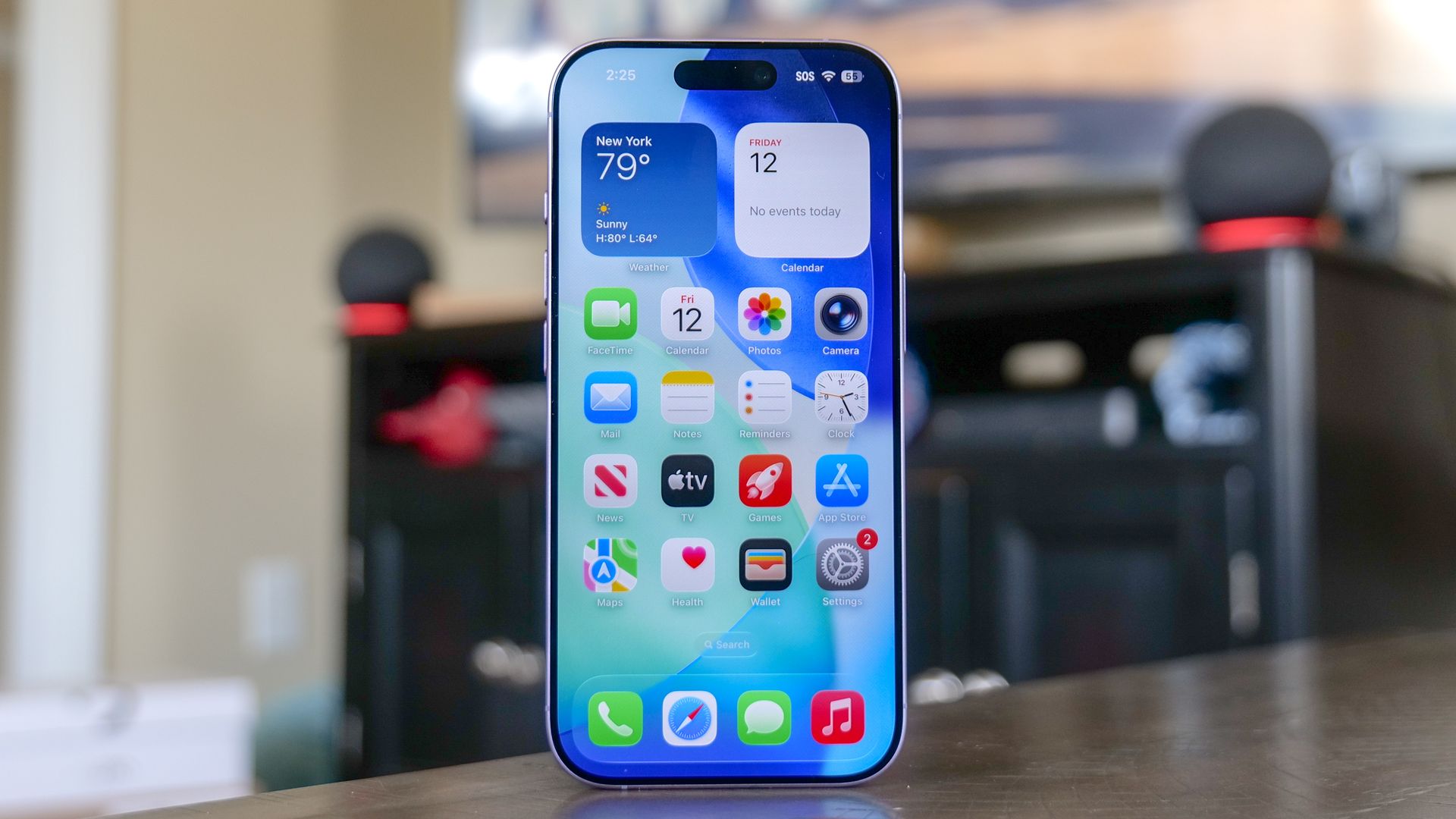
Apple regularly releases iOS updates with useful features, but many of them are hidden away in the Settings menu or otherwise not easily accessible. Here are five practical iPhone features that Apple has tucked away, along with instructions on how to enable them:
1. Impersonation Risk Detection: This feature uses AI to detect potentially fraudulent communication. To enable it, go to Settings > Privacy & Security > Impersonation Risk Detection and toggle the switch on.
2. Voice Isolation: When making calls in noisy environments, Voice Isolation helps by focusing on your voice and filtering out background noise. Activate it by starting or answering a call, swiping down from the top-right corner of the screen to open Control Center, tapping Phone Controls (or Mic Mode), and selecting Voice Isolation.
3. Instant document signing: iPhone includes a built-in signature feature within the Markup tool. To use it, open a document in Files or Photos, tap the Markup icon, tap the plus icon on the toolbar, select Signature, write your name once, and tap Done. Then position and resize your signature where needed.
4. Unlinking alarm volume: Previously, adjusting your ringtone volume could accidentally silence your alarm. To fix this, go to Settings > Sounds & Haptics, under Alarms & Timers, toggle Match Ringtone Volume to off. Then adjust the dedicated alarm volume slider to your preferred level.
5. Screen Distance: Night Shift adjusts display settings for eye strain, but Screen Distance specifically prevents holding the screen too close. When held less than 12 inches from your face for a few minutes, the screen temporarily dims and prompts you to step back. Enable this feature by going to Settings > Screen Time > Screen Distance and toggling it on.
Written by urgent.news from Tom's Guide's reporting — not their text. Machine-written — may contain errors; check the original before relying on it.
This story
This is one outlet's version. Read the fullest account.