Your Windows PC has more auto-starting apps than Task Manager lets on, and you can find them in minutes
Your Windows PC is launching apps Task Manager never shows you
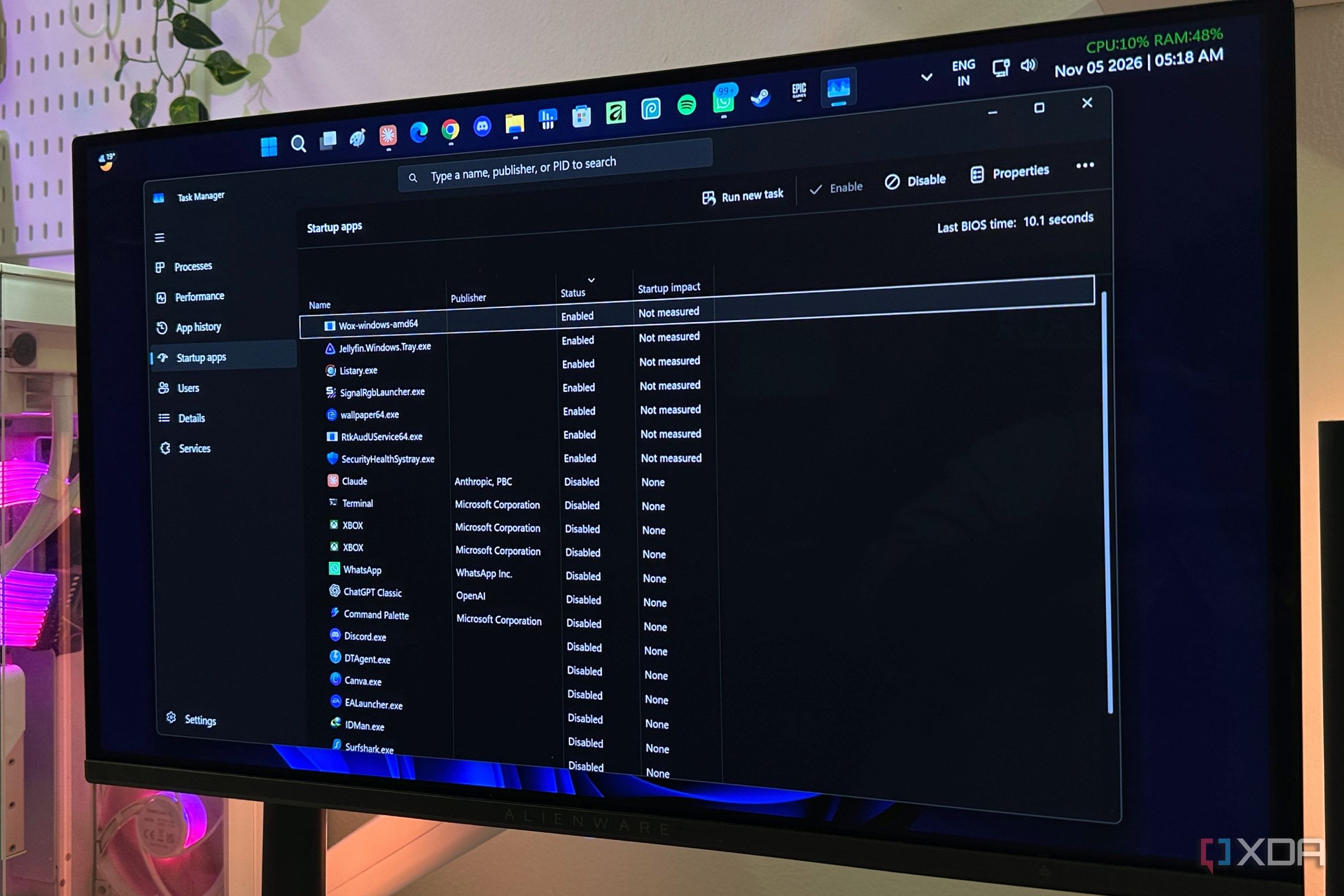
Your Windows PC may be running more applications at startup than Task Manager reveals. To uncover these hidden apps, open Task Scheduler by pressing Win + R, typing taskschd.msc, and hitting Enter. Within the Task Scheduler Library, investigate tasks in the middle pane, particularly those labeled At log on. Examples of such apps include Chrome, Edge, Teams, Adobe, and OneDrive components. Be aware that not all scheduled tasks are unwanted, however - some run periodically or conditionally.
Windows also hides background activity through services. Access the Services console by pressing Win + R, typing services.msc, and hitting Enter. Sort by Startup Type to find Automatic or Automatic (Delayed Start) services. Be cautious when disabling unfamiliar services, as Windows relies on many background services.
Another hiding spot is the Startup folders. Press Win + R, enter shell: startup (or shell: common startup for system-wide entries), and inspect the contents.
Windows offers built-in tools to aid in the investigation. Open PowerShell and run Get-CimInstance Win32_StartupCommand | Select-Object Name, Command, Location, User | Format-List to list conventional startup entries. You can also explore Registry Editor locations such as Computer\HKEY_CURRENT_USER\Software\Microsoft\Windows\CurrentVersion\Run and Computer\HKEY_LOCAL_MACHINE\Software\Microsoft\Windows\CurrentVersion\Run.
Delete any unwanted entries by right-clicking and selecting Delete. Remember to export the Registry Editor before making changes. For a more comprehensive view of everything that starts with Windows, use Microsoft's Sysinternals Autoruns utility, which examines Run keys, scheduled tasks, services, drivers, Winlogon entries, Explorer extensions, and more.
Written by urgent.news from XDA Developers's reporting — not their text. Machine-written — may contain errors; check the original before relying on it.