Raycast combines voice dictation and screen awareness in new AI feature
Following the recent release of Screen Awareness, Raycast got an interesting update this week that lets users talk to AI about whatever is on their screen without having to explain the context. Here are the details. more…
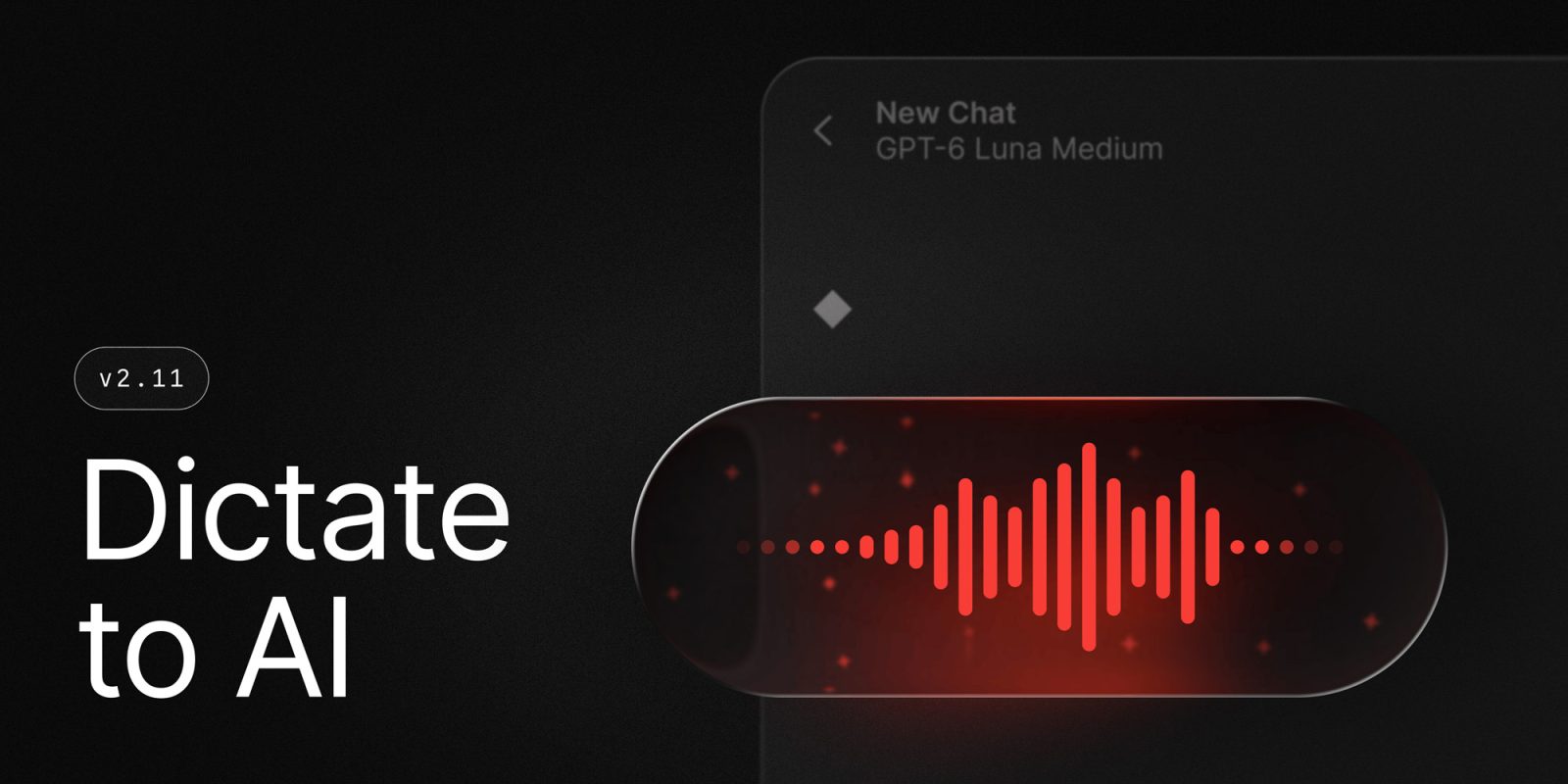
Raycast recently released an update that combines voice dictation and screen awareness in a new AI feature called Dictate to AI. This functionality allows users to speak their requests while providing context from the active app to the AI Chat. Pedro Duarte demonstrated how Dictate to AI works in the update. Additionally, the release includes a new Dictation AI extension, enabling users to manage their styles, get feedback on transcriptions, and use them in AI Chat.
On Mac, a menu bar command has been added to track AI usage, which can be enabled in Settings → AI → Show AI Usage in Menu Bar. A Contacts AI extension for Mac allows users to search, create, update, and delete contacts within AI Chat. Other updates include the ability to add images to Raycast Notes, unlimited free notes for Raycast Notes, improved performance on Mac, a new keyboard with AI-powered writing tools for iOS, and enhanced Cloud Sync capabilities.
Lastly, Windows users received Screen Awareness updates, which now have new commands to send individual elements or entire windows to AI Chat.
Written by urgent.news from 9to5Mac's reporting — not their text. Machine-written — may contain errors; check the original before relying on it.