I finally got my hands on the Unistellar Envision smart binoculars with augmented reality and I can’t wait to stargaze with them
The Unistellar Envision smart binoculars have an augmented reality (AR) overlay that provides smart functionality to 10x50 binoculars, enabling night sky and landmark identification.
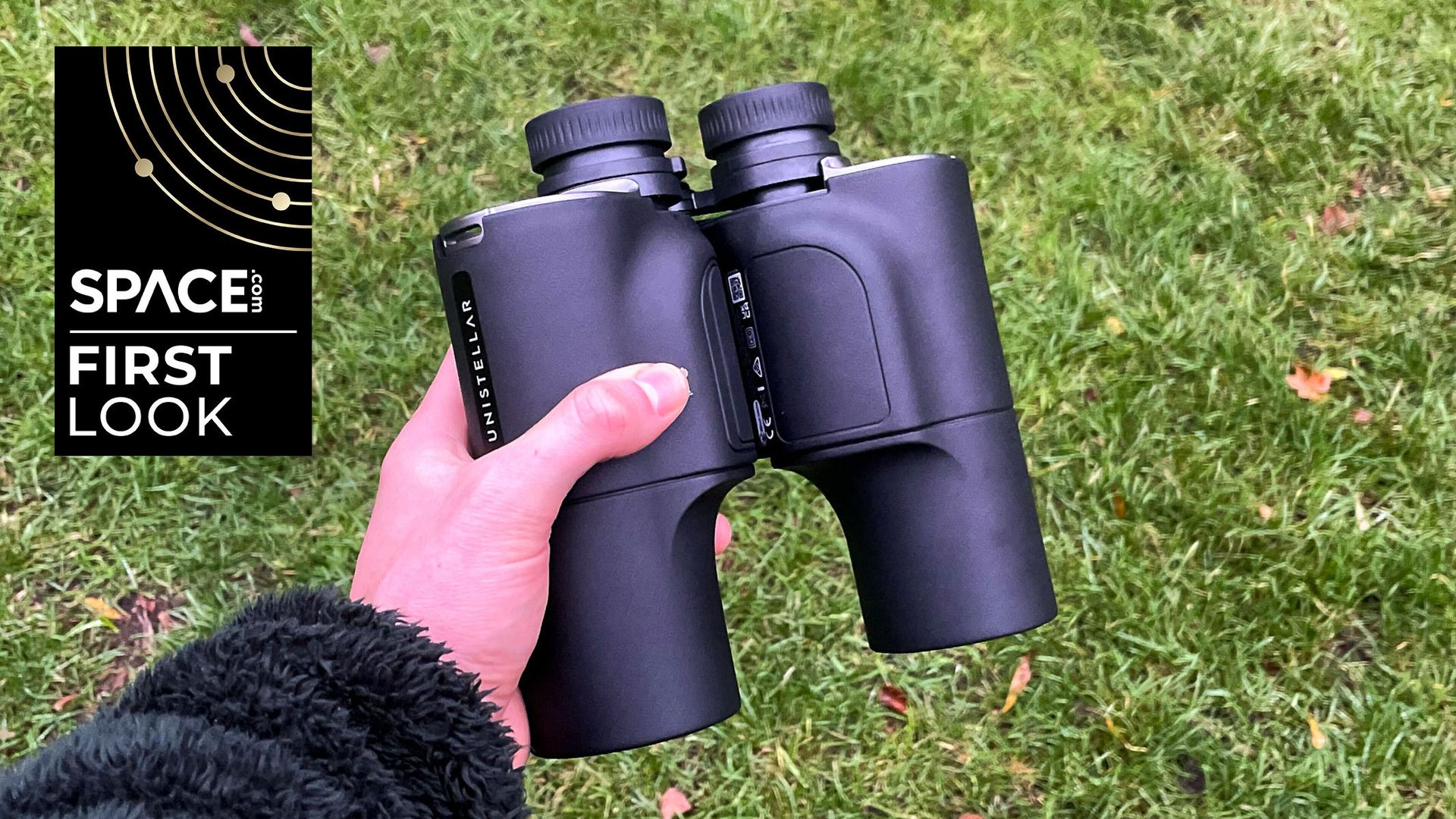
I had been eagerly anticipating the opportunity to hold a pair of Unistellar Envision smart binoculars since their announcement in 2024. During a demonstration last year, our editor-in-chief remarked that they resembled something from Star Trek, specifically referring to the red augmented reality (AR) overlay that can identify night sky objects and provide navigational tools.
These smart binoculars represent the first of their kind to identify celestial targets, such as planets, stars, and deep space objects, directly in the night sky. Although they may not be the lightest binoculars, the added technology for the AR overlay is discreetly concealed within the body. Each set comes with a soft carrying case, a padded neck strap, a USB-C charging cable, and rubber caps for the eyepieces and lenses. The Envisions are the first smart binoculars specifically designed for stargazing.
Upon receiving the binoculars, I was advised to set them up during daylight hours to familiarize myself with the controls and perform the diopter adjustment. Upon powering on the device, I simply connected it to the Unistellar app, which quickly recognized the hardware and initiated the onboard tutorial videos. To optimize performance, Unistellar recommends conducting a 360-degree calibration before your initial use, and ensuring that location services are set to "always" to enable accurate AR display readings for night sky targets and landmarks.
I have yet to test the night mode due to adverse weather conditions, but I did experiment with the topographical identification feature, which proved to be quite effective in recognizing landmarks in my local area. Apart from the daytime and night modes, there is also a navigation mode that displays cardinal directions, azimuth, and elevation angles.
I had the chance to test the target lock feature with a friend, and they successfully located a geographical landmark using the AR display's indicator. However, I noticed that the diopter adjustment is optimized for one individual and can become cumbersome for shared use, as it needs to be adjusted for each person. Additionally, the focus wheel, located in the center of the binoculars, requires a bit of effort to adjust but is ultimately manageable with two hands.
The controls on the left-hand side manage guided tour progression, target lock selection, and display mode cycling, while the right-hand side contains the calibration button and power switch, which serves a dual purpose of turning the AR display on and off.
Written by urgent.news from Space.com's reporting — not their text. Machine-written — may contain errors; check the original before relying on it.


