How to Generate, Recalculate, and Validate Excel Workbooks With Python
Learn how to generate reliable Excel reports with Python, recalculate formulas using LibreOffice, and validate workbook totals with pandas.
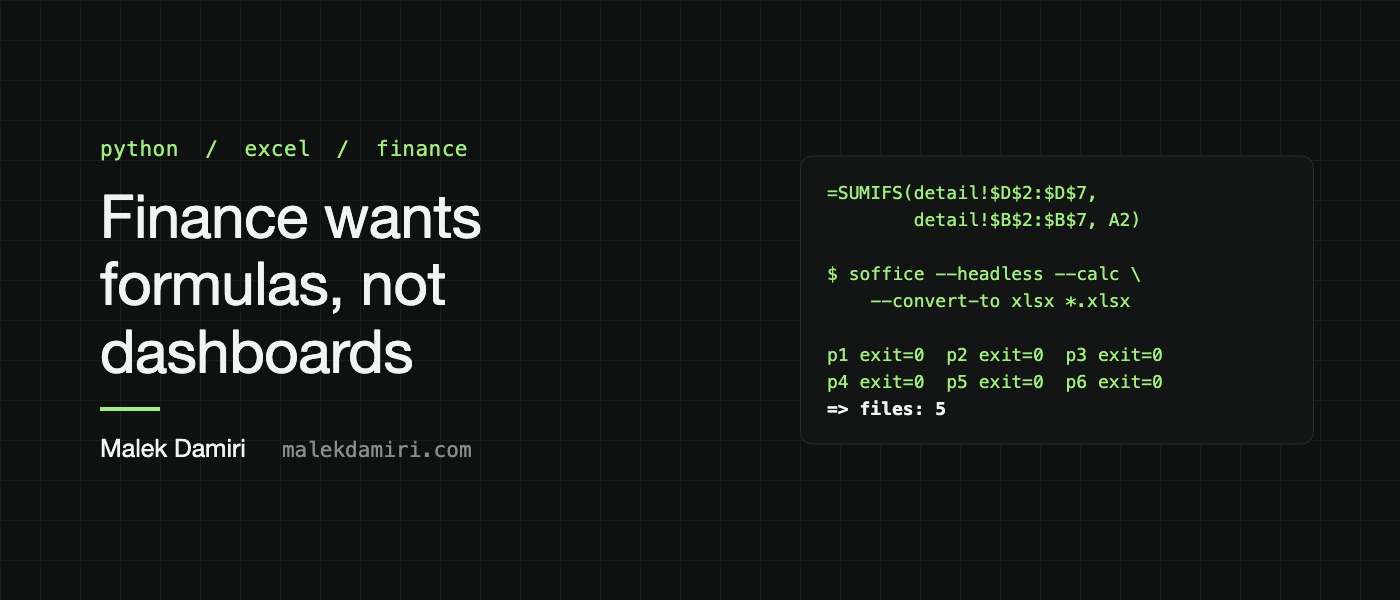
Generating Excel workbooks that are accurate and easily auditable by finance teams can be accomplished using Python. The process involves writing formulas with openpyxl, recalculating the workbooks to ensure correct values, and verifying that the calculated totals match the expected results. Here's how to generate, recalculate, and validate Excel workbooks with Python:
1. **Writing Formulas with openpyxl**: To create an Excel workbook, use openpyxl to write formulas that point to specific data ranges. For example, a summary sheet can contain SUMIFS formulas that calculate totals for each customer based on detail rows. The formulas are written as strings starting with '=' that refer to the appropriate data ranges.
2. **Recalculating Formulas**: Excel formulas need to be recalculated to display the correct values. When reading Excel workbooks with Python libraries like pandas, formulas are stored but not evaluated until recalculated. To recalculate a workbook, use LibreOffice's command-line utility to open the file, calculate all formulas, and save it back with the computed values.
This can be done with a Python subprocess that invokes LibreOffice with the --calc flag. The file is then saved to a new location to ensure the recalculated values are preserved.
3. **Handling Newer Excel Functions**: Some Excel functions, such as XLOOKUP, may not be recognized by older versions of Excel or spreadsheet viewers that do not support newer functions. To ensure compatibility, prefix these functions with '_xlfn.' when writing them in Python. This tells openpyxl to store the function with the required prefix, ensuring that Excel and other spreadsheet programs interpret it correctly.
4. **Testing the Workbooks**: After generating and recalculating the Excel workbook, it is essential to verify the results to ensure accuracy. Compare the calculated totals in the workbook with the expected totals computed using Python libraries like pandas. This step helps identify any discrepancies in the formulas or data ranges. Load the workbook with pandas and round the computed totals to match the precision in the Excel workbook, then compare the results to confirm that the workbook is correct.
By following these steps—writing accurate formulas, recalculating them, handling newer functions appropriately, and verifying the results—you can generate Excel workbooks that are both functional and compliant with finance team requirements. This approach ensures that the workbooks are not only easy to audit but also reliable for financial reporting.
Written by urgent.news from HackerNoon's reporting — not their text. Machine-written — may contain errors; check the original before relying on it.