Elegoo M1 Ultra review: A good first entry into the scanner market
Elegoo’s first scanner is a useful tool, but it requires a little extra work.
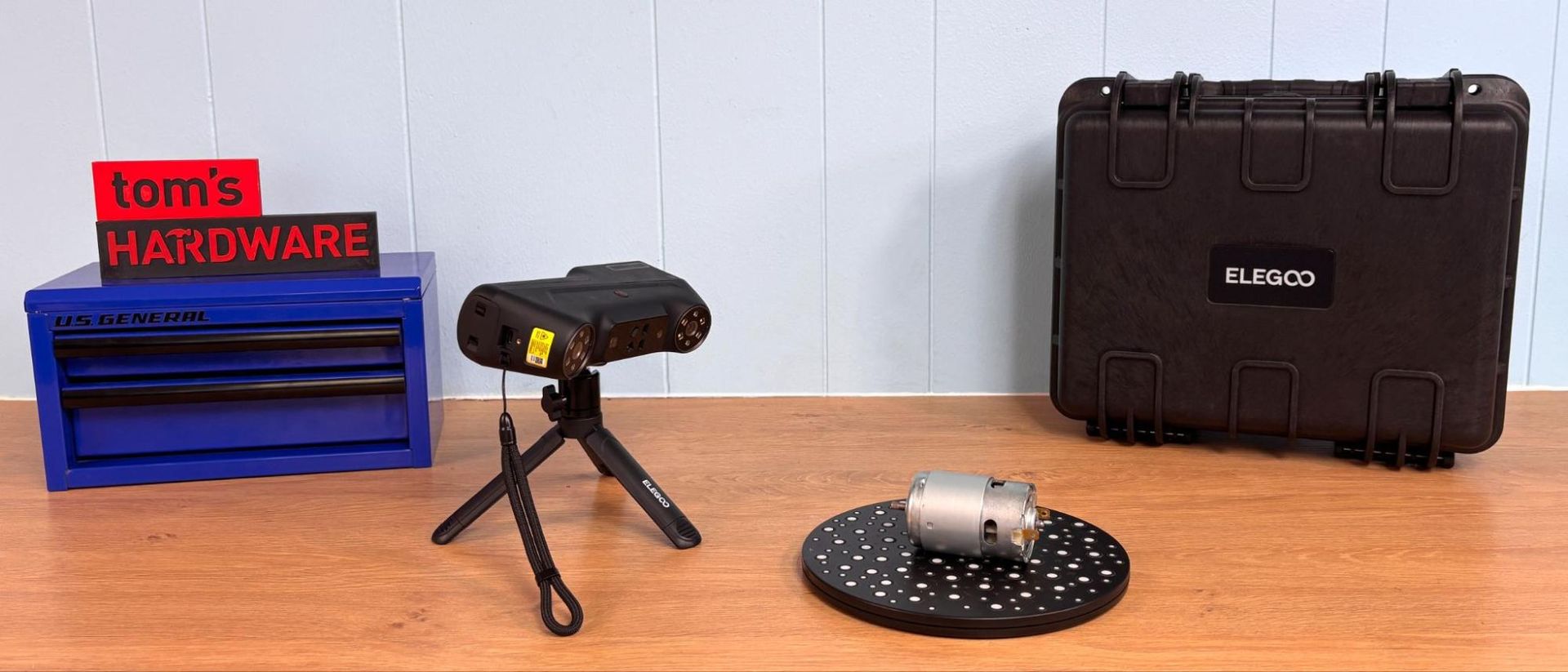
Elegoo's M1 Ultra is the company's inaugural 3D scanner, boasting an impressive array of features. It offers five scanning modes, including blue laser, NIR (Near-Infrared), and binocular structured light modes. The device stands out with its 3-inch color touch screen, long battery life, and a spare rechargeable battery, ensuring uninterrupted use.
However, the M1 Ultra requires a high-end PC or Mac for processing, which can be tethered via a USB-C cable or connected wirelessly. While the scanner excels in producing high-quality output, it demands a bit more effort to achieve optimal results. Priced at $1,599, the M1 Ultra offers a feature set that surpasses competitors in this price range.
The scanner's specifications include an accuracy of up to 0.02mm and a resolution ranging from 0.05mm to 2mm. Its working distance varies between 170mm and 1200mm, with a scan volume of 5 x 5 x 5mm. The M1 Ultra scans at speeds of up to 100 frames per second and supports various output formats like OBJ, STL, PLY, and ASC.
The device weighs 511g and features a rubber grip, making it lightweight and balanced. Users with larger hands may find the touch screen obstructed by their thumbs. The scanner includes a hard case for travel protection, a glass calibration board, spare battery, NIR filters, a USB-C cable, a lens cleaning cloth, and marker dots. Notably absent is a turntable for scanning smaller objects.
The scanner's design is compact, with a 3-inch screen that serves multiple purposes, such as setting scanning parameters, initiating scans, and monitoring progress. The touch screen takes precedence over the tethered computer for initiating scans, offering a seamless user experience.
Calibrating the M1 Ultra is straightforward, thanks to its lightweight design and intuitive software similar to CrealityScan. Users can calibrate the scanner using a glass calibration board, following on-screen instructions. While the process may seem tedious, the software ensures a smooth calibration experience.
The M1 Ultra offers four blue laser scanning modes, each with varying line configurations to cater to different scanning needs. The fewer lines, the longer the scanning time. The scanner excels in scanning items for 3D printing projects, though it may struggle with shiny surfaces. The software includes an automatic alignment tool, which proves effective in most cases, though manual alignment may be necessary in specific scenarios.
Written by urgent.news from Tom's Hardware's reporting — not their text. Machine-written — may contain errors; check the original before relying on it.