My gaming GPU sat idle most of the day, so I turned it into a local AI server the whole house can use
One Llama.cpp command can turn your PC into an AI server, and it really is that easy
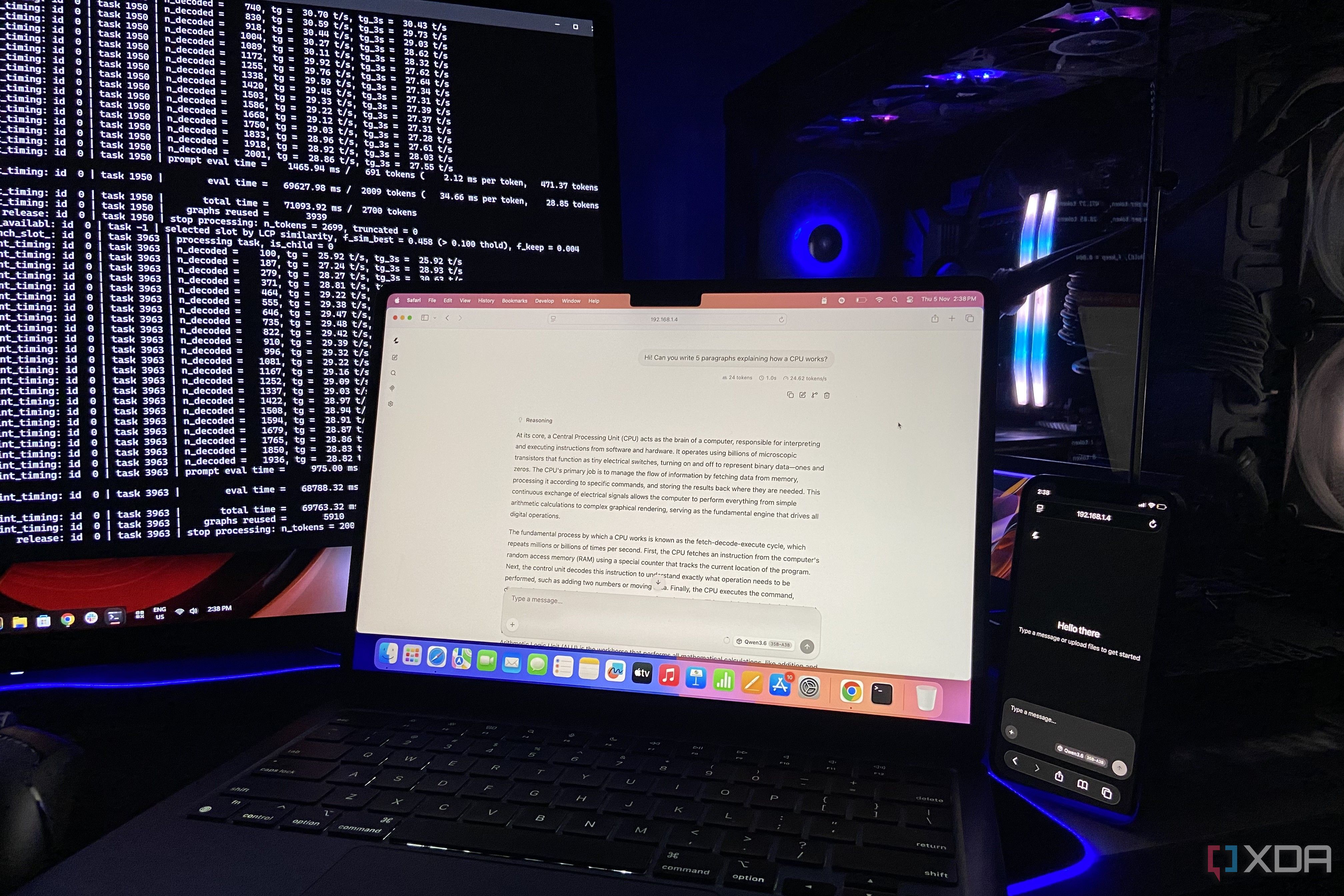
Most GPUs remain idle most of the day, only powering up during activities like gaming, rendering, or simulations. However, for those whose PC usage consists mainly of document handling and spreadsheets, like the author, GPU time is often wasted. The author's RTX 4070 Ti Super in their rig presented an opportunity to turn this surplus hardware into a home AI server for the rest of the house, including devices that couldn't handle it natively.
Using llama.cpp, a preferred tool for local AI inference due to its customization and performance benefits, the author set up an AI server that can serve the Qwen3.6-35B-A3B model to multiple devices. The setup required just two prerequisites - the model file and llama.cpp. The command to serve the AI model was run in PowerShell, with flags specifying the model's location and port number.
The server is capable of handling multiple users simultaneously without significant loss in performance due to the model's operation entirely on the GPU. The author tested the setup, finding that the RTX 4070 Ti Super maintained a low power draw of about 14W during idle, spiking to 130-140W during generation. The VRAM usage was high at 96%, but still left enough space for lighter models.
The author concludes that while a dedicated server would be ideal, the process is simple enough that even a main PC can be used for this purpose, potentially eliminating the need for costly cloud subscriptions.
Written by urgent.news from XDA Developers's reporting — not their text. Machine-written — may contain errors; check the original before relying on it.