I ditched Samsung's One UI launcher for an open-source alternative, and I wish I'd done it sooner
An open-source makeover that unlocks custom icon packs, editable app names, advanced gestures, and tailored search options.
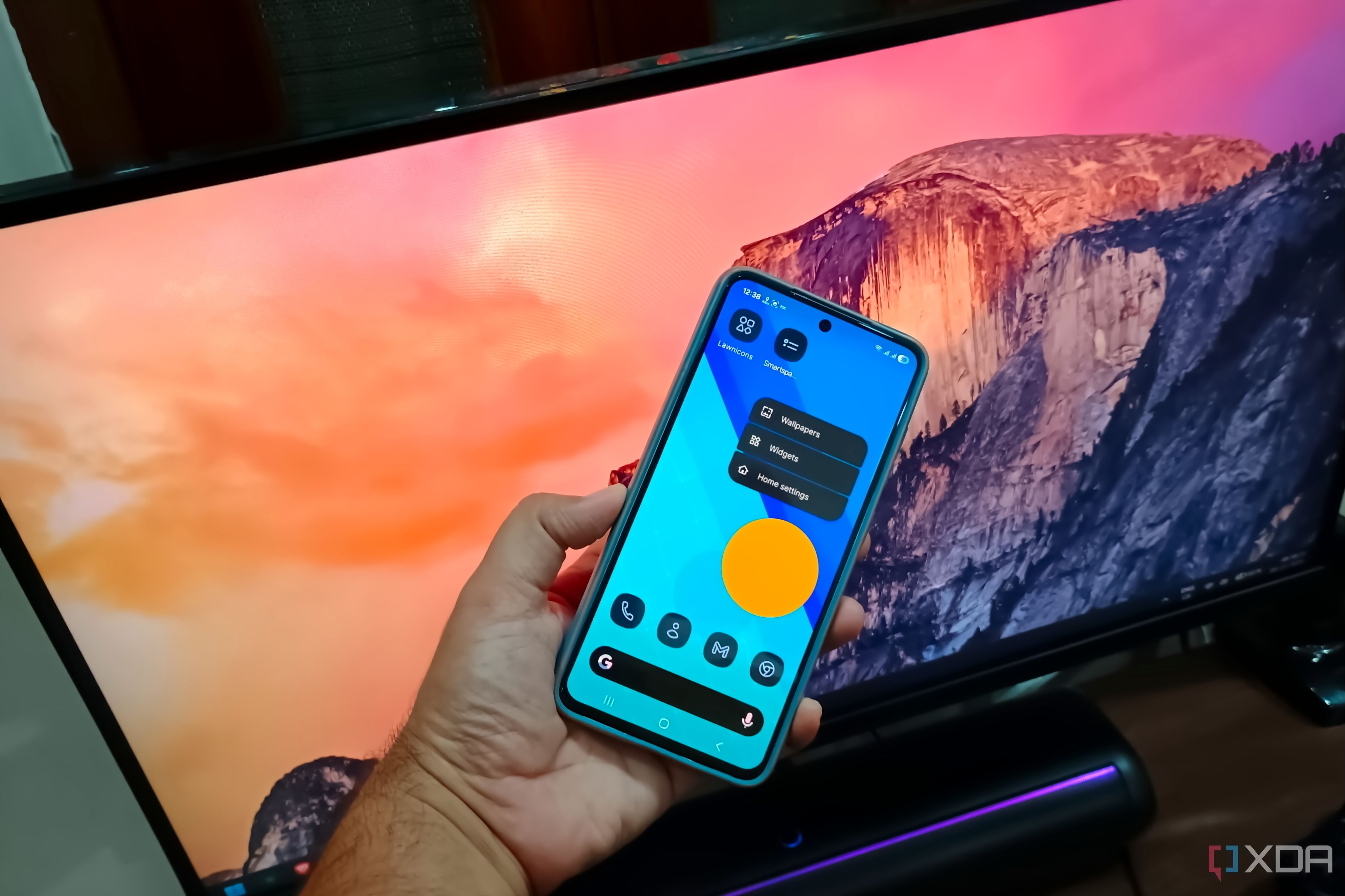
I own a Samsung Galaxy S21 FE, a phone that has been powered by Samsung's One UI since my last device. This interface, though seemingly simple, has always felt a bit lacking in customization. Over time, I've grown accustomed to using Nova Launcher on my previous devices, but I recently decided to try an open-source alternative, Lawnchair launcher, on my current phone. This open-source option promised to provide more control and customization over my home screen experience.
One of the main advantages of Android's open nature is the vast array of apps available for customization, a feature that iPhones simply cannot match. Lawnchair is one such app that can be downloaded from the official website or Play Store. However, Google Play Protect might block the installation of the APK file from the official site, so you may need to temporarily disable it.
Once installed, you have the option to load the home screen without making it the default. Upon first glance, Lawnchair presents a clean, Material You design that resembles the stock Android experience, with slightly larger icons. The search bar is situated at the bottom, which might take some getting used to. After exploring the launcher's features, I began customizing it.
Comparing it to Samsung's One UI launcher, Lawnchair offers more granular control over customization options. While One UI allows you to adjust icon size, hide or show app labels, define grid sizes, and hide apps, Lawnchair takes it a step further. You can customize almost every element on your home screen, including their size, color, theme, and background. You also have the ability to define custom labels for apps, hide apps from the app drawer, choose whether they appear in the search list, and even adjust gestures.
Lawnchair also offers multiple options for managing apps, such as renaming them to unique names and hiding them while still allowing access via search. The default Samsung launcher only permits hiding apps from the home screen and app drawer, without offering granular settings or label-editing options.
Another useful feature is the availability of various gestures. While the default launcher only supports the "double tap to sleep" gesture, Lawnchair provides additional swiping actions that can be customized. You can also adjust folder sizes, edit the dock, swap the search bar widget, and change search providers. If you prefer a different search engine, there are numerous options available in the settings.
One standout feature of Lawnchair is its integration with the "At a Glance" widget, which can display data from various Google services, such as maps, emails, and other relevant information. However, this feature falls short in covering data from other apps. To fill this gap, you can utilize Smartspacer, a separate app that extends the "At a Glance" functionality to include data from other apps like WhatsApp or Telegram, displaying unread message counters and other useful statistics.
The launcher also offers a wide plugin store, allowing you to create a personalized "At a Glance" dashboard by adding plugins for various sources, such as Home Assistant data, Tasker settings, and more.
Overall, Lawnchair launcher transforms the default Android experience into a personalized, efficient, and feature-rich interface. Its ability to assign new labels, add gestures, and incorporate useful plugins from the plugin store makes it a worthwhile alternative to the default launcher. With ample customization options and a focus on functionality, Lawnchair is an excellent choice for those seeking to enhance their Android experience.
Written by urgent.news from XDA Developers's reporting — not their text. Machine-written — may contain errors; check the original before relying on it.