ESPHome just made it easy to turn a cheap ESP32 into a Zigbee end device for your smart home
Every ESP32 sensor I've built for my smart home has the same lines at the top of its config: a Wi-Fi block, an API key, and yet another IP address on my network. The board on my desk right now has none of them. It's a Seeed XIAO ESP32-C6 running ESPHome, and Home Assistant's ESPHome integration will never see it, because it doesn't use Wi-Fi.
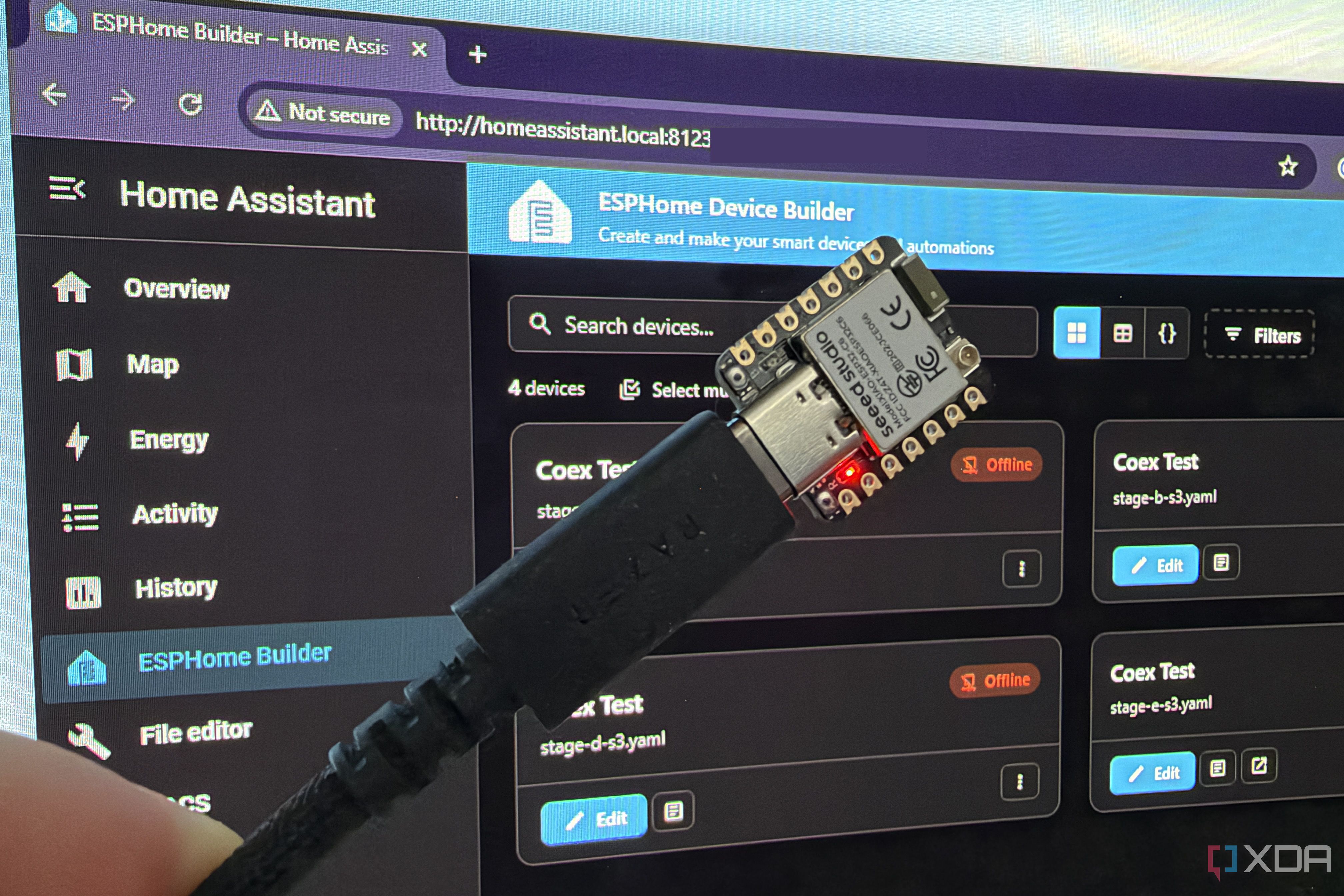
ESPHome has introduced Zigbee support for the ESP32-C6, making it an ideal choice for smart home projects. Previously, ESP32 sensors required a Wi-Fi block and additional IP addresses, but the ESP32-C6 eliminates these requirements. By using Zigbee, which operates on the same IEEE 802.15.4 radio as Thread, ESP32 devices can be seamlessly integrated into smart home ecosystems.
The ESPHome 2026.10.0 release adds switch and number support for the ESP32-C6, along with a new device_class option that allows sensors like temperature and humidity to use standard Zigbee clusters, such as Temperature Measurement and Binary Input. This integration enhances compatibility with ZHA and Zigbee2MQTT, and sensors can be directly bound to third-party Zigbee thermostats.
However, there are some limitations. Entities on standard clusters, like switches and numbers, do not transmit their ESPHome names over Zigbee, requiring manual renaming in Home Assistant. Currently, the supported list includes only binary sensors, sensors, switches, and numbers, leaving lights and covers unsupported.
To set up an ESP32-C6 as a Zigbee end device, users must create a new device using the ESPHome Device Builder inside Home Assistant, select the ESP32-C6, skip the default install, and remove the Wi-Fi and API blocks. The device will run on USB, eliminating the need for an IP address. The core configuration involves defining the device model, binary sensor, switch, and temperature sensor, each assigned to specific endpoints and clusters.
Upon flashing, the device appears as a coordinator, with the button acting as a Binary Input on Endpoint 1, the LED as an On/Off switch on Endpoint 2, and the temperature sensor on Endpoint 3. However, the device will fail to join a network without a coordinator, demonstrating its role as an endpoint device rather than a coordinator.
For a complete Zigbee setup, a coordinator is necessary, such as the SMLIGHT SLZB-06M or Sonoff ZBDongle-E. Zigbee2MQTT version 2.8.0 or newer is recommended, as older versions have limitations on entity names and endpoints. The setup process involves opening permit-join, establishing a network, and ensuring all components are correctly configured. While the ESP32-C6 offers a straightforward path to Zigbee integration, additional coordination is required to fully realize its potential in a smart home environment.
Written by urgent.news from XDA Developers's reporting — not their text. Machine-written — may contain errors; check the original before relying on it.