5 seriously useful iPhone Duo hacks you need to know
The iPhone Duo has several useful features tucked away — here’s how to find them.
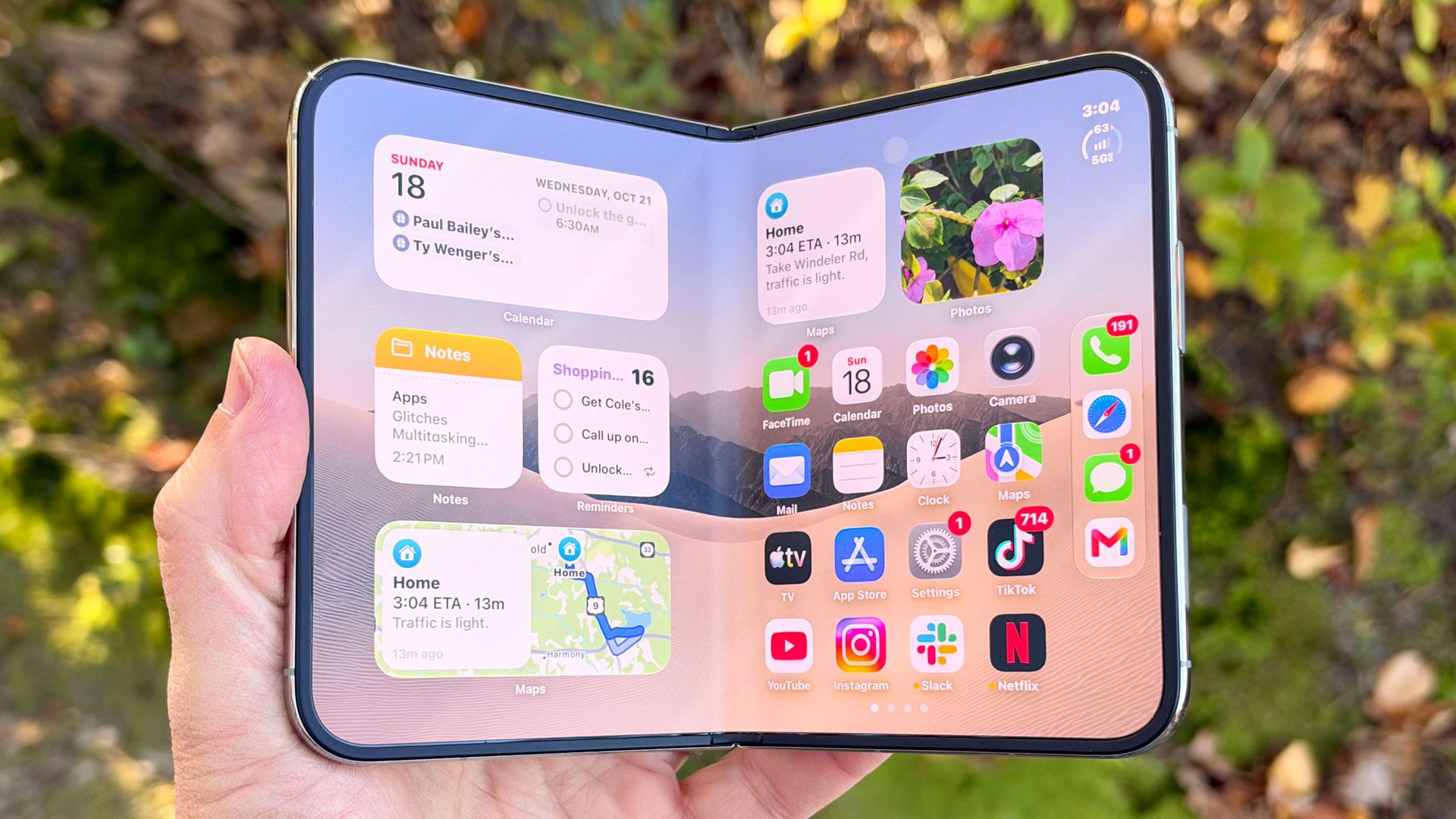
The iPhone Duo, Apple's newest innovation, has introduced several unique features that enhance usability and productivity. One standout feature is the Portrait Picture-in-Picture, a functionality exclusive to the Duo while it's in landscape orientation. This allows users to capture video in one app while keeping a separate app running below, an advantage lost when the Duo is rotated into portrait mode.
To achieve this, users start a video app, minimize it into picture-in-picture mode, and launch a second app. The minimized video will generate a new button, automatically expanding it to the top of the display, with the secondary app occupying the lower half. The second useful trick involves a one-handed shortcut to the Control Center.
Normally, users swipe down from the top-right to open this feature, but the Duo provides a tap-based shortcut to the Wi-Fi and cell reception icons. These icons, when tapped, launch users directly to the Control Center without the need to swipe down. Another innovative feature is Edge Light, borrowed from macOS and adapted for the Duo.
When activated, the border of the display transforms into a virtual ring light, providing illumination during video calls in low-light conditions. This feature is available only when the iPhone Duo is unfolded and can be enabled by accessing Control Center during a video call, tapping the colored control bar labelled "FaceTime controls," and then selecting the light bulb button next to "Edge Light."
The Duo's volume controls, positioned at the top of the phone, present a unique challenge. They are set to default, with the right button increasing volume and the left decreasing it, regardless of the phone's orientation. However, users can adjust this setting under Settings > Sounds & Haptics > Fixed Position Volume, allowing for dynamic adjustments based on the phone's orientation.
Lastly, Folded Shortcuts, a feature exclusive to the iPhone Duo, enables automation based on the phone's open or closed state. This can be used to automate actions like launching specific apps when the Duo is unfolded. To use this, users must open the Shortcuts app, tap the "+" button, select "Edit," find the "Automation" option, and navigate to the "Open or Closed" section under the Display category. From here, users can select the desired app to launch when the phone is open.
Written by urgent.news from Tom's Guide's reporting — not their text. Machine-written — may contain errors; check the original before relying on it.