A One-Line JavaScript Bug Broke My GA4 Tracking for Five Months
one-line JavaScript bug silently broke GA4 conversion tracking for five months. Learn how to detect missing events, fix gtag.js, and verify your data.
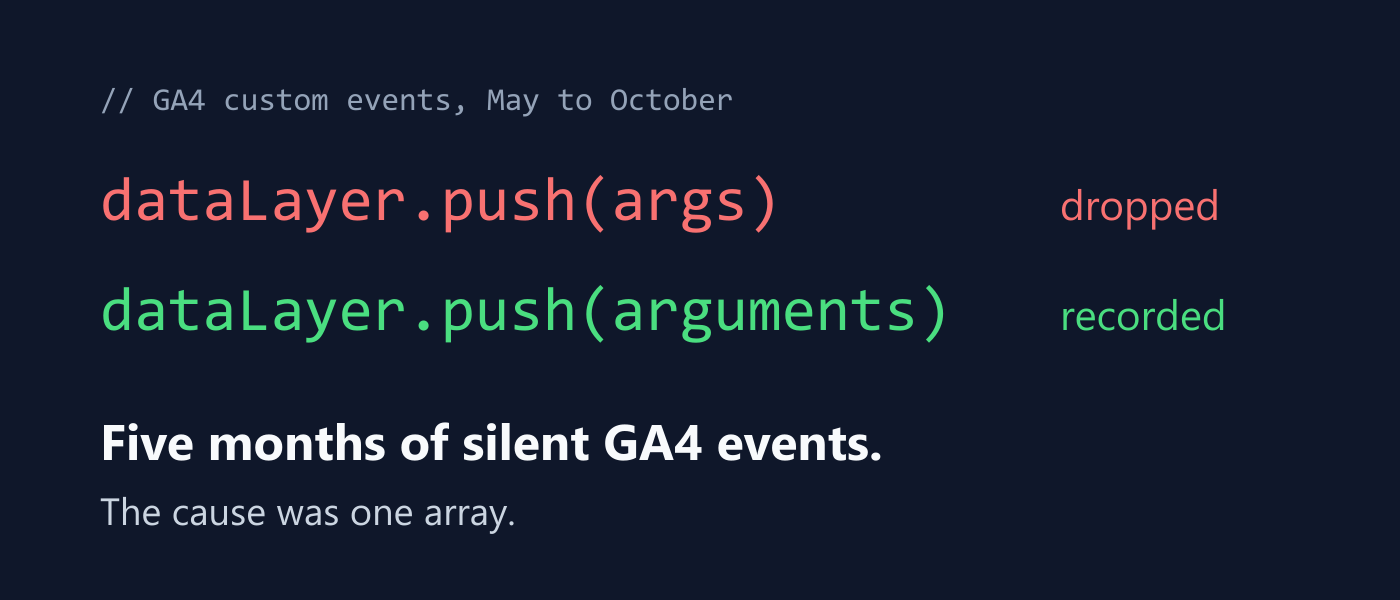
For five months, Google Analytics reported no users on the website signed up, converted files, or made purchases. Page views and sessions appeared normal, but custom events from the site's custom code were absent. The issue stemmed from a single line of code in the custom event tracking function. Instead of using the array-like `arguments` object, the function utilized the rest parameter `...args`, which creates a real `Array`.
Google's `gtag()` function expects the `Arguments` object, not a true `Array`. This discrepancy caused the custom events not to be sent to Google Analytics, even though the code appeared correct. The bug was difficult to detect because page views, session starts, and other standard events from Google's snippet continued to work properly.
The issue was discovered by comparing the type of `arguments` to `...args`, revealing that `arguments` is an `object`, while `...args` is an `Array`. To fix the problem, the custom event tracking function should use `arguments` instead of `...args`. Additionally, testing for this issue can be done by checking the type of `dataLayer` elements in the browser console and examining the Network tab for GA4 hits.
After fixing the issue, the website's conversion data accurately reflected the actual events, answering the original question of why users were not converting.
Written by urgent.news from HackerNoon's reporting — not their text. Machine-written — may contain errors; check the original before relying on it.