Is it actually safe to charge your iPhone at airport USB ports?
Using a random USB charger can be unsafe, even though the risk is minimal. Thankfully, you have ways to protect your devices.
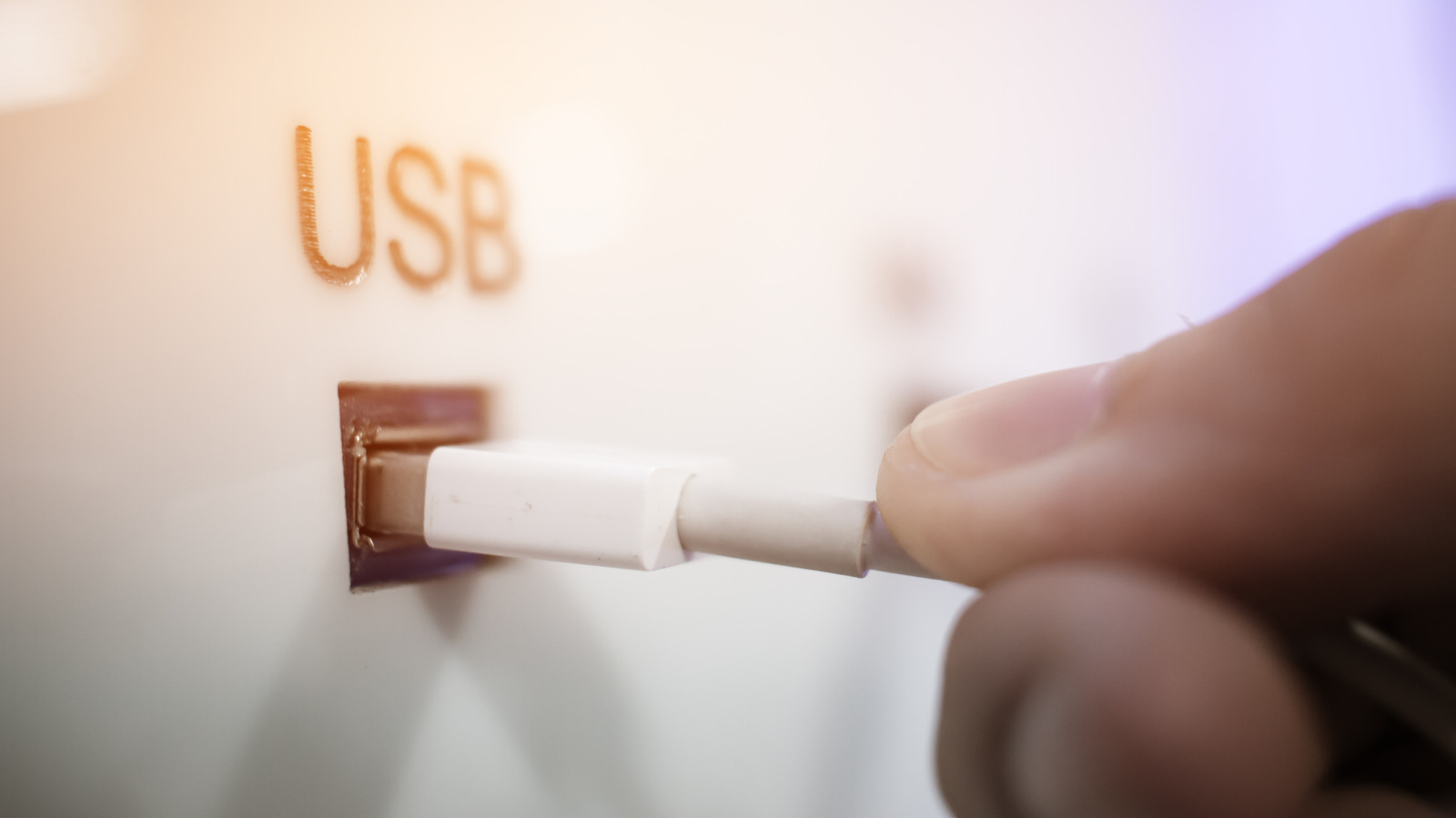
While there is some risk involved with charging your iPhone at airport USB ports, security experts say the danger is overstated. Both the FBI and Transportation Security Administration (TSA) have previously warned travelers against using these public charging stations, but security researchers argue the threat is exaggerated. The TSA even issued a Facebook post in March 2025 advising travelers not to directly plug devices into airport USB ports, recommending instead to bring a TSA-compliant power brick or battery pack.
The Federal Communications Commission (FCC) issued a similar warning in 2019, but later withdrew it after tech experts disputed the extent of the risk. In 2013, researchers from Georgia Tech demonstrated a malicious charger prototype at Black Hat USA that could install malware on an iPhone running iOS 6 by exploiting the USB data pins. However, there are no credible reports of any successful attacks using this method.
The USB standard carries both power and data along a single cable, making it theoretically possible for attackers to modify public USB charging points to connect to the data pins and steal data or install malware. Apple has since addressed this risk by introducing the "Trust This Computer?" prompt when connecting to new devices. Regardless of the charging method, if a prompt appears asking to "Trust" the device, it is recommended to tap "Don't Trust" unless you intend to share data.
For those who must use public USB charging points, using a data blocker such as those from JSAUX can help reduce the risk. These small dongles block data transfers while still allowing energy to pass through, enabling safer use of unknown USB connections. However, USB-A blockers may slow down fast charging, as data connections are used to manage high voltage electrical flow. USB-C blockers, on the other hand, do not have this issue and provide a more efficient solution.
Ultimately, the safest approach is to avoid using public USB charging stations altogether. Carrying a rechargeable USB battery pack or using your own power brick and cable with a standard wall socket are safer alternatives. When available, opt for "Secure" charge points that block data transfer entirely. Regardless of the charging method, adhering to standard security advice remains crucial: avoid using public Wi-Fi for sensitive information, install the latest software updates, and enable multi-factor authentication for important accounts.
Written by urgent.news from Engadget's reporting — not their text. Machine-written — may contain errors; check the original before relying on it.