I made Windows Terminal my home for PowerShell, WSL and SSH, and stopped juggling three windows
Windows Terminal comes with my system and is more than capable for PowerShell, WSL and SSH.
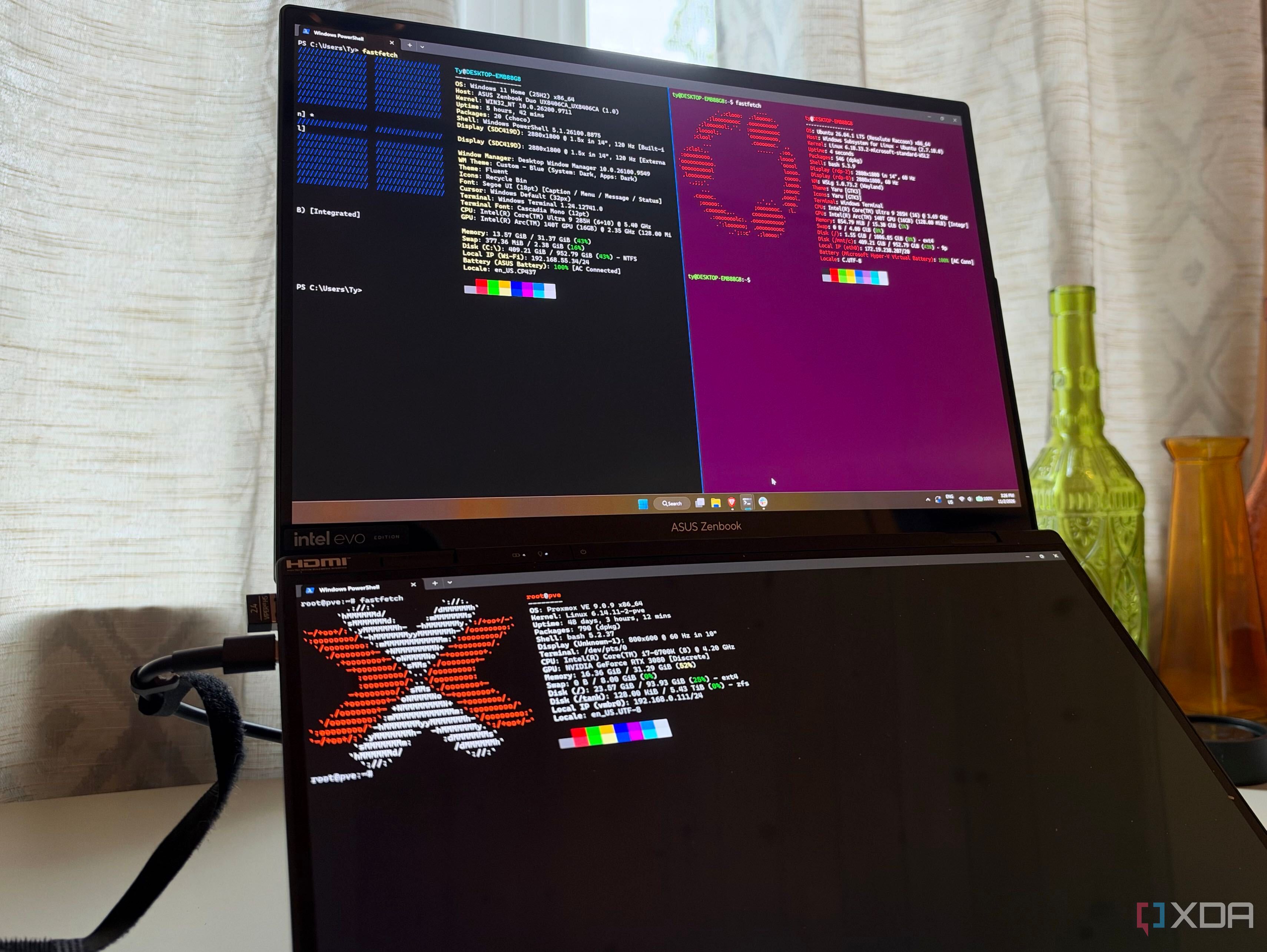
For years, the author had been juggling command-line tasks in three separate windows: PowerShell, WSL, and SSH. This fragmented approach became tiresome, leading them to seek a terminal solution that could handle all three tasks simultaneously. Windows Terminal, a feature built into Windows 11, proved to be an ideal choice. The program organizes profiles for different shells, with pre-built profiles for PowerShell and WSL appearing in the new-tab menu post-WSL installation.
SSH also benefits from built-in support, as it can read the OpenSSH config file and generate profiles for every host, streamlining the process of connecting to various machines in a home lab environment. Customization options, such as assigning different tab colors to each profile, enhance usability and prevent accidental actions on the wrong machine.
Split panes further improve productivity, enabling users to work on multiple tasks side-by-side with a simple keyboard shortcut. Windows Terminal also offers the convenience of resuming the previous session, restoring all tabs and panes, and even preserving SSH profiles. While third-party terminals like WezTerm and Tabby offer additional features and cross-platform compatibility, Windows Terminal's built-in capabilities and ease of use make it a reliable choice for many users.
Setting up profiles and SSH configurations, along with customizing tab colors, is a worthwhile investment for those seeking a more streamlined command-line experience.
Written by urgent.news from XDA Developers's reporting — not their text. Machine-written — may contain errors; check the original before relying on it.