How to use your phone to find hidden cameras
When you feel wary, a quick check might provide some peace of mind.
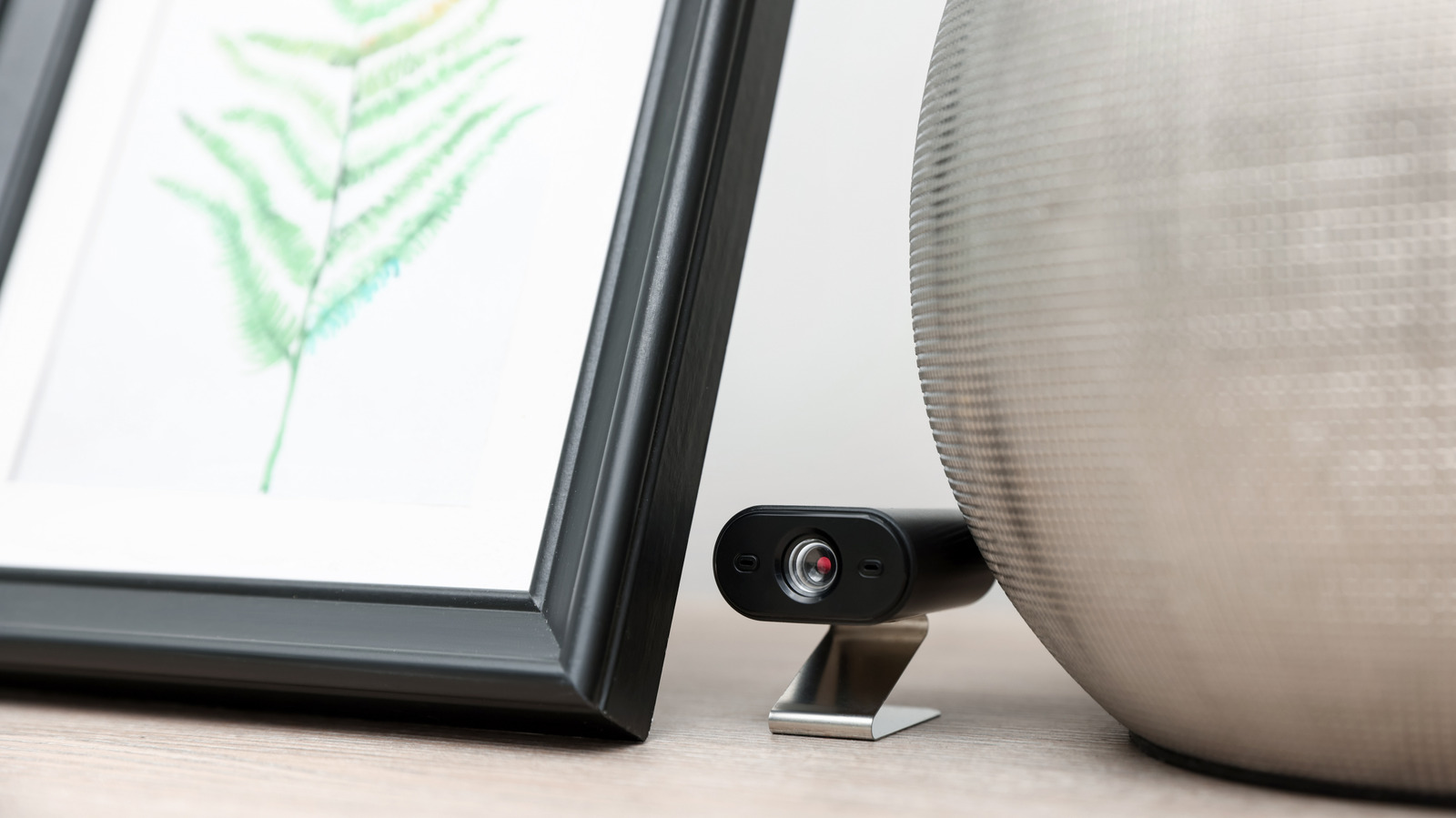
Discovering hidden cameras in unfamiliar lodgings can provide reassurance and peace of mind for travelers. Smartphones can serve as useful tools for detecting these surreptitious devices. Begin by conducting a flashlight sweep of the room, closing curtains and turning off lights to reveal any glimmering lens or LED light that might indicate a camera's presence.
Pay close attention to sensitive locations such as near beds or showers. Mirrors can also be checked - a real mirror will reflect light, while a two-way mirror will appear as though directly touching your finger.
Next, utilize your phone's camera to detect night-vision cameras. These emit infrared light, appearing as purple or white dots on the camera app. Verify your phone's capability to sense infrared light by pointing it at a TV remote and observing for light emitted from the remote control. Both the front-facing and rear cameras can be tested.
Wi-Fi network scanners can also help uncover hidden cameras streaming over wireless connections. Apps like Fing, Net Analyzer, and WiFiman allow scanning for unfamiliar devices. Look for names containing "cam" or "camera" to identify potential recording devices. However, be cautious as benign appliances may show up in scans as well.
Bluetooth scans may also reveal hidden cameras. Although many cameras record to local memory cards and won't appear in scans, combining these digital methods with the flashlight sweep increases the likelihood of detecting surveillance devices. If a device is identified, it's crucial not to touch it. Instead, document it via photos, contact law enforcement, and notify the platform's customer support.
Airbnb and Vrbo strictly prohibit indoor cameras, with Airbnb removing hosts permanently and issuing full refunds in cases of violations.
Written by urgent.news from Engadget's reporting — not their text. Machine-written — may contain errors; check the original before relying on it.